

How to Write Any Contract in 2026 (Framework + Free Template)
A contract is a written, legally binding agreement between two or more parties that spells out what everyone owes each other and what happens if someone doesn't deliver. Here's what it needs to hold up, what to put in it, and a fill-in-the-blank structure you can copy today.
What Makes a Contract Legally Binding
Getting an agreement down on paper only matters if it's enforceable. According to Cornell Law School, a contract needs these elements to be legally binding:
- Mutual assent. Both parties agree to the terms without being pressured or misled into it.
- Adequate consideration. What's being exchanged needs to feel fair to both sides, whether that's money, services, or something else of value.
- Capacity. Both parties are capable of making a rational decision about fulfilling the contract.
- Legality. There's a legal reason for the contract. Hiring an employee or bringing on a client both qualify.
And most importantly: the contract needs to be signed. Verbal agreements occasionally hold up in court, but you don't want to bet your business on it.
Treat it as a rule: it's not a valid contract until both parties have signed it.
Why You Need a Contract
Contracts feel dense, so it's tempting to skip them. Nearly one in four solopreneurs say they never use one.
That's a risky habit. Whenever you enter an agreement with a client, employee, or vendor, a signed contract gives you three things:
- Aligned expectations. Timelines, payment terms, and deliverables are spelled out before anyone starts work, so nobody's guessing.
- Protection. If something goes wrong, you have an enforceable document to fall back on instead of a memory of what was agreed over email.
- Professionalism. Leading with a contract signals you run your business properly, which builds trust with the other party from day one.
What Goes Into a Contract
You don't need a law degree to write a solid contract, and you don't need to fill it with legal jargon either. There's even a name for a simpler approach: a plain language contract.
If you'd rather not draft from scratch, a lawyer who specialises in small business contracts can build you a reusable contract template. It costs more upfront, but you'll use it repeatedly.
If you're doing it yourself, here's what to include, broken into three groups:
- Basic sections that belong in almost any contract.
- Independent contractor sections for client and freelance agreements.
- Employment sections for hiring a new employee.
Basic contract sections for almost any contract
- Definition of parties. Who's involved and when the agreement starts. This goes at the top of the document.
- Term of agreement. How long the contract runs, whether that's a fixed period or until a project wraps up.
- Indemnification. Who's protected, and from what, if something goes wrong.
- Termination. What it takes for either party to end the agreement early, and how much notice is required. See our plain-language guide to contract terms if any of this jargon trips you up.
- Force majeure. What happens if neither party can fulfil the contract due to something outside their control, like a natural disaster or a war.
- Signatures. Space for printed name, signature, and date for every party involved.
Contract sections for independent contractors
If you're a freelancer or business owner taking on a new client, add these:
- Payment terms. How much, when, and how (plus any expenses you'll be reimbursed for).
- Independent contractor status. A clause confirming you control your own work and cover your own taxes, insurance, and benefits.
- Business licenses and certificates. Any permits relevant to the work, and confirmation you'll maintain them.
- Intellectual property rights. Who owns the final deliverable, and whether the client is buying it outright or licensing it.
- Insurance. A brief note on the policies your business holds.
- Confidentiality. A clause covering how you'll handle any sensitive client information.
- Statement of work (SOW). An attachment with the finer details: scope, timeline, deliverables, and fees. Have the client initial it alongside signing the main contract.
If your contract needs to change after signing without a full rewrite, that's what a rider or a contract amendment is for. Check what a contract rider covers before you add extra terms to a signed agreement.
Contract sections for employment contracts
Hiring someone new? Cover these, and see how e-signatures speed up hiring once the contract's ready to send:
- Job details. Title, company, and core responsibilities.
- Pay and benefits. Salary or hourly wage, plus any benefits.
- Paid time off. Vacation, personal, and sick leave.
- Schedule and location. Whether the role is on-site, hybrid, and what hours apply.
- Confidentiality. Covers any company data the employee will have access to.
Policies on discrimination, harassment, or acceptable technology use can live in a separate employee handbook with its own signature page, which keeps the main contract shorter.
The Contract Skeleton: A Section-by-Section Structure You Can Follow
Once you know what to include, the fastest way to write the thing is to follow a fixed structure.
- Parties. Full legal names and addresses of everyone entering the agreement.
- Effective date & term. The date the agreement starts and how long it runs.
- Scope of work. What's being delivered, built, or performed.
- Payment terms. Amount, due dates, method, and any late fees.
- Confidentiality. What information stays private and for how long.
- Termination. Notice period and conditions for ending the agreement early.
- Liability. Who's responsible if something goes wrong, and any caps on damages.
- Dispute resolution. How disagreements get resolved, whether that's mediation, arbitration, or court.
- Signatures. Printed name, signature, and date for every party.
Add or remove sections depending on whether it's a client, employment, or vendor agreement, but this order works for almost any contract type.
Clause Library: Sample Language for the Clauses Most Contracts Need
Here's real, usable language for the clauses that show up in nearly every contract. Swap in your own details and adjust to your situation, ideally with a lawyer's eyes on anything high-stakes.
Scope of work. Defines exactly what's being delivered.
"Contractor shall provide [description of services/deliverables] to Client, in accordance with the specifications set out in Exhibit A, by [delivery date]."
Payment terms. Sets out how and when money changes hands.
"Client shall pay Contractor [amount] within [number] days of receipt of invoice. Late payments will accrue interest at [rate]% per month."
Confidentiality. Protects sensitive information shared during the agreement.
"Each party agrees to hold in confidence all non-public information disclosed by the other party and shall not use or disclose such information except as required to perform its obligations under this agreement."
Termination. Explains how either party can end the agreement.
"Either party may terminate this agreement at any time by giving [number] days' written notice to the other party of the intent to terminate."
Liability / indemnification. Limits or assigns responsibility if something goes wrong.
"Contractor's total liability under this agreement shall not exceed the total fees paid by Client in the [number]-month period preceding the claim. Client agrees to indemnify Contractor against any claims arising from Client's misuse of the deliverables."
Dispute resolution. Sets the process for resolving disagreements.
"Any dispute arising out of this agreement shall first be addressed through good-faith negotiation between the parties. If unresolved within [number] days, the dispute shall be settled by mediation in [location] before either party pursues legal action."
Force majeure. Covers events outside anyone's control.
"Neither party shall be liable for any failure to perform its obligations where such failure results from circumstances beyond its reasonable control, including natural disaster, war, or government action."
DIY vs. Lawyer-Drafted vs. Template + E-Signature Tool
There's no single right way to produce a contract. Here's how the three common approaches compare:
| DIY From Scratch | Lawyer-Drafted | Template + E-Signature Tool | |
|---|---|---|---|
| Upfront cost | Free | $200–$1,000+ per contract | Free to low-cost |
| Time to first draft | Hours | Days to weeks | Minutes |
| Legal review included | No | Yes | No, unless you add one |
| Reusable for future agreements | Only if you build your own template | Yes, once paid for | Yes, built to be reused |
| Best for | Simple, low-risk agreements | High-stakes or unusual agreements | Most everyday business contracts |
| Signature process | Print, sign, scan, or email as an image | Same as DIY unless bundled with a tool | Built-in, with an audit trail |
For most everyday business agreements, a solid template plus a proper e-signature tool covers you. Save the lawyer budget for anything unusual, high-value, or where the stakes of getting it wrong are genuinely high.
How to Write a Contract in 6 Steps
Once you know what sections to include, writing the contract is mostly assembly. Here's how to do it without copy-pasting between five different documents, using Paperform to collect the details and Papersign to get it signed.
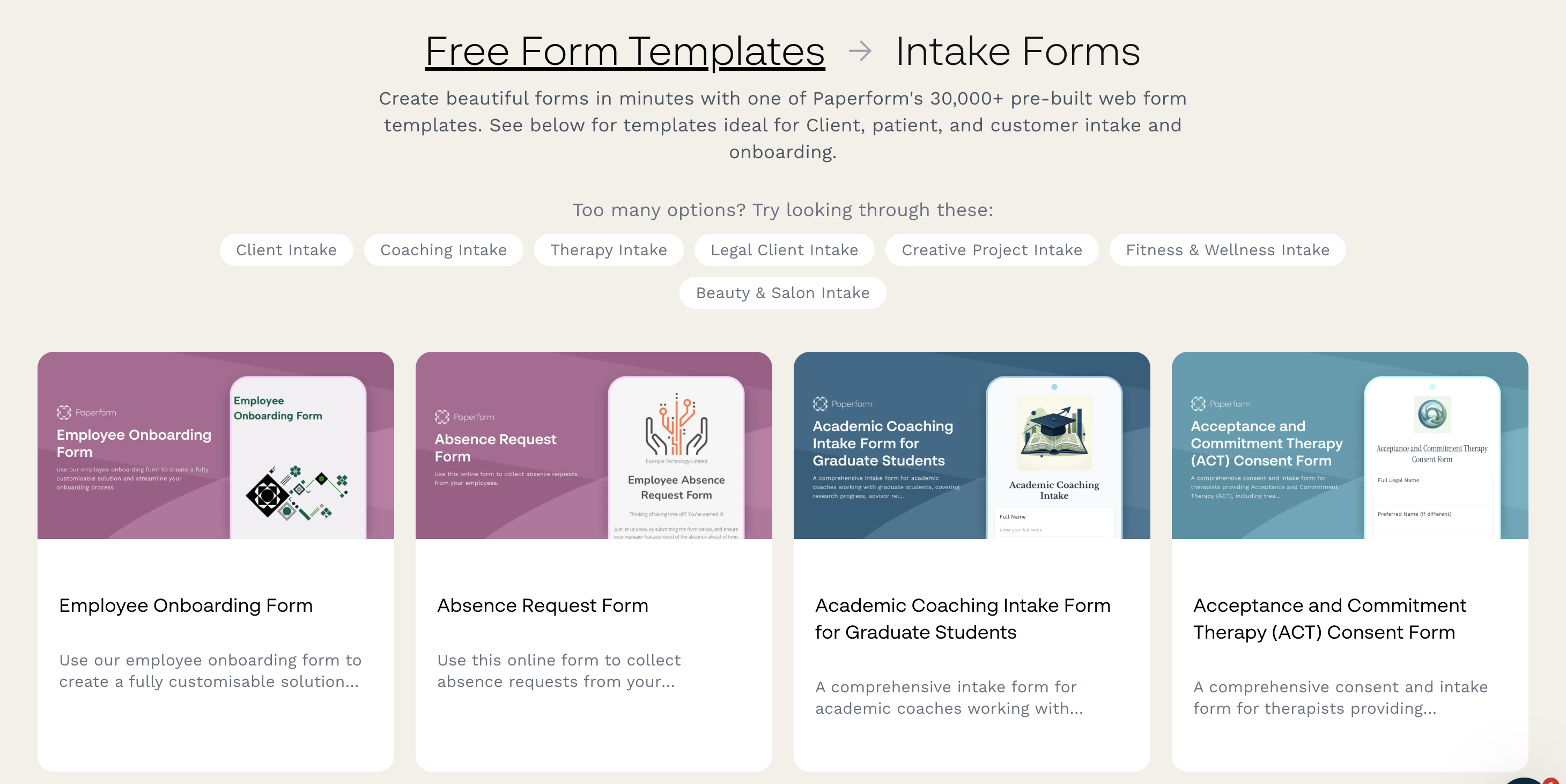
1. Collect party and contract details with a form
Build a short intake form that asks for the other party's name, address, and contract type. Use conditional logic so the form shows different follow-up questions depending on whether you're bringing on a contractor or an employee. This is the detail that normally lives in scattered emails, now captured in one place from the start.
2. Auto-populate your contract from that data
Feed the Paperform form responses straight into your Papersign contract draft instead of retyping them. Add your basic sections plus whichever contractor or employment sections apply, using plain language throughout.
3. Proofread it
Read the whole thing carefully, then ask a colleague to give it a redline pass. A second pair of eyes catches what you miss. If any of the language was drafted or adjusted with AI, running it through an AI detector beforehand can flag sections that still read generically, so your redline reviewer can focus their attention where it actually matters.
4. Add signature fields in Papersign
Upload your finished contract to Papersign and place signature, date, and initial fields exactly where they're needed.
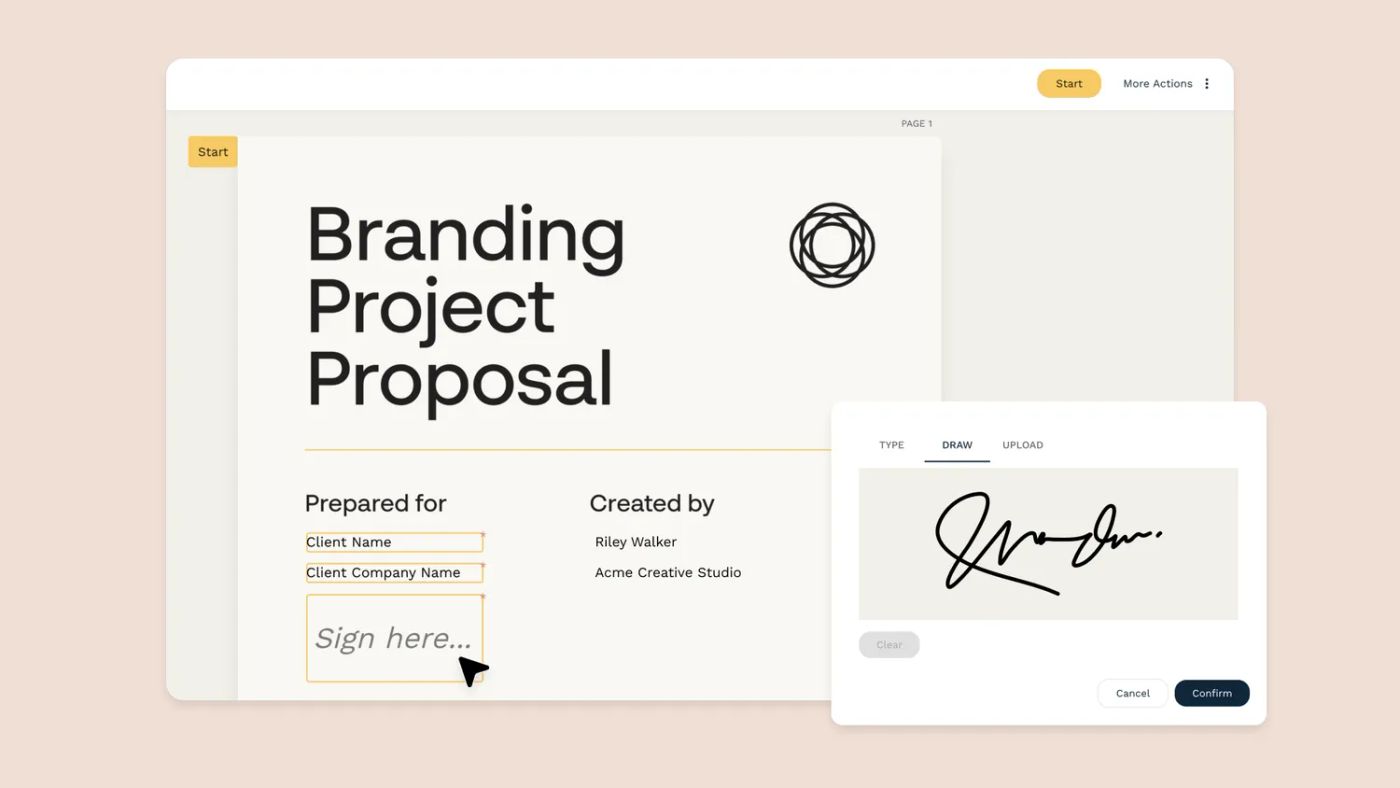
5. Send it for signature
Enter the recipient's email in Papersign and they'll get a notification to review and sign. Most people finish in a couple of minutes, from any device.
6. Save it as a template
Once it's signed, save the contract as a reusable template. Next time you're onboarding a similar client or employee, you're updating a few details instead of starting from a blank page.
Once it's signed, you can mostly stop thinking about it. Data from Contract Assistant shows only about 9% of contracts experience a significant claim or dispute, and only 0.1% ever reach a lawsuit. A signed contract is far more likely to sit quietly in a folder than to end up in court.
Free Contract Templates by Type
If you'd rather start from a finished document than build one section by section, Papersign has ready-made templates for the most common contract types:
- Freelance or services agreement: the freelance contract template covers scope of work, deadlines, and payment terms.
- NDA: the NDA template protects sensitive information shared between you and the other party.
- Employment contract: the employment contract template covers job details, compensation, and confidentiality.
- Everything else: browse the full Papersign template gallery for proposals, leases, invoices, and more, all downloadable as PDF or editable in Google Docs.
Every template is free to download, and you can send any of them straight for signature with Papersign's free plan.
FAQ
Do I need a lawyer to write a contract?
No. Most everyday business contracts, like freelance agreements or straightforward employment offers, can be written yourself as long as you include the right sections and both parties sign. Get a lawyer involved for anything high-value, unusual, or where you're unsure about enforceability in your jurisdiction.
What makes a contract legally binding without a lawyer?
A contract is legally binding once it includes mutual assent, adequate consideration, capacity, and a legal purpose, and both parties have signed it. None of those require a lawyer's involvement, though legal advice helps for complex or high-stakes agreements.
Can I write my own contract and have it hold up in court?
Yes, provided it meets the legal elements above and is properly signed. Courts don't require contracts to be drafted by an attorney. They require the agreement to be clear, mutual, and voluntarily entered into.
What's the difference between a contract and an agreement?
An agreement is any understanding between parties, whether written or verbal, and it isn't always enforceable. A contract is a specific type of agreement that meets the legal requirements for enforceability, most importantly being signed by both parties.
How do I add an e-signature to a contract I've written?
Upload your finished document to an e-signature tool like Papersign, add signature and date fields where needed, then send it to the other party by email. They can review and sign from their phone or computer in a couple of minutes.
Is a contract still valid if it's not notarized?
Yes, for most business contracts. Notarization is only required for specific document types, like certain real estate transactions, depending on your jurisdiction. A signed contract without notarization is still enforceable for the vast majority of everyday agreements.
What sections should every contract include, at minimum?
At a minimum, include the parties involved, the term of the agreement, payment or consideration details, termination conditions, and signature fields for everyone involved. Add contractor or employment-specific sections depending on the agreement type.
Suggested reading



Papersign (“Papersign” or “we”) provides the information, data, links and other materials on this page (collectively, “Information”) for informational and educational purposes only. We do not warrant or represent the accuracy, completeness, currency, or suitability of any Information for any use or purpose. Papersign is not a licensed legal provider nor is it providing any legal advice; the Information should not be so construed or used. Nothing contained in the Information is intended to create an attorney-client relationship, to replace the services of a licensed, trained attorney or legal professional, or to be a substitute for the legal advice of an attorney or trained legal professional licensed in your state/jurisdiction. Before taking any action, including using our services to execute contracts or other documents, You should always first consult an attorney licensed in your state/jurisdiction, in each instance, regarding the issues address by the Information. Please never disregard professional legal advice or delay in seeking it because of something you have read in the information.