
Adobe Acrobat Sign vs DocuSign vs Dropbox Sign: Which Wins in 2026?
Dropbox Sign (formerly HelloSign) is the best fit for most small and mid-sized teams — it's the only one of the three with unlimited signature requests on every paid plan, from $15/month. DocuSign wins on integrations and EU qualified signatures; Adobe Acrobat Sign wins if you also need Acrobat's PDF tooling or FedRAMP compliance. All three charge per user, and two of the three cap how much you can send.
These are the three names that come up in almost every e-signature shortlist, and they map to three different bets. DocuSign sells an agreement platform and prices it accordingly. Adobe bundles signing into the Acrobat suite, so you buy PDF software to get signatures. Dropbox Sign kept HelloSign's stripped-back sending flow and left the platform ambitions to the other two. The comparison below runs on pricing verified in July 2026, published transaction limits, and review data — the numbers most vendor comparisons leave out.
Quick verdict
- Adobe Acrobat Sign — best for Acrobat/Microsoft shops and regulated industries. Signing comes bundled with the PDF editor you may already pay for, with the deepest compliance list of the three (FedRAMP Tailored, FDA 21 CFR Part 11, eIDAS QES). The catch: team plans are annual-only, capped at 150 transactions per user per year, and the sending experience is buried inside Acrobat's sprawling interface.
- DocuSign — best for enterprise workflows and integration depth. 900+ integrations, its own EU qualified trust service provider, CLM and identity verification if you grow into them. The catch: $30–$45/user/month on annual billing, a 100-envelope-per-user annual cap, and a billing reputation bad enough to earn 1.5/5 on Trustpilot.
- Dropbox Sign — best for teams that just want documents signed. The easiest sending flow of the three, unlimited requests on every paid plan, and the lowest entry price at $15/month. The catch: tight template caps, a 2-user minimum on Standard, a separate $75+/month API product, and visibly slower development since the 2019 Dropbox acquisition.
Feature comparison
| Feature | Adobe Acrobat Sign | DocuSign | Dropbox Sign |
|---|---|---|---|
| Document Creation & Editing | |||
| Upload and sign PDFs | Yes | Yes | Yes |
| Full PDF editor | Yes | No | No |
| Rich editor to create documents from scratch | No | No | No |
| Web forms | No | Yes Business Pro | No |
| Document generation | No | Yes Enterprise | No |
| Auto-populated fields | No | No | Yes Essentials |
| Signing Experience | |||
| Legally binding e-signatures | Yes | Yes | Yes |
| Signing order / sequential routing | Yes | No | No |
| In-person signing | Yes | Yes | Yes Standard |
| Bulk send | Yes Acrobat Pro | Yes Business Pro | Yes Standard |
| Automatic reminders | Yes | Yes | Yes |
| Real-time tracking and notifications | Yes | Yes | Yes |
| Mobile signing apps | Yes | No | No |
| Signing order / routing | No | Yes | No |
| SMS delivery | No | Yes | No |
| Mobile signing (native apps) | No | Yes | No |
| Payment collection at signing | No | Yes Business Pro | No |
| Unlimited users | No | No | No |
| Signing order | No | No | Yes |
| Mobile signing | No | No | Yes |
| Multi-language signing | No | No | 22 languages |
| Workflows & Automation | |||
| Custom workflow designer | Yes Acrobat Sign Solutions | No | No |
| Web forms (self-serve signing links) | Yes Acrobat Pro | No | No |
| Webhooks | Yes Acrobat Sign Solutions | No | Yes API plans |
| Power Automate integration | Yes | No | No |
| Conditional routing / advanced workflows | No | Yes Enterprise | No |
| Custom email notifications | No | Yes Standard | Yes Standard |
| Webhooks (Connect) | No | Yes | No |
| PowerForms (on-demand signing links) | No | Yes Business Pro | No |
| Conditional logic | No | No | Yes Standard |
| Templates | |||
| Reusable templates | Yes | Yes | Yes |
| Template library / form field templates | Yes | No | No |
| Template sharing across teams | No | Yes Standard | No |
| Template gallery | No | No | Yes |
| Template links | No | No | Yes |
| Security & Compliance | |||
| SOC 2 Type II | Yes | Yes | Yes |
| ISO 27001 | Yes | Yes | Yes |
| GDPR compliant | Yes | Yes | Yes |
| HIPAA-ready (BAA) | Yes Acrobat Sign Solutions | No | No |
| FedRAMP Tailored | Yes | No | No |
| Audit trail & completion certificate | Yes | No | No |
| Qualified Electronic Signatures (QES, eIDAS) | Yes Acrobat Sign Solutions | No | No |
| HIPAA support (BAA) | No | Yes Enterprise | No |
| Audit trail / certificate of completion | No | Yes | No |
| eIDAS AES/QES qualified signatures | No | Yes | No |
| 21 CFR Part 11 module | No | Yes Enterprise | No |
| Local data residency | No | Yes Enterprise | Yes Premium |
| HIPAA compliance | No | No | Yes Enterprise |
| eIDAS / QES | No | No | Yes Premium / API Premium add-on |
| Audit trail | No | No | Yes |
| 256-bit AES encryption | No | No | Yes |
| Identity Verification | |||
| Signer email verification | Yes | Yes | Yes |
| SMS / phone OTP authentication | Yes Acrobat Sign Solutions | Yes | No |
| Knowledge-based authentication (KBA) | Yes Acrobat Sign Solutions | Yes | No |
| Government ID verification | Yes Acrobat Sign Solutions | No | No |
| ID document verification | No | Yes | No |
| SSO (SAML) | No | Yes Enterprise | Yes Standard |
| Signer access codes | No | No | Yes Essentials |
| SMS authentication | No | No | Yes Standard |
| Electronic ID (eID) verification | No | No | Yes API Premium |
| Integrations & API | |||
| REST API | Yes Acrobat Sign Solutions | No | No |
| Salesforce integration | Yes Acrobat Sign Solutions | No | No |
| Microsoft 365 / Teams / Power Automate | Yes | No | No |
| Zapier | Yes | Yes | Yes |
| Workday / SAP SuccessFactors | Yes Acrobat Sign Solutions | No | No |
| Public API | No | Yes | No |
| Native integrations | No | 900+ | 19+ |
| Webhooks | No | Yes | No |
| API | No | No | Yes Separate API product |
| Embedded signing | No | No | Yes API plans |
| Team & Branding | |||
| Custom branding | Yes Acrobat Pro | Yes Standard | Yes Standard |
| Admin console & user management | Yes Teams | No | No |
| Unlimited users | No | No | No |
| SSO (SAML) | Yes Acrobat Sign Solutions | No | No |
| 24/7 support | Yes Acrobat Pro for Teams | No | No |
| Team document organisation | No | Yes Standard | No |
| 24/7 live support | No | Yes Enterprise | No |
| Dedicated CSM | No | Yes Enterprise | No |
| SLA | No | Yes Enterprise | No |
| Admin console | No | No | Yes Standard |
| Multi-team support | No | No | Yes Premium |
| Performance dashboards | No | No | Yes Premium |
| Email support | No | No | Yes |
 Adobe Acrobat Sign: signing inside the Acrobat suite
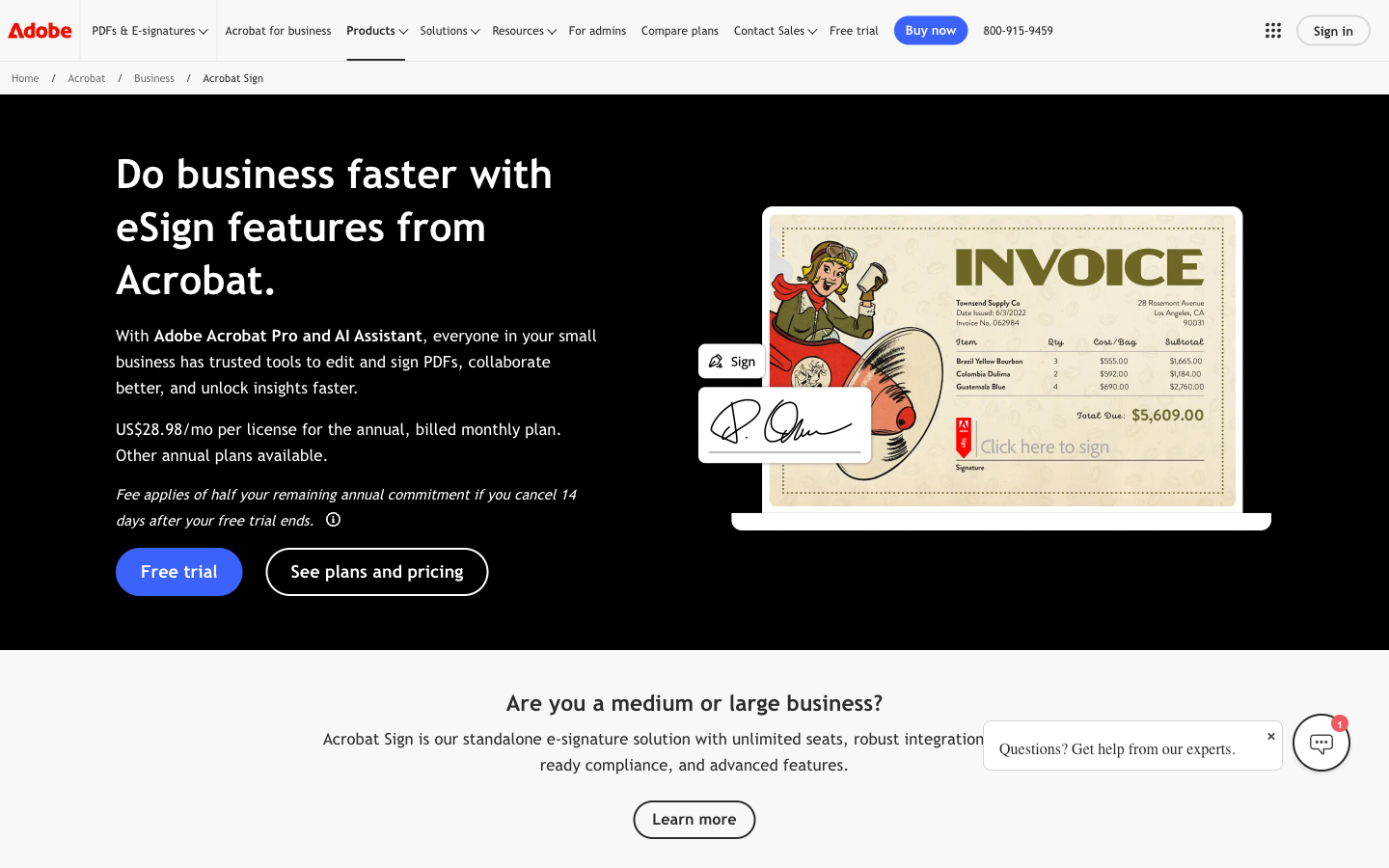
Adobe has been in this market longer than either rival — Acrobat Sign started as EchoSign in 2005 and was acquired by Adobe in 2011 — and its compliance list shows it: SOC 2 Type II, ISO 27001, FedRAMP Tailored, PCI DSS, HIPAA, FDA 21 CFR Part 11 configurations, and eIDAS qualified signatures via EU trust service providers. For government contractors and life sciences teams, that list alone can decide the comparison. The Microsoft partnership is a real advantage too: signing inside Teams meetings (Live Sign), Power Automate connectors, and native Word and Outlook flows that neither DocuSign nor Dropbox Sign matches for depth.
The structural problem is that Adobe doesn't sell signing — it sells Acrobat. There is no standalone self-serve e-signature plan: individuals buy Acrobat Standard ($14.99/month) or Pro ($19.99/month), and teams buy annual-only licenses ($16.99–$29.99 per license across Standard, Pro, and Acrobat Studio). Adobe's user-licensed Acrobat Sign Solutions plans include 150 transactions per user per year unless your contract says otherwise. Want the API, advanced workflows, or QES? Those live in Acrobat Sign Solutions, which is quote-only. And the day-to-day experience draws consistent complaints: requests scattered across Acrobat, Document Cloud, and an account portal that pushes upsells. One TrustRadius reviewer called the experience "disjointed and spread out" — mild compared to some. Capterra reviewers still rate it 4.6/5 across 1,104 reviews, mostly on reliability and the Acrobat integration itself.
 DocuSign: the incumbent, priced like one
DocuSign is the default for a reason. Recipients recognize the email, legal teams recognize the audit trail, and no rival matches its 900+ integration catalog or its position as an eIDAS qualified trust service provider in its own right (DocuSign France issues QES directly, where Adobe and Dropbox Sign route through partners). If your agreements flow through Salesforce, SAP, or Workday, DocuSign's native connectors are the most mature of the three. It scores 4.5/5 on G2 (2,594 reviews) and 4.7/5 on Capterra (9,023 reviews) — the strongest product ratings here alongside Dropbox Sign's.
What the pricing page undersells is the cap. DocuSign Standard and Business Pro annual plans limit sending to 100 envelopes per user per year — about eight a month — with overages of roughly $3–$8 per envelope. At $30/user/month (Standard, annual) or $45/user/month (Business Pro, annual), that's the highest per-seat price of the three for a metered allowance the other two don't impose in the same way. Add-ons stack on top: SMS delivery from $0.36, ID verification from $2.40 per attempt, and API access on separate developer plans from around $600/year. Then there's the account experience — DocuSign sits at 1.5/5 on Trustpilot across 1,168 reviews, dominated by auto-renewal charges and unreachable billing support. The product earns its ratings; the relationship is where reviewers say it goes wrong.
 Dropbox Sign: HelloSign's simplicity, on maintenance mode
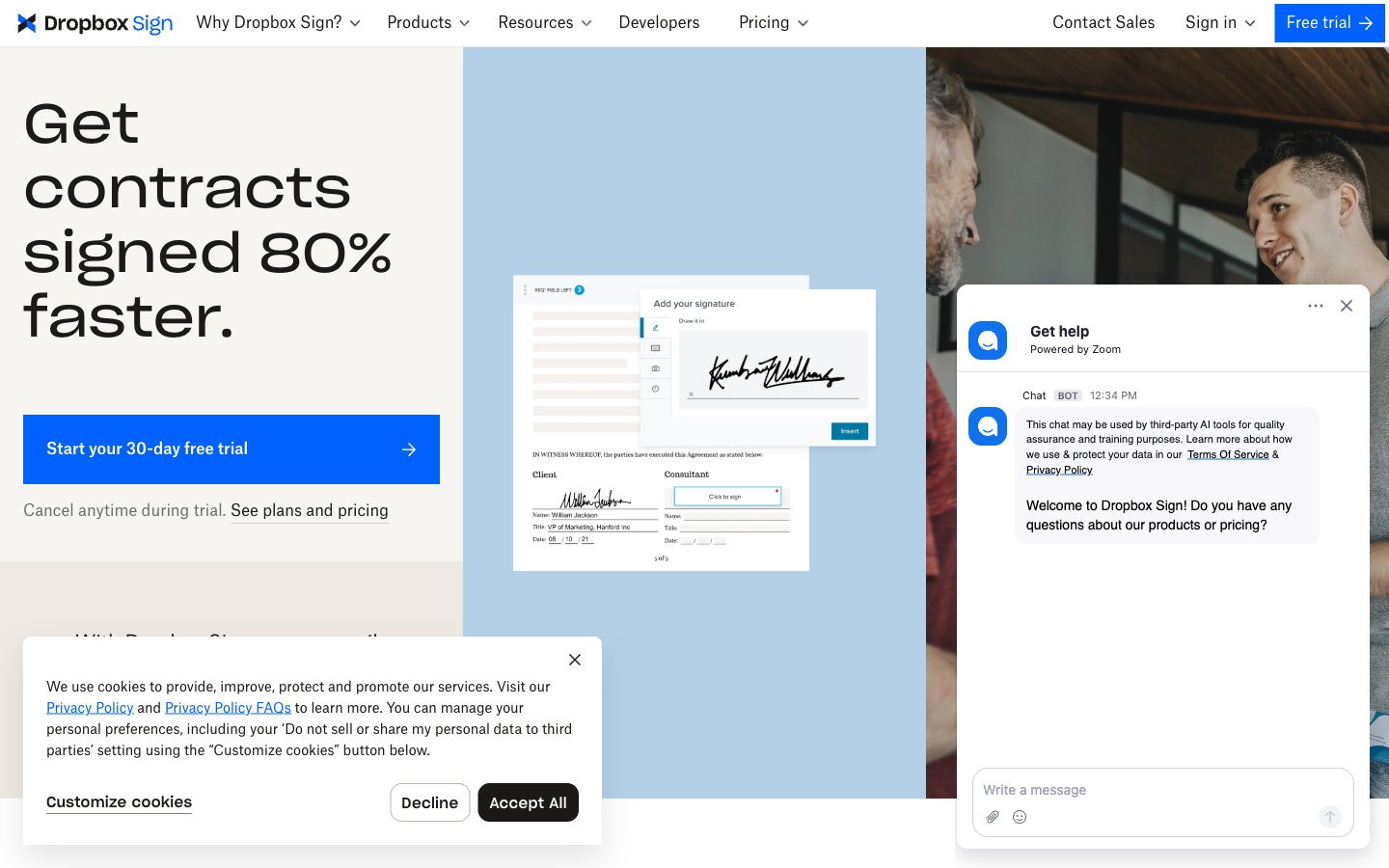
HelloSign built its reputation on doing one thing quickly, and that survived the 2019 Dropbox acquisition and the 2022 rename. Reviewers rate it the easiest of these three tools by a clear margin — 4.7/5 on both G2 (2,266 reviews) and Capterra, with ease of use the most-cited strength. It's also the only one of the three that doesn't meter your sending: every paid plan includes unlimited signature requests, starting at $15/month for one user ($10.05 billed annually). For a team that stores contracts in Dropbox, signing happens where the files already live.
The limits moved elsewhere. Templates are capped at 5 on Essentials and 15 on Standard — teams with more than a handful of recurring documents hit that fast. Standard carries a 2-user minimum, so a solo operator wanting its features pays for two seats. The API is a separate product entirely: $75/month for 50 requests, $250/month for 100, on top of any web-app plan. And the product is coasting — its native integration catalog sits around 19, the SharePoint integration was discontinued in March 2026, and the free plan (3 requests, one signer, no templates) is thin even by free-plan standards. Dropbox Sign today reads as a well-maintained side product inside Dropbox rather than a company's main bet.
Pricing compared
The cleanest way to compare them is a five-person team on annual billing: Adobe Acrobat Standard for Teams costs $84.95/month (no usage cap, but no bulk send or API), Dropbox Sign Standard costs $87.50/month (unlimited requests), and DocuSign Standard costs $150/month (capped at 500 envelopes a year). DocuSign is 71% more expensive than either rival for a smaller sending allowance. Papersign, included in the table below as a reference point, runs $100/month for the same five seats ($20/user billed annually) — above Adobe Standard and Dropbox Sign, below DocuSign — but with unlimited documents and API access included in the seat price.
Papersign
Adobe Acrobat Sign
| Product | Plan | Monthly Price | Annual Price (per month) | Free Plan | Free Trial | Limits |
|---|---|---|---|---|---|---|
| Adobe Acrobat Sign | Acrobat Standard (Individual) | 24.99 (month-to-month) | 14.99 (annual, paid monthly; $179.88/yr prepaid) | No | 7 days (individual Acrobat Pro); 14 days (teams, up to 10 licenses) | documents: Unlimited (no usage cap published for Acrobat e-signing), users: 1 |
| Adobe Acrobat Sign | Acrobat Pro (Individual) | 29.99 (month-to-month) | 19.99 (annual, paid monthly; $239.88/yr prepaid) | documents: Unlimited (no usage cap published for Acrobat e-signing), users: 1 | ||
| Adobe Acrobat Sign | Acrobat Studio (Individual) | 34.99 (month-to-month) | 24.99 (annual, paid monthly; $299.88/yr prepaid) | documents: Unlimited (no usage cap published for Acrobat e-signing), users: 1 | ||
| Adobe Acrobat Sign | Acrobat Standard for Teams | Not listed | 16.99 per license (annual only; $203.88/yr prepaid) | documents: Unlimited ("no usage caps in Acrobat for teams plans" per Adobe), users: Per license (1+); 2+ licenses qualify for a first-year discount | ||
| Adobe Acrobat Sign | Acrobat Pro for Teams | Not listed | 23.99 per license (annual only; $287.88/yr prepaid) | documents: Unlimited ("no usage caps in Acrobat for teams plans" per Adobe), users: Per license (1+); 2+ licenses qualify for a first-year discount | ||
| Adobe Acrobat Sign | Acrobat Studio for Teams | Not listed | 29.99 per license (annual only; $359.88/yr prepaid) | documents: Unlimited ("no usage caps in Acrobat for teams plans" per Adobe), users: Per license (1+) | ||
| Adobe Acrobat Sign | Acrobat Sign Solutions (Business/Enterprise) | Contact sales | Not listed | documents: 150 transactions per user per year on user-licensed plans unless the contract says otherwise (Acrobat Sign Additional Terms); pooled volume or a site license with unlimited users via sales | ||
| DocuSign | Personal | $15/mo | $11/mo billed annually | Yes | 30 days | documents: 5 envelopes per month, users: 1 |
| DocuSign | Standard | $45/mo | $30/mo billed annually | documents: 100 envelopes per user per year (annual plans); ~10/user/month on monthly billing, users: Up to 50 (per-user pricing) | ||
| DocuSign | Business Pro | $65/mo | $45/mo billed annually | documents: 100 envelopes per user per year (annual plans), users: Up to 50 (per-user pricing) | ||
| DocuSign | Enhanced Plans (Enterprise) | Contact sales | Not listed | documents: Custom envelope allowance, users: 50+ | ||
| Dropbox Sign | Free | Free | Not listed | Yes | 30 days | documents: 3 signature requests/month, templates: 0, users: 1 |
| Dropbox Sign | Essentials | $15/mo | $10.05/mo billed annually | documents: Unlimited signature requests, templates: 5, users: 1 | ||
| Dropbox Sign | Standard | $25/mo | $17.5/mo billed annually | documents: Unlimited signature requests, templates: 15, users: 2-5 (2-user minimum; contact sales beyond 5) | ||
| Dropbox Sign | Premium | Custom quote | Not listed | documents: Unlimited signature requests, templates: Unlimited, users: 5+ | ||
| Dropbox Sign | API Essentials | $75/mo | $900/mo billed annually | documents: 50 signature requests/month (starting), api requests: 50 signature requests/month | ||
| Dropbox Sign | API Standard | $250/mo | $3000/mo billed annually | documents: 100 signature requests/month (starting), api requests: 100 signature requests/month | ||
| Dropbox Sign | API Premium | Custom quote | Not listed | documents: 100+ signature requests/month | ||
| Papersign | Free | Free | Free | Yes | No | documents: 3, users: Unlimited |
| Papersign | Pro | $24/user | $20/user | documents: Unlimited*, users: Unlimited seats (each user billed), api requests: 10 documents per seat, per month |
Review ratings compared
On aggregate review scores the three sit close together: Dropbox Sign at 4.7/5 on G2 (2,266 reviews), DocuSign at 4.5/5 on G2 (2,594 reviews) and 4.7/5 on Capterra (9,023 reviews), and Adobe Acrobat Sign at 4.6/5 on Capterra (1,104 reviews). The separation shows up in the themes, not the averages: Dropbox Sign is praised for speed and simplicity, DocuSign for reliability and reach (but hammered on billing — 1.5/5 on Trustpilot), and Adobe for the Acrobat bundle (but criticized for a confusing interface and hard-to-reach support).
The five dimensions that decide it
Sending limits
DocuSign caps annual plans at 100 envelopes per user per year; Adobe's Acrobat teams plans are uncapped, but its Acrobat Sign Solutions user licenses include 150 transactions per user per year; Dropbox Sign has no sending cap on paid plans. This is the number to check before anything else, because overages (DocuSign) and quote-only volume negotiations (Adobe, once you need the API) are how a $30/user plan becomes something else entirely. Dropbox Sign wins this dimension outright.
Templates and document creation
Dropbox Sign caps templates at 5 (Essentials) and 15 (Standard); DocuSign and Adobe offer effectively unrestricted templates on team plans. None of the three includes a real document editor — all are upload-and-sign tools. DocuSign sells document generation separately under its CLM products, and Adobe assumes you'll draft in Acrobat or Word. If you want to write agreements inside the signing tool, none of these three is built for it.
Workflows and automation
All three cover signing order, reminders, and bulk send — but at different tiers. DocuSign gates bulk send behind Business Pro ($45/user/month annual); Adobe includes it from Acrobat Pro; Dropbox Sign includes it on Standard. DocuSign has the most advanced routing (conditional recipients, delegated signing) and Adobe's Power Automate connector is the strongest no-code automation path. Dropbox Sign covers the basics and stops there.
Integrations and API
DocuSign lists 900+ integrations, Adobe roughly 30 native (plus 8,000+ via Zapier), and Dropbox Sign around 19. The API picture inverts the pricing one: Dropbox Sign's is the easiest to start with (self-serve, free test mode, $75/month for 50 requests), DocuSign's is the most capable but sold as separate developer plans from ~$600/year, and Adobe's requires a quote-only enterprise contract — there is no self-serve Acrobat Sign API at all.
Compliance and audit trail
All three are ESIGN/UETA and eIDAS compliant with SOC 2 Type II, ISO 27001, GDPR, and HIPAA support, and all three produce tamper-evident audit trails. Signatures from any of them are legally binding; what differs is the ceiling. Adobe adds FedRAMP Tailored and FDA 21 CFR Part 11 configurations. DocuSign matches the FDA coverage and issues EU qualified signatures through its own trust service provider. Dropbox Sign reaches QES only via third-party eID providers on premium tiers, and its HIPAA BAA carries a minimum contract value.
Verdict: choose by what you'll actually hit first
Choose Adobe Acrobat Sign if you already pay for Acrobat or live in Microsoft 365, and your volume fits inside 150 transactions per user per year — or you need FedRAMP. You're buying a PDF suite with signing attached, and on those terms it's good value.
Choose DocuSign if integration depth or EU qualified signatures decide the purchase, and the ~8-envelopes-per-user-per-month allowance genuinely covers your volume. Set a calendar reminder for the auto-renewal date; Trustpilot suggests you won't get a refund without one.
Choose Dropbox Sign if the job is straightforward sending at a fair price, especially from inside Dropbox. Count your recurring documents first — the 5-and-15 template caps are the wall most growing teams hit.
If you're weighing these against the wider market, our ranked list of the best e-signature software covers all three plus seven more, and the DocuSign alternatives guide goes deeper on the escape routes from envelope caps specifically.
The tradeoff none of the three resolves — and where Papersign fits
Look at the pattern across this page: to escape DocuSign's envelope caps you accept Dropbox Sign's template caps and per-user minimums; to escape per-user pricing you'd need Adobe's site license, which is a sales negotiation; to get an API without an enterprise contract you pay Dropbox Sign a second subscription. Each tool fixes one incumbent problem by keeping the other two.
Papersign was built to skip that tradeoff rather than rebalance it. Pro is $24/user/month ($20/user/month billed annually) for unlimited signed documents — no envelope or transaction caps, no overage fees, no seat caps, and the API and webhooks are included in the plan rather than sold as a separate product. Per seat it isn't the cheapest option on this page; what you're buying is a price that stays what the pricing page said when your volume grows. Compliance isn't tiered away either: SOC 2 Type II and GDPR apply on every plan, including the free one (3 documents a month), with an activity trail and signed document certificate on each document. It won't replace DocuSign's 900-integration catalog or Adobe's FedRAMP authorization — but if what pushed you into this comparison was price, caps, or API gatekeeping, it resolves all three at once.
Frequently asked questions
Frequently Asked Questions
Which is cheapest for a 5-person team: Adobe Acrobat Sign, DocuSign, or Dropbox Sign?
Should I pick DocuSign or Adobe Acrobat Sign for enterprise compliance?
Is Dropbox Sign really the easiest of the three to use?
Which has the better API: DocuSign, Dropbox Sign, or Adobe Acrobat Sign?
Do Adobe Acrobat Sign, DocuSign, and Dropbox Sign all have sending caps?
Is HelloSign the same thing as Dropbox Sign?
What if none of the three fits — too expensive, too capped, or too limited?
Sources & References
- Adobe Acrobat plans and pricing for business — Adobe, verified July 2026
- Adobe Acrobat Sign transaction limits — Adobe Help
- DocuSign eSignature plans and pricing — DocuSign, verified July 2026
- Dropbox Sign pricing — Dropbox Sign, verified July 2026
- DocuSign vs. HelloSign (now Dropbox Sign): Which Is The Better eSignature Tool? — Cledara
- Adobe Sign Pricing 2026: Plans & Features Guide — Signeasy
- DocuSign reviews on Trustpilot (1.5/5, 1,168 reviews) — Trustpilot, July 2026
- Dropbox Sign reviews on G2 (4.7/5, 2,266 reviews) — G2, July 2026
- Adobe Acrobat Sign reviews on Capterra (4.6/5, 1,104 reviews) — Capterra, July 2026
Last updated October 7, 2026
Ready to try Papersign?
Send, sign, and manage documents in minutes — simple, fast e-signatures without the bloat.
Get Papersign FreeFree plan available, no credit card required