
Best PandaDoc Alternatives for 2026
The best PandaDoc alternative for most teams is Papersign — it keeps the signing, document editor, and audit trail at $24/user/month ($20 billed annually), with unlimited signed documents, no template caps, and the API included on Pro, instead of PandaDoc's $49/user Business tier and separately metered API. Below, five alternatives compared on pricing, template limits, API costs, workflows, and compliance.
Why people leave PandaDoc
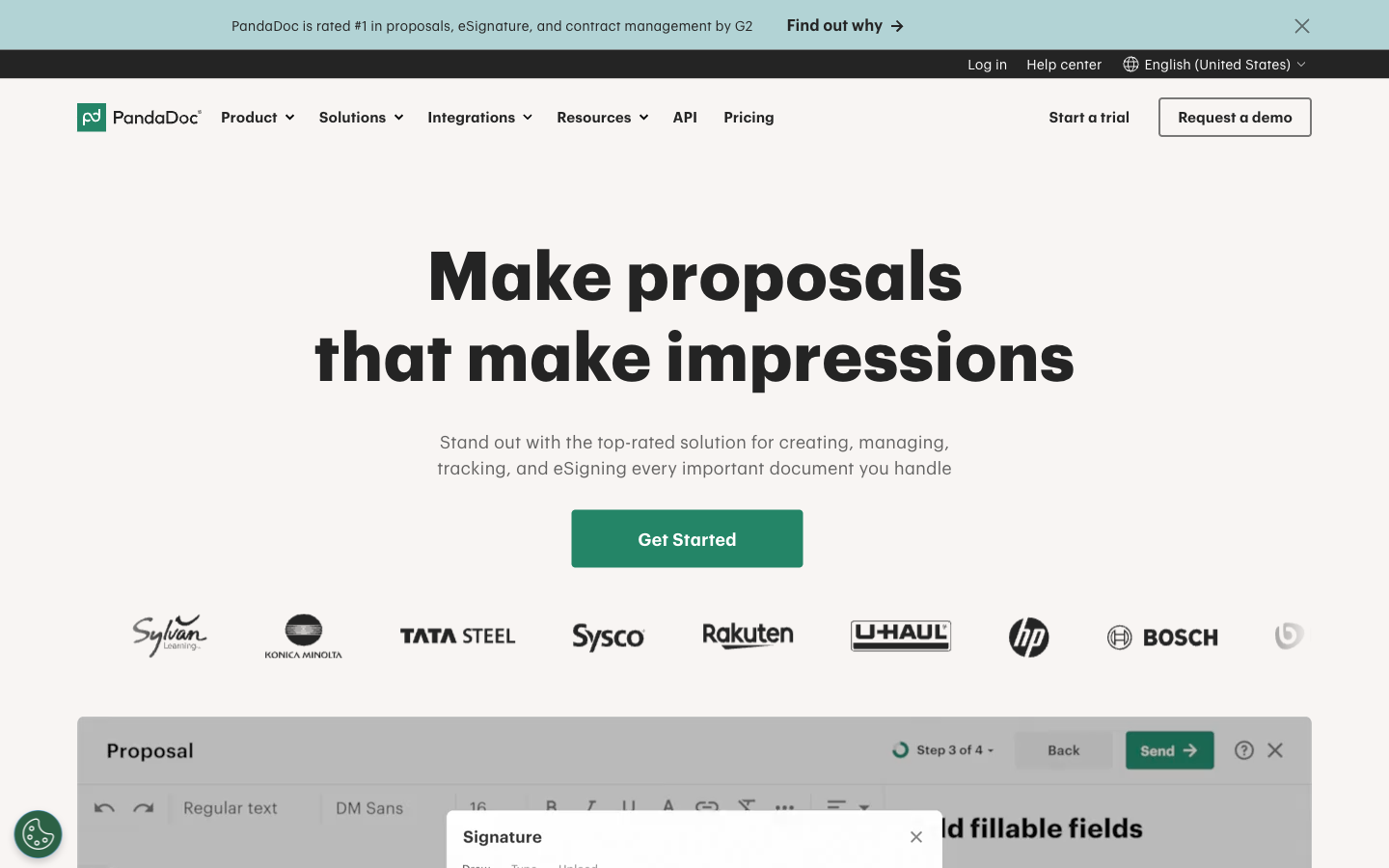
PandaDoc is a sales-document suite. Proposals, quotes, CPQ, deal rooms, and payment collection all live alongside e-signature, and if your business runs on quotes it's a genuinely strong product: G2 reviewers rate it 4.7/5 across 3,400+ reviews, largely for the drag-and-drop editor. The problem shows up when you only need the signature part. Every person who touches a document needs a paid seat at $19/user/month (Starter, billed annually; $35 monthly) or $49/user/month (Business), so a 5-person team on Business pays $2,940 a year — mostly for proposal features they never open.
The 2024 plan restructure made the value equation worse for small teams. Essentials became Starter, saved templates were capped at 5, and pricing tables plus payment collection moved up to Business at the same price point. The API isn't in either seat plan: it's Enterprise-only or a separate metered plan at $40/month for 40 documents, topped up with prepaid credit packs. And while PandaDoc's product reviews are strong, its Trustpilot rating sits at 3.3/5 across ~635 reviews, with billing, auto-renewal, and cancellation friction the recurring complaints.
If that math is why you're here, the tools below are ranked by how cleanly they solve it. All of them produce legally binding signatures under ESIGN/UETA — that part is table stakes. The differences are price structure, template limits, API access, and how much suite you're forced to buy.
PandaDoc alternatives at a glance
| Feature | PandaDoc | Papersign | SignWell | SignNow | Dropbox Sign | Xodo Sign |
|---|---|---|---|---|---|---|
| Document Creation & Editing | ||||||
| Rich editor to create documents from scratch | Yes | Yes | No | No | No | No |
| Template library | 750+ | No | No | No | No | No |
| Pricing tables and quotes | Yes Business | No | No | No | No | No |
| CPQ (configure, price, quote) | Yes Enterprise | No | No | No | No | No |
| Signing Experience | ||||||
| Real-time tracking and notifications | Yes | Yes | Yes | No | Yes | No |
| Signing order | Yes | No | Yes | No | Yes | No |
| Bulk send | Yes Business | No | No | No | Yes Standard | No |
| Mobile signing | Yes | No | Yes | No | Yes | No |
| Workflows & Automation | ||||||
| Approval workflows | Yes Business | No | No | No | No | No |
| Workflow automation | Yes Enterprise | No | No | No | No | No |
| Deal rooms | Yes Business | No | No | No | No | No |
| Custom email notifications | Yes | Yes Pro | No | No | Yes Standard | No |
| Templates | ||||||
| Reusable templates | Yes | No | Yes | Unlimited | Yes | Yes |
| Template gallery | 750+ | No | No | No | Yes | No |
| Template gallery / free contract templates | No | No | Yes | No | No | No |
| Pre-filled and shared team templates | No | No | Yes Business | No | No | No |
| Security & Compliance | ||||||
| HIPAA compliance (BAA) | Yes Enterprise | No | No | Yes Site License | No | No |
| eIDAS compliance | Yes | No | No | No | No | No |
| Qualified electronic signatures (QES) | Yes | No | No | No | No | No |
| Audit trail and signing certificate | Yes | No | No | No | No | No |
| Identity Verification | ||||||
| Signer email verification | Yes | Yes Pro | Yes | No | Yes | Yes |
| SMS/passcode recipient verification | Yes Business | No | No | No | No | No |
| SSO (SAML) | Yes Enterprise | Yes Enterprise | No | No | Yes Standard | No |
| Email verification | No | No | No | Yes | No | No |
| Integrations & API | ||||||
| Public API | Yes | No | No | No | No | No |
| Zapier | Yes | No | 5,000+ apps | Yes | Yes | No |
| CRM integrations | Yes Business | No | No | No | No | No |
| Webhooks | Yes | Yes Pro | No | No | No | No |
| Team & Branding | ||||||
| Custom branding | Yes Business | No | Yes Business | Yes Business Premium | Yes Standard | Yes Professional |
| Team workspaces | Yes Business | No | No | No | No | No |
| 24/7 email/chat support | Yes | No | No | No | No | No |
| Dedicated CSM | Yes Enterprise | Yes Enterprise | No | No | No | No |
Papersign — best for predictable per-user pricing with nothing metered
Papersign is built by Paperform, a bootstrapped Australian software company profitable since 2016, and it targets exactly the gap PandaDoc leaves: teams that want documents signed without buying a document-to-cash suite. You upload a PDF and drop in fields, or draft the agreement in a doc-style rich editor — the one PandaDoc capability most signing-first tools lack — then send it for legally binding signature with real-time tracking and automatic reminders.
The pricing is simple to model. Pro costs $24 per user per month, or $20 billed annually, and the seat includes everything: unlimited signed documents (fair usage), no template caps, and no overage fees anywhere in the plan. Per seat that's roughly level with PandaDoc Starter — but the honest comparison is with Business, since that's where PandaDoc puts bulk send, branding, and unlimited templates: a 10-person team pays $2,400 a year on Papersign annual billing where PandaDoc Business charges $5,880. The Papersign API is included on Pro (10 API-signed documents per seat, per month, unlimited on Enterprise) rather than sold as a $40/month metered add-on, and webhooks, bulk sending, and signer email verification come with it. Papersign is SOC 2 Type II and GDPR compliant with ESIGN/UETA signatures, a full activity trail, and a signed document certificate on every plan — including the free one, which covers 3 documents a month.
What you give up from PandaDoc: quotes, CPQ, deal rooms, and the 40+ native CRM integrations. Papersign's native integration is Paperform (form submissions can flow straight into documents sent for signature), with API and webhooks for everything else. It's also a newer product, launched in 2023 — though the parent company has been shipping since 2016 and offers Enterprise SSO, SLA, and data residency for teams that need them.
Best for: teams leaving PandaDoc because they were paying per-seat suite prices to get contracts signed.
 SignWell — best reviews in the category
SignWell scores 4.8/5 on G2 and 4.9/5 on Capterra — among the highest ratings of any e-signature tool — and its pitch is a direct answer to PandaDoc's seat pricing: Light is $10/month billed annually and Business is $30/month, both with unlimited documents. For a solo sender who found even PandaDoc Starter's $19/seat annoying, it's the cheapest credible option on this page. The pay-as-you-go API is a standout too: 25 free API documents a month, then $0.85 per document with volume discounts, no monthly minimum — compare that with PandaDoc's $40/month for 40 documents.
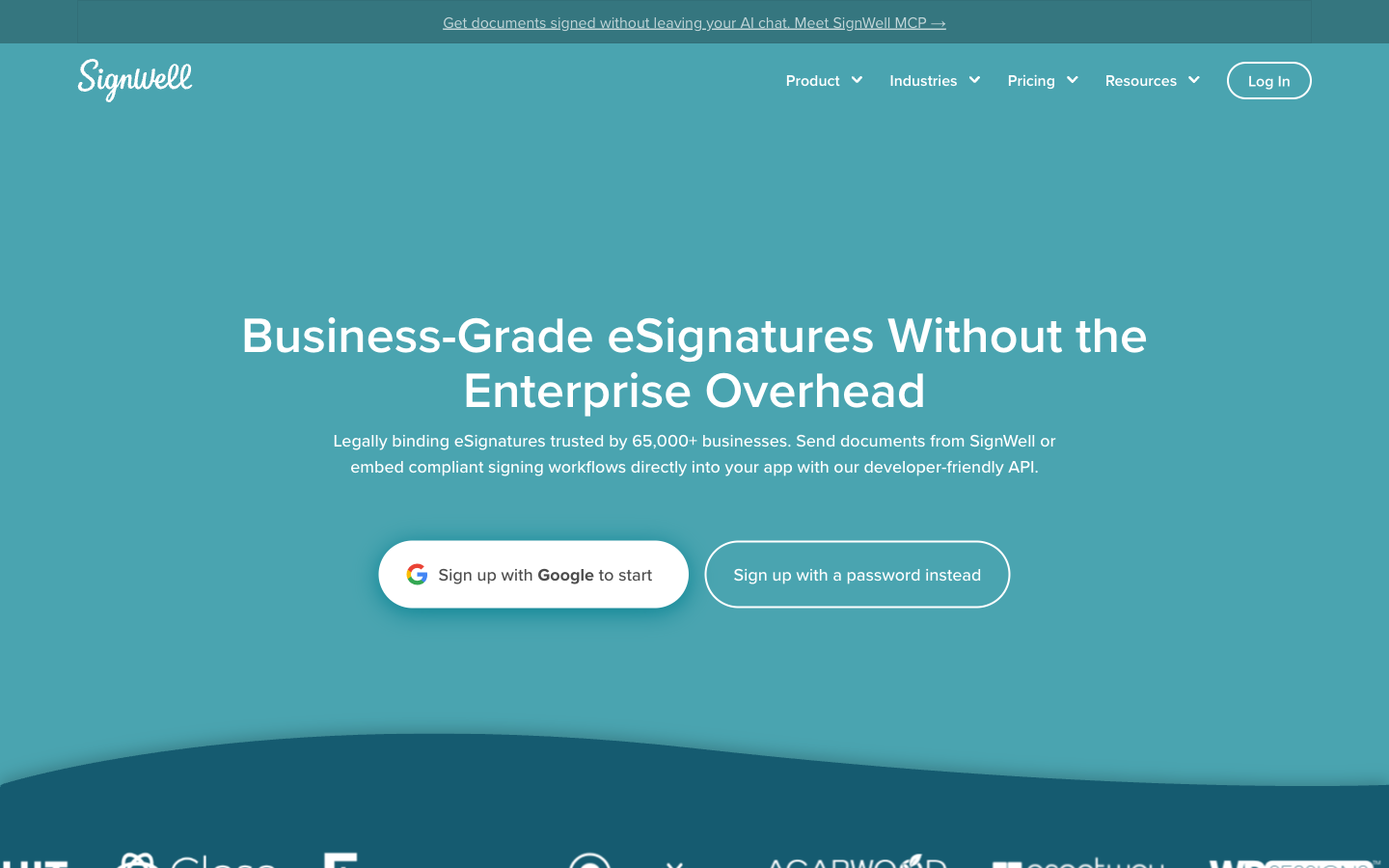
The trade-offs are the mirror image of PandaDoc's strengths. There's no document editor at all — everything must be created elsewhere and uploaded — and native integrations stop at Close CRM and QuickBooks Online, with Zapier covering the rest. Seats also creep, just more gently than PandaDoc's: each extra sender costs $10–15/month, and the Light plan repeats PandaDoc Starter's 5-template cap (per sender). SignWell is a small bootstrapped team, which keeps it focused but means no SSO, SLA, or data residency for larger organisations. It's ESIGN/UETA, eIDAS, GDPR, HIPAA, and SOC 2 Type II compliant with audit reports on paid plans.
Best for: solo senders and very small teams who upload finished PDFs and want the best-reviewed budget option.
 SignNow — best cheap per-seat price (with a catch)
SignNow's Business plan is $8/user/month billed annually — less than half of PandaDoc Starter — and unlike PandaDoc it includes unlimited templates on every tier, which matters if the 5-template cap is what sent you here. Its mobile apps and SMS signature invites are well reviewed (4.6/5 on both G2 and Capterra), and for field teams getting documents signed on phones it beats everything else on this page.
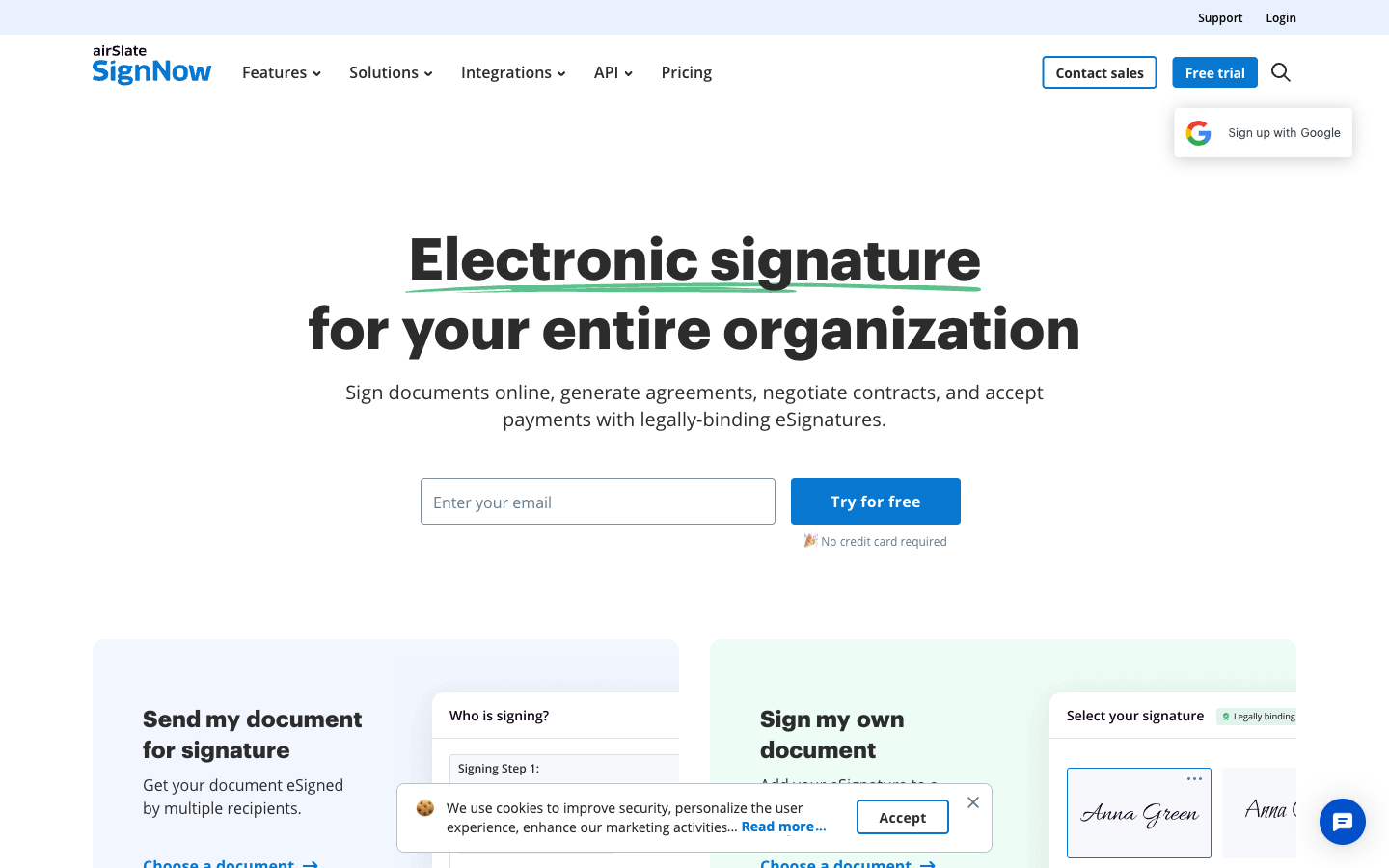
The catch arrived with SignNow's 2025 pricing change: every seat plan now caps each user at 100 signature invites per year — roughly 8 a month — with overage fees of $0.96 to $3.60 per extra invite. Users on Trustpilot (where SignNow sits at 3.1/5 across 3,100+ reviews) describe surprise bills, one citing $198 in overages on a $30/month subscription. So the tool that looks cheapest per seat can bill like a taxi meter, which is uncomfortably close to the billing reputation you're trying to escape from PandaDoc. The API is also sold separately, from roughly $146/month, and advanced features funnel into parent company airSlate's other products. SignNow is SOC 2 Type II, GDPR, ISO 27001, and eIDAS compliant, with HIPAA available on its quote-based Site License.
Best for: field and mobile teams whose signing volume sits comfortably under the 100-invite annual cap.
 Dropbox Sign — best if you already live in Dropbox
Dropbox Sign (formerly HelloSign) is what PandaDoc might look like with the suite stripped away: a clean, fast signing flow that reviewers consistently rate easier to use than the big platforms, at 4.7/5 on both G2 (2,200+ reviews) and Capterra. All paid plans include unlimited signature requests, starting at $15/user/month, and signing is embedded directly into Dropbox storage, which is convenient if your contracts already live there.
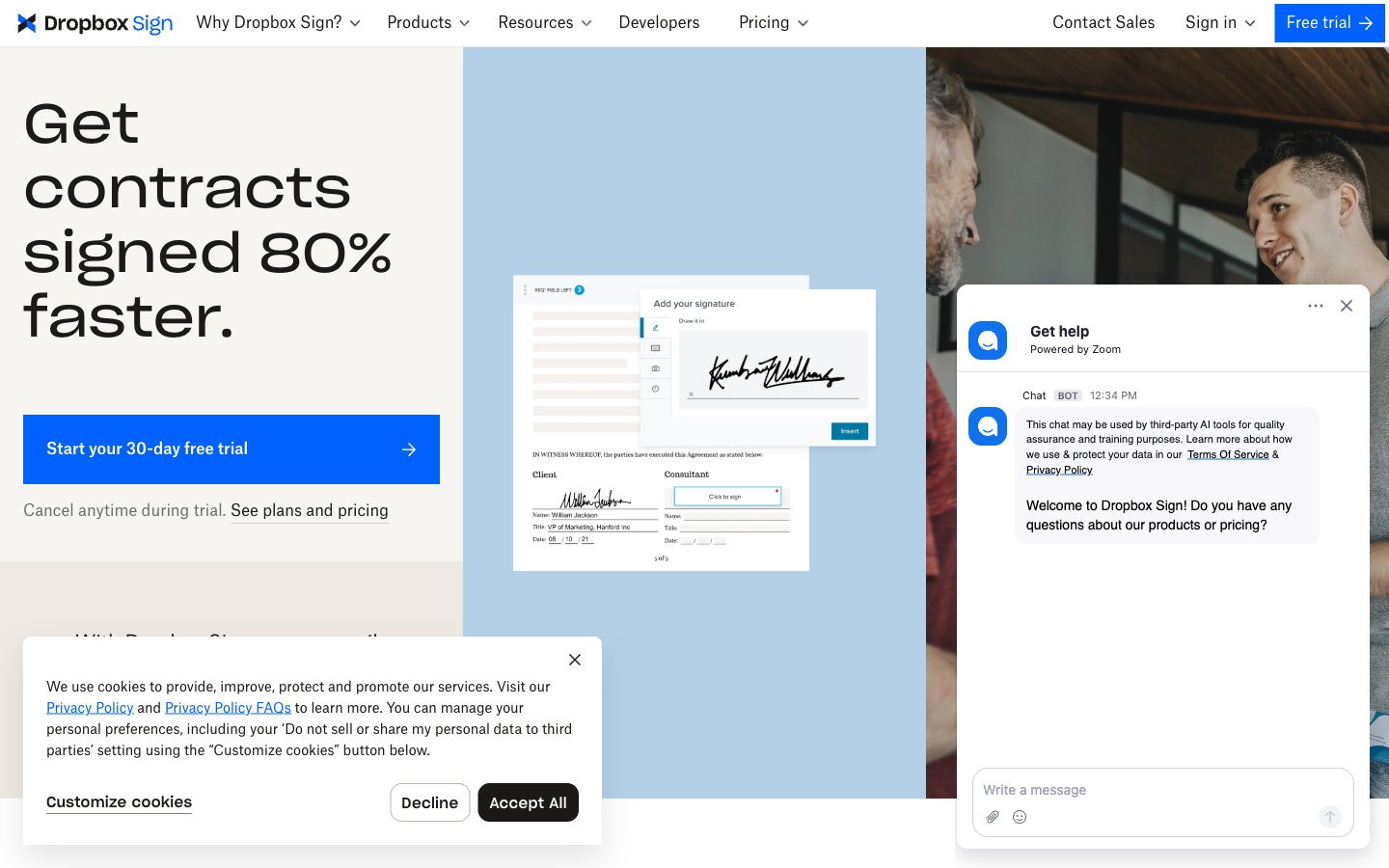
Two PandaDoc pain points follow you here, though. Template caps: Essentials allows 5 templates (the same number that made PandaDoc Starter feel broken) and Standard allows 15, with a 2-user minimum on Standard that makes it $600/year for a solo operator. And the API is a separate product entirely — API Essentials is $75/month for 50 signature requests, API Standard $250/month for 100, so a team needing both app and API pays twice. Since the 2019 Dropbox acquisition, development has been maintenance-paced (the SharePoint integration was discontinued in March 2026). Compliance is strong: SOC 2 Type II, ISO 27001, GDPR, HIPAA BAA, and eIDAS up to Qualified Electronic Signatures.
Best for: Dropbox-based teams that want simple signing inside the storage they already pay for.
 Xodo Sign — best rock-bottom price for a single user
Xodo Sign (formerly eversign, now owned by PDF-SDK company Apryse) undercuts nearly everyone: Basic is $10/month billed annually and Professional is $16/month, both with unlimited documents, and its 4.8/5 ratings on G2 and Capterra (2,800+ reviews) show users are happy with what they get. Its API entry point is also cheap — a free sandbox and a $50/month plan for 50 documents, a similar shape to PandaDoc's API plan but with the difference that the main app's plans don't require it for basic automation via Zapier.
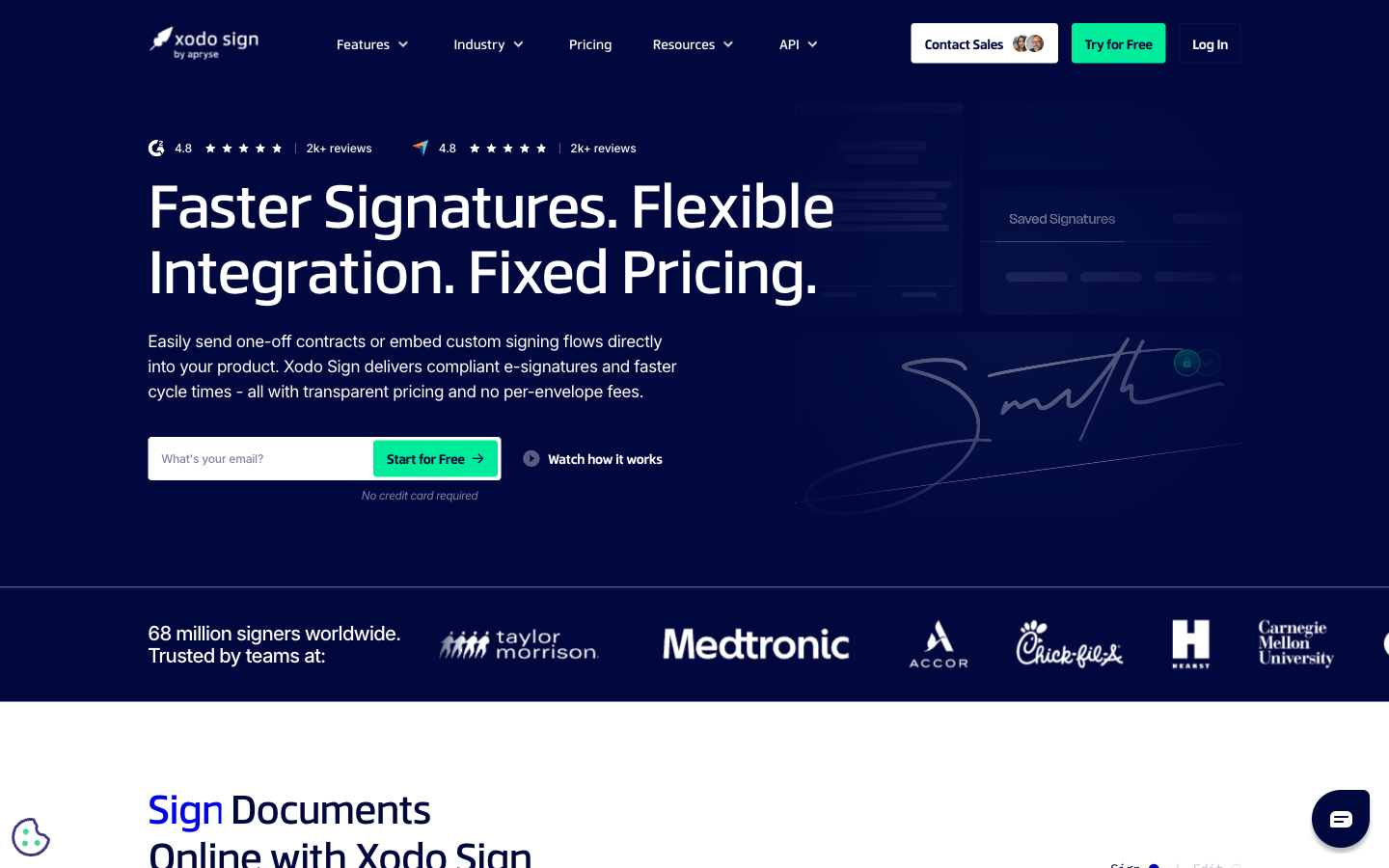
The concerns are structural rather than functional. Both paid plans include a single seat, with extra seats purchasable, so team costs creep the same way PandaDoc's do — just from a lower base. Basic allows only 3 templates. The workflow is PDF-only, with no editor for drafting documents. And the product has changed identity twice (eversign to Xodo Sign, via the Apryse acquisition) while still living on eversign.com, which raises fair questions about long-term product investment. Compliance is solid for the price: SOC 2 Type II, GDPR, eIDAS, ESIGN/UETA, and HIPAA-compliant workflows with a BAA.
Best for: a single user who signs uploaded PDFs and wants the lowest possible annual bill.
See PandaDoc reviewed independently
Before switching away, it's worth hearing PandaDoc assessed on its own terms — both of these reviews praise the editor while flagging the plan structure.
Full feature comparison
| Feature | PandaDoc | Papersign | SignWell | SignNow | Dropbox Sign | Xodo Sign |
|---|---|---|---|---|---|---|
| Document Creation & Editing | ||||||
| Upload and sign PDFs | Yes | Yes | Yes | Yes | Yes | Yes |
| Rich editor to create documents from scratch | Yes | Yes | No | No | No | No |
| Template library | 750+ | No | No | No | No | No |
| Pricing tables and quotes | Yes Business | No | No | No | No | No |
| CPQ (configure, price, quote) | Yes Enterprise | No | No | No | No | No |
| Fillable fields & annotations | No | No | No | Yes | No | No |
| Conditional fields | No | No | No | Yes Enterprise | No | No |
| Auto-populated fields | No | No | No | No | Yes Essentials | No |
| PDF editing / document preparation | No | No | No | No | No | Yes |
| AI contract summarizer | No | No | No | No | No | Yes |
| Signing Experience | ||||||
| Legally binding e-signatures | Yes | Yes | Yes | Yes | Yes | Yes |
| Real-time tracking and notifications | Yes | Yes | Yes | No | Yes | No |
| Automatic reminders | Yes | Yes | Yes | Yes Business Premium | Yes | Yes |
| Signing order | Yes | No | Yes | No | Yes | No |
| Bulk send | Yes Business | No | No | No | Yes Standard | No |
| Mobile signing | Yes | No | Yes | No | Yes | No |
| Unlimited users | No | Yes | No | No | No | No |
| Payment collection at signing | Yes | No | No | No | No | No |
| Manual signing links | No | Yes Pro | No | No | No | No |
| Unlimited free signers | No | No | Yes | No | No | No |
| Signing order / sequential routing | No | No | No | Yes | No | No |
| In-person / kiosk signing | No | No | No | Yes Business Premium | No | No |
| Bulk sending | No | No | No | Yes Business Premium | No | Yes Professional |
| Signing link sharing | No | No | No | Yes Business Premium | No | No |
| SMS signature invites | No | No | No | Yes | No | No |
| Mobile apps (iOS/Android) | No | No | No | Yes | No | No |
| Unlimited signature invites | No | No | No | No | No | No |
| In-person signing | No | No | No | No | Yes Standard | Yes |
| Multi-language signing | No | No | No | No | 22 languages | No |
| SMS signer notifications | No | No | No | No | No | Yes Professional |
| Workflows & Automation | ||||||
| Approval workflows | Yes Business | No | No | No | No | No |
| Workflow automation | Yes Enterprise | No | No | No | No | No |
| Deal rooms | Yes Business | No | No | No | No | No |
| Webhooks | Yes | Yes Pro | Yes | Yes | Yes API plans | Yes |
| Custom email notifications | Yes | Yes Pro | No | No | Yes Standard | No |
| Paperform integration | No | Yes | No | No | No | No |
| Bulk sending | No | Yes Pro | Yes Business | No | No | No |
| Conditional logic / document workflows | No | No | Yes | No | No | No |
| Document groups / multi-doc workflows | No | No | No | Yes Business Premium | No | No |
| Request payments with documents | No | No | No | Yes Business Premium | No | No |
| Advanced workflow automation | No | No | No | Yes | No | No |
| Conditional logic | No | No | No | No | Yes Standard | No |
| Zapier integration | No | No | No | No | No | Yes |
| Contact management | No | No | No | No | No | Yes |
| Templates | ||||||
| Reusable templates | Yes | No | Yes | Unlimited | Yes | Yes |
| Template gallery | 750+ | No | No | No | Yes | No |
| Template gallery / free contract templates | No | No | Yes | No | No | No |
| Pre-filled and shared team templates | No | No | Yes Business | No | No | No |
| Template sharing across team | No | No | No | Yes | No | No |
| Template links | No | No | No | No | Yes | No |
| Import templates from DocuSign | No | No | No | No | No | Yes |
| Security & Compliance | ||||||
| SOC 2 Type II | Yes | Yes | Yes | Yes | Yes | Yes |
| GDPR compliant | Yes | Yes | Yes | Yes | Yes | Yes |
| HIPAA compliance (BAA) | Yes Enterprise | No | No | Yes Site License | No | No |
| eIDAS compliance | Yes | No | No | No | No | No |
| Qualified electronic signatures (QES) | Yes | No | No | No | No | No |
| Audit trail and signing certificate | Yes | No | No | No | No | No |
| 21 CFR Part 11 | Yes | No | No | No | No | No |
| Activity trail | No | Yes | No | No | No | No |
| Signed document certificate | No | Yes | No | No | No | No |
| Consent agreement | No | Yes | No | No | No | No |
| Local data residency | No | Yes Enterprise | No | No | Yes Premium | No |
| HIPAA compliant | No | No | Yes | No | No | No |
| eIDAS compliant | No | No | Yes | Yes | No | Yes |
| Audit trail | No | No | Yes | No | Yes | Yes |
| ISO 27001 | No | No | No | Yes | Yes | No |
| Audit trail / document history | No | No | No | Yes | No | No |
| Advanced threat protection | No | No | No | Yes Enterprise | No | No |
| HIPAA compliance | No | No | No | No | Yes Enterprise | No |
| eIDAS / QES | No | No | No | No | Yes Premium / API Premium add-on | No |
| 256-bit AES encryption | No | No | No | No | Yes | No |
| HIPAA-compliant workflows (BAA) | No | No | No | No | No | Yes |
| Document auto-expiry and deletion | No | No | No | No | No | Yes |
| Identity Verification | ||||||
| Signer email verification | Yes | Yes Pro | Yes | No | Yes | Yes |
| SMS/passcode recipient verification | Yes Business | No | No | No | No | No |
| SSO (SAML) | Yes Enterprise | Yes Enterprise | No | No | Yes Standard | No |
| Qualified signatures (QES) | No | No | No | No | No | No |
| Email verification | No | No | No | Yes | No | No |
| SMS / phone-call authentication | No | No | No | Yes Enterprise | No | No |
| ID verification / KBA | No | No | No | Yes Enterprise | No | No |
| Signer access codes | No | No | No | No | Yes Essentials | No |
| SMS authentication | No | No | No | No | Yes Standard | No |
| Electronic ID (eID) verification | No | No | No | No | Yes API Premium | No |
| SMS/OTP signer authentication | No | No | No | No | No | Yes |
| Integrations & API | ||||||
| Public API | Yes | No | No | No | No | No |
| Zapier | Yes | No | 5,000+ apps | Yes | Yes | No |
| CRM integrations | Yes Business | No | No | No | No | No |
| Webhooks | Yes | Yes Pro | No | No | No | No |
| Papersign API | No | Yes Pro | No | No | No | No |
| REST API | No | No | Yes | Yes API plans / Site License | No | Yes API plans |
| Native integrations | No | No | Yes | No | 19+ | No |
| Salesforce integration | No | No | No | Yes Site License | No | No |
| Google Workspace & Microsoft 365 add-ons | No | No | No | Yes | No | No |
| Cloud storage (Drive, Dropbox, Box, OneDrive) | No | No | No | Yes | No | No |
| API | No | No | No | No | Yes Separate API product | No |
| Embedded signing | No | No | No | No | Yes API plans | No |
| Google Workspace (Gmail, Drive, Docs, Chrome) | No | No | No | No | No | Yes |
| Cloud storage (Dropbox, Box, OneDrive, Evernote) | No | No | No | No | No | Yes |
| Salesforce | No | No | No | No | No | Yes |
| Zoho | No | No | No | No | No | Yes |
| Team & Branding | ||||||
| Custom branding | Yes Business | No | Yes Business | Yes Business Premium | Yes Standard | Yes Professional |
| Team workspaces | Yes Business | No | No | No | No | No |
| 24/7 email/chat support | Yes | No | No | No | No | No |
| Dedicated CSM | Yes Enterprise | Yes Enterprise | No | No | No | No |
| SLA | Yes Enterprise | Yes Enterprise | No | No | No | No |
| Team document organisation | No | Yes Pro | No | No | No | No |
| Email/chat support | No | Yes | No | No | No | No |
| Team management and permissions | No | No | Yes Business | No | No | No |
| Human customer support on all plans | No | No | Yes | No | No | No |
| Teams and shared folders | No | No | No | Yes | No | No |
| SSO (SAML) | No | No | No | Yes Enterprise / Site License | No | No |
| Reporting dashboard | No | No | No | Yes Enterprise | No | No |
| Admin console | No | No | No | No | Yes Standard | No |
| Multi-team support | No | No | No | No | Yes Premium | No |
| Performance dashboards | No | No | No | No | Yes Premium | No |
| Email support | No | No | No | No | Yes | No |
| Team management | No | No | No | No | No | Yes |
| Multiple business profiles | No | No | No | No | No | Yes |
Pricing comparison
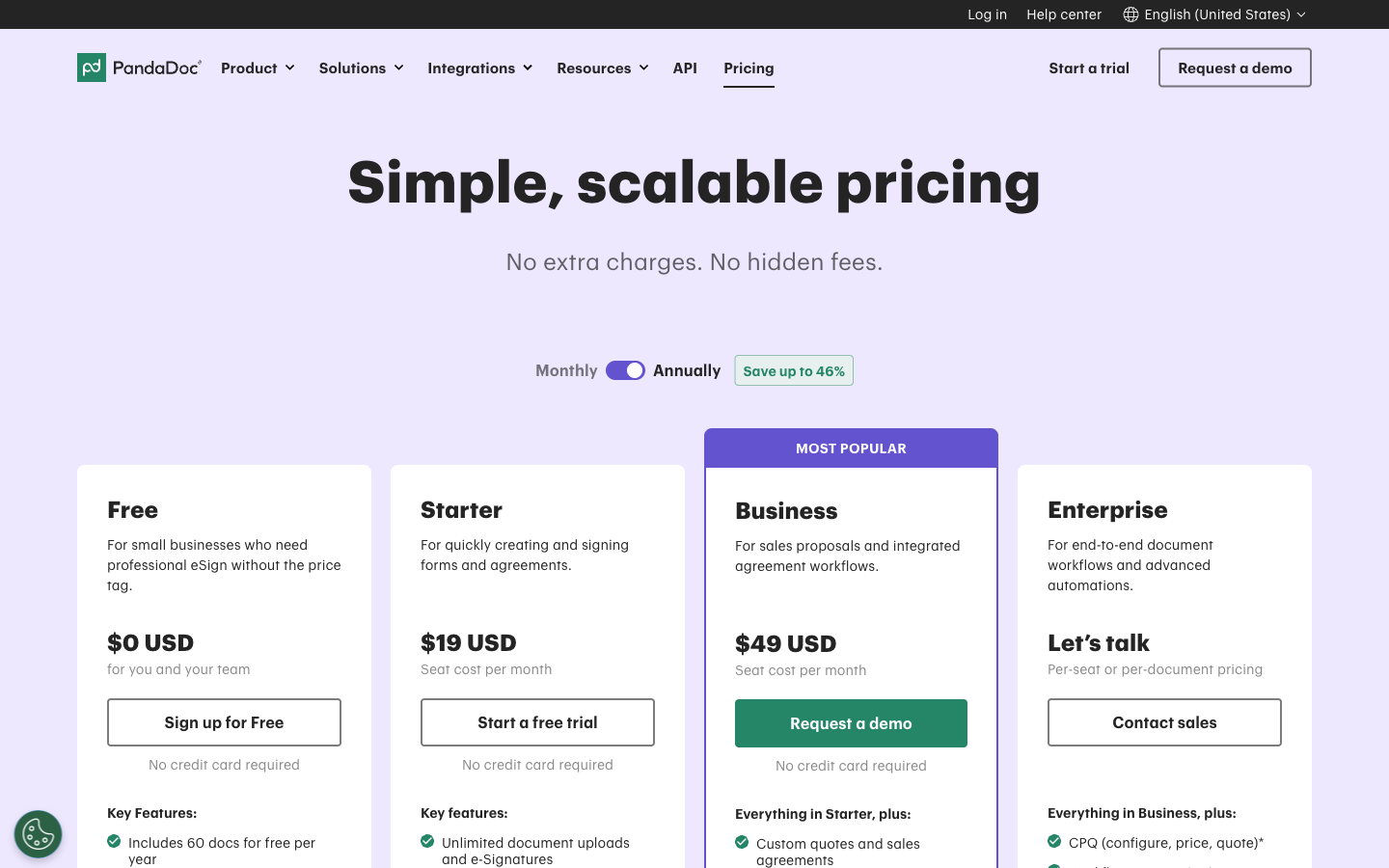
PandaDoc's Starter plan is $19/user/month billed annually ($35 monthly) with a 5-template cap; Business is $49/user/month and is where CRM integrations, custom branding, approval workflows, and bulk send live. The per-seat structure is what to model before you commit: at 3 users, Business costs $147/month; at 5 users, $245/month; at 10 users, $490/month. Papersign Pro is per user too, at $20/user/month billed annually — the same teams cost $60, $100, and $200 a month — and SignWell's Business plan covers 3 senders for $30/month. Document limits favour PandaDoc only against metered tools: paid PandaDoc plans include unlimited documents, as do Papersign, SignWell, Dropbox Sign, and Xodo Sign — SignNow is the exception with its 100-invites-per-user-per-year cap.
Papersign
PandaDoc
| Product | Plan | Monthly Price | Annual Price (per month) | Free Plan | Free Trial | Limits |
|---|---|---|---|---|---|---|
| PandaDoc | Free | Free | Free | Yes | 14 days | documents: 5 per month (~60 per year) |
| PandaDoc | Starter | $35/mo | $19/mo billed annually | documents: Unlimited, templates: 5, users: Per-seat pricing | ||
| PandaDoc | Business | $65/mo | $49/mo billed annually | documents: Unlimited, templates: Unlimited, users: Per-seat pricing | ||
| PandaDoc | Enterprise | Custom | Custom | documents: Unlimited, templates: Unlimited, users: Per-seat or per-document licensing | ||
| Papersign | Free | Free | Free | Yes | No | documents: 3, users: Unlimited |
| Papersign | Pro | $24/user | $20/user | documents: Unlimited*, users: Unlimited seats (each user billed), api requests: 10 documents per seat, per month | ||
| SignWell | Free | Free | Free | Yes | Free plan acts as ongoing trial (3 documents/month) | documents: 3 per month, templates: 1, users: 1, api requests: 3 free API documents/month |
| SignWell | Light | $12/mo | $10/mo billed annually | documents: Unlimited, templates: 5 per sender, users: 1 sender included; extra senders $10-12/mo each, api requests: 15 free API documents/month, then pay-as-you-go | ||
| SignWell | Business | $36/mo | $30/mo billed annually | documents: Unlimited, templates: Unlimited, users: 3 senders included; extra senders $12-15/mo each, api requests: 25 free API documents/month, then pay-as-you-go | ||
| SignWell | API (pay-as-you-go) | Usage-based | Not listed | documents: First 25 API documents/month free, then $0.85/doc down to $0.20+/doc with volume | ||
| SignNow | Business | $20/mo | $8/mo billed annually | No | 7 days | documents: 100 signature invites per user per year on annual billing (10 per month on monthly billing, no rollover); overage ~$0.96–$1.50 per extra invite, templates: Unlimited, users: Unlimited seats (per-user pricing) |
| SignNow | Business Premium | $30/mo | $15/mo billed annually | documents: 100 signature invites per user per year; overage ~$1.80 per extra invite, templates: Unlimited, users: Unlimited seats (per-user pricing) | ||
| SignNow | Enterprise | $50/mo | $30/mo billed annually | documents: 100 signature invites per user per year; overage ~$3.60 per extra invite, templates: Unlimited, users: Unlimited seats (per-user pricing) | ||
| SignNow | Site License | Custom (quote-based) | From ~$1.50 per signature invite (volume-based; ~$1.75/invite at 1,000-invite minimum commitment) | documents: Volume commitment, priced per invite, users: Unlimited | ||
| SignNow | API plans | From ~$146/month (billed annually) for ~1,000 invites/year | Not listed | api requests: Tiered by annual invite volume | ||
| Dropbox Sign | Free | Free | Not listed | Yes | 30 days | documents: 3 signature requests/month, templates: 0, users: 1 |
| Dropbox Sign | Essentials | $15/mo | $10.05/mo billed annually | documents: Unlimited signature requests, templates: 5, users: 1 | ||
| Dropbox Sign | Standard | $25/mo | $17.5/mo billed annually | documents: Unlimited signature requests, templates: 15, users: 2-5 (2-user minimum; contact sales beyond 5) | ||
| Dropbox Sign | Premium | Custom quote | Not listed | documents: Unlimited signature requests, templates: Unlimited, users: 5+ | ||
| Dropbox Sign | API Essentials | $75/mo | $900/mo billed annually | documents: 50 signature requests/month (starting), api requests: 50 signature requests/month | ||
| Dropbox Sign | API Standard | $250/mo | $3000/mo billed annually | documents: 100 signature requests/month (starting), api requests: 100 signature requests/month | ||
| Dropbox Sign | API Premium | Custom quote | Not listed | documents: 100+ signature requests/month | ||
| Xodo Sign | Free | Free | Free | Yes | 7 days (Professional plan) | documents: 3 per month, templates: 1 |
| Xodo Sign | Basic | Higher month-to-month rate (not published on annual toggle) | $10/mo billed annually | documents: Unlimited, templates: 3, users: 1 | ||
| Xodo Sign | Professional | Higher month-to-month rate (not published on annual toggle) | $16/mo billed annually | documents: Unlimited, templates: Unlimited, users: 1 (additional seats purchasable) | ||
| Xodo Sign | Enterprise | Custom | Not listed | documents: Unlimited, templates: Unlimited, users: Volume seats | ||
| Xodo Sign | API Sandbox | Free | Not listed | documents: 2 production API documents | ||
| Xodo Sign | API Light | Not listed | $50/mo billed annually | documents: 50 API documents per month, templates: 10, users: 5 | ||
| Xodo Sign | API Business | Custom | Not listed | documents: Custom volume, templates: Unlimited |
What users say: review ratings
PandaDoc scores 4.7/5 on G2 across 3,400+ reviews and 4.5/5 on Capterra, but 3.3/5 on Trustpilot, where billing and cancellation complaints dominate — the widest product-vs-billing sentiment gap of any tool here except SignNow (3.1/5 on Trustpilot after its invite-cap change). SignWell (4.8 G2 / 4.9 Capterra) and Xodo Sign (4.8 on both) hold the strongest overall ratings; Dropbox Sign is steady at 4.7 on both major platforms.
Verdict: which PandaDoc alternative should you pick?
If you're leaving PandaDoc because you were paying $49-per-seat suite prices to get documents signed, Papersign is the direct fix: $24/user/month ($20 annually), unlimited signed documents, a real document editor, API included on Pro, and SOC 2 + GDPR on every plan, with nothing metered anywhere on the bill. It's the only alternative here that keeps PandaDoc's create-from-scratch editing without keeping its pricing model.
Pick SignWell if you're a solo sender uploading finished PDFs and want the best-reviewed cheap option. Pick Dropbox Sign if your documents already live in Dropbox and the 5–15 template caps won't bite. SignNow makes sense for mobile-first teams with low sending volume — model the 100-invite annual cap honestly first. Xodo Sign is the floor price for a single user who can live with 3 templates on Basic. And if what you actually miss is the proposal suite itself, PandaDoc's real competitors are proposal tools, not signing tools — in which case staying put may be the honest answer. For the wider field beyond these five (including DocuSign, whose envelope caps and $45/user pricing make it a sideways move from PandaDoc, not an escape), see the full e-signature software hub.
Frequently Asked Questions
Do I need a proposal suite like PandaDoc just to send contracts for signature?
How much does PandaDoc actually cost for a 3, 5, or 10-person team?
Why does PandaDoc Starter only allow 5 templates?
How much does the PandaDoc API cost?
Is it hard to cancel a PandaDoc subscription?
How do I migrate my documents and templates from PandaDoc?
What is the best PandaDoc alternative for a small team?
Is there a free PandaDoc alternative?
Who owns PandaDoc, and is it likely to change its plans again?
Which PandaDoc alternative keeps CRM integrations without the Business-tier price?
Sources & References
- PandaDoc pricing page — PandaDoc, verified July 2026
- PandaDoc API pricing — PandaDoc Developers
- PandaDoc reviews on Trustpilot (3.3/5) — Trustpilot, July 2026
- PandaDoc reviews on G2 (4.7/5) — G2
- I Broke Down PandaDoc Pricing (The Per-Seat Trap) — Peony, 2026
- PandaDoc Review: What Nobody Tells You — The Business Dive, 2026
- SignWell pricing page — SignWell, verified July 2026
- SignNow pricing page — SignNow, verified July 2026
- Dropbox Sign pricing page — Dropbox Sign, verified July 2026
- Xodo Sign pricing page — Xodo Sign, verified July 2026
Last updated October 7, 2026
Ready to try Papersign?
Send, sign, and manage documents in minutes — simple, fast e-signatures without the bloat.
Get Papersign FreeFree plan available, no credit card required