
The Best E-Signature Software for Real Estate in 2026
The best e-signature software for real estate in 2026 is Papersign — $24/user/month ($20/user/month billed annually) covers unlimited signed documents, so a closing's worth of disclosures, counters, and addenda never hits an envelope cap. Below, seven tools ranked for agents and property managers, plus where dotloop and brokerage-provided software fit.
Real estate is the stress test for e-signature pricing. A single purchase transaction produces a stack of separately signed documents — listing agreement, seller disclosures, the purchase contract, counter-offers, inspection addenda, contingency removals, agency and lead-paint disclosures — and each one counts against your plan's quota. Tools priced for the occasional sales contract run out mid-deal: DocuSign Standard's annual plans allow roughly 8 envelopes a month. The signing itself is different in this business too. Buyers initial disclosures from their phones between showings, sellers respond to counters at 9pm, and open houses still produce moments where someone signs on your tablet at the kitchen counter. We ranked for that reality: document volume first, then in-person and mobile signing, templates, and multi-party routing.
One honest note before the list, because most roundups skip it: many agents never choose their e-signature software at all. It arrives with the brokerage or MLS. We cover those tools first, then the seven general-purpose picks for everyone working outside that umbrella — independent agents, property managers, investors, and teams whose brokerage tool stops at association forms.
First, check what your brokerage or MLS already gives you
Real estate has its own transaction software category, and if you're covered by it, signing is often already paid for. dotloop (a Zillow Group company) wraps unlimited e-signatures inside transaction "loops" with forms from 180+ associations; its free tier covers about 10 transactions a year and Premium runs around $32/month. Lone Wolf's Authentisign comes bundled with Transact (formerly TransactionDesk), and some MLS and association memberships include it — ask before you buy anything. SkySlope plays the same role for compliance-focused brokerages, and DocuSign is NAR's official and exclusive e-signature provider, with a member-only REALTORS plan we cover below. For MLS and association forms inside a brokerage workflow, these are genuinely hard to beat, and this page won't pretend otherwise.
What they don't cover is everything else: the buyer representation agreement signed before a property is on the MLS, referral agreements between agents, leases and renewals for a property management book, vendor and stager contracts, or a team member who isn't a licensed member of anything. That's the job of the seven tools ranked here — and for independent agents and property managers, it's usually the whole job.
Quick comparison
| Feature | Papersign | DocuSign | SignNow | Signeasy | SignWell | Dropbox Sign |
|---|---|---|---|---|---|---|
| Document Creation & Editing | ||||||
| Rich editor to create documents from scratch | Yes | No | No | No | No | No |
| Web forms | No | Yes Business Pro | No | No | No | No |
| Document generation | No | Yes Enterprise | No | No | No | No |
| Fillable fields & annotations | No | No | Yes | No | No | No |
| Signing Experience | ||||||
| Real-time tracking and notifications | Yes | Yes | No | Yes | Yes | Yes |
| Manual signing links | Yes Pro | No | No | No | No | No |
| Unlimited users | Yes | No | No | No | No | No |
| Signing order / routing | No | Yes | No | No | No | No |
| Workflows & Automation | ||||||
| Paperform integration | Yes | No | No | No | No | No |
| Bulk sending | Yes Pro | No | No | No | Yes Business | No |
| Custom email notifications | Yes Pro | Yes Standard | No | No | No | Yes Standard |
| Webhooks | Yes Pro | No | Yes | Yes API Intermediate | Yes | Yes API plans |
| Security & Compliance | ||||||
| Activity trail | Yes | No | No | No | No | No |
| Signed document certificate | Yes | No | No | No | No | No |
| Consent agreement | Yes | No | No | No | No | No |
| Local data residency | Yes Enterprise | Yes Enterprise | No | No | No | Yes Premium |
| Identity Verification | ||||||
| Signer email verification | Yes Pro | Yes | No | Yes | Yes | Yes |
| SSO (SAML) | Yes Enterprise | Yes Enterprise | No | Yes Build Your Plan | No | Yes Standard |
| SMS / phone OTP authentication | No | Yes | No | No | No | No |
| ID document verification | No | Yes | No | No | No | No |
| Integrations & API | ||||||
| Papersign API | Yes Pro | No | No | No | No | No |
| Webhooks | Yes Pro | Yes | No | No | No | No |
| Public API | No | Yes | No | No | No | No |
| Native integrations | No | 900+ | No | No | Yes | 19+ |
| Team & Branding | ||||||
| Team document organisation | Yes Pro | Yes Standard | No | No | No | No |
| Email/chat support | Yes | No | No | No | No | No |
| Dedicated CSM | Yes Enterprise | Yes Enterprise | No | No | No | No |
| SLA | Yes Enterprise | Yes Enterprise | No | No | No | No |
| Templates | ||||||
| Reusable templates | No | Yes | Unlimited | Yes | Yes | Yes |
| Template sharing across teams | No | Yes Standard | No | No | No | No |
| Template sharing across team | No | No | Yes | No | No | No |
| Template gallery / free contract templates | No | No | No | No | Yes | No |
The short version: Papersign if closings keep eating your document quota; DocuSign if you can get it through NAR or your brokerage; SignNow for open-house kiosk signing at low deal volume; Signeasy for agents who work from a phone; SignWell for the cheapest unlimited solo plan; Dropbox Sign if your deal files live in Dropbox; PandaDoc for property managers collecting fees at lease signing.
#1 Papersign — unlimited documents for transaction-heavy workloads
Papersign takes the top spot for the most real-estate-specific reason on this page: it never counts your documents. Pro is $24 per user per month, or $20/user/month billed annually, with no cap on signed documents and no overage fees. A deal that dies after three counter-offers and gets re-signed with a new buyer costs nothing extra, and neither does January renewal season across a property management book. DocuSign's annual plans meter you at about 100 envelopes a year and SignNow at 100 invites; a working agent produces that volume in a quarter.
The second reason is that Papersign produces real estate documents rather than collecting signatures on PDFs drafted somewhere else. The doc-style editor writes a lease, management agreement, or amendment from scratch; ready-made real estate templates (house rental, commercial lease, and lease termination among them) give you a starting point; and you can pre-fill client details before sending to multiple parties. Most tools in this category are PDF annotators — you draft in Word, export, upload, then drag fields. If your paperwork starts with an intake form, Paperform (Papersign's parent product, profitable since 2016) feeds submissions straight into documents for signature: rental application in, lease out. There's a fuller walkthrough on the Papersign for real estate page.
Signatures are ESIGN/UETA-compliant, every document carries an activity trail and a signed document certificate, and SOC 2 Type II and GDPR compliance apply on every plan including Free — worth having when a disclosure dispute surfaces two years after closing. A caveat before you settle in on the free tier: its 3 documents a month won't survive a single closing. Treat it as a trial and plan on Pro, where adding a transaction coordinator or co-listing partner is another $20/month seat rather than a jump to a new plan tier — there are no seat caps.
Best for: independent agents, teams, and property managers whose document volume is exactly why envelope-capped tools hurt.
Where it falls short: there's no MLS or association forms library — pair it with whatever your association provides for state forms — and no native mobile app, though signers get responsive browser signing with nothing to install. Launched in 2023, it also skips government-ID verification, which only matters if your niche demands bank-grade identity checks.
 #2 DocuSign — best through the NAR member plan
DocuSign is the house brand of American real estate. NAR's REALTOR Benefits program names it the association's official and exclusive e-signature provider, and the member-only DocuSign for REALTORS plan bundles unlimited signing, real estate forms, and a transactions workspace at member pricing. Add DocuSign Rooms for Real Estate — transaction management that pulls zipForm Plus forms straight into the deal file — and a REALTOR whose brokerage already runs the DocuSign stack has little reason to move. Client recognition counts for something too: a nervous first-time buyer opens a DocuSign email without calling you to check it's legitimate. Compliance is the deepest on this list (SOC 2 Type II, ISO 27001, HIPAA, eIDAS qualified signatures) with a certificate of completion on every envelope.
Buy it at retail, though, and real estate becomes DocuSign's worst-case customer. Standard costs $45/user/month ($30 annual), annual plans cap sending at about 100 envelopes per user per year, and overages run $3-8 per envelope — one moderately busy pipeline before the meter starts. The $15 Personal plan's 5 envelopes a month is less than one closing produces. DocuSign's own real estate marketing concedes the point, since the NAR plan's headline feature is the unlimited signing its retail tiers withhold. Reviews split along the same line: 4.5/5 on G2 (2,594 reviews) and 4.7/5 on Capterra (9,023) against a 1.5/5 Trustpilot dominated by auto-renewal and billing complaints. If you're paying retail, our DocuSign alternatives guide is the longer version of this paragraph.
Best for: REALTORS on the NAR member plan and brokerages running Rooms and zipForm — not retail buyers paying per envelope.
 #3 SignNow — open-house kiosk signing, capped volume
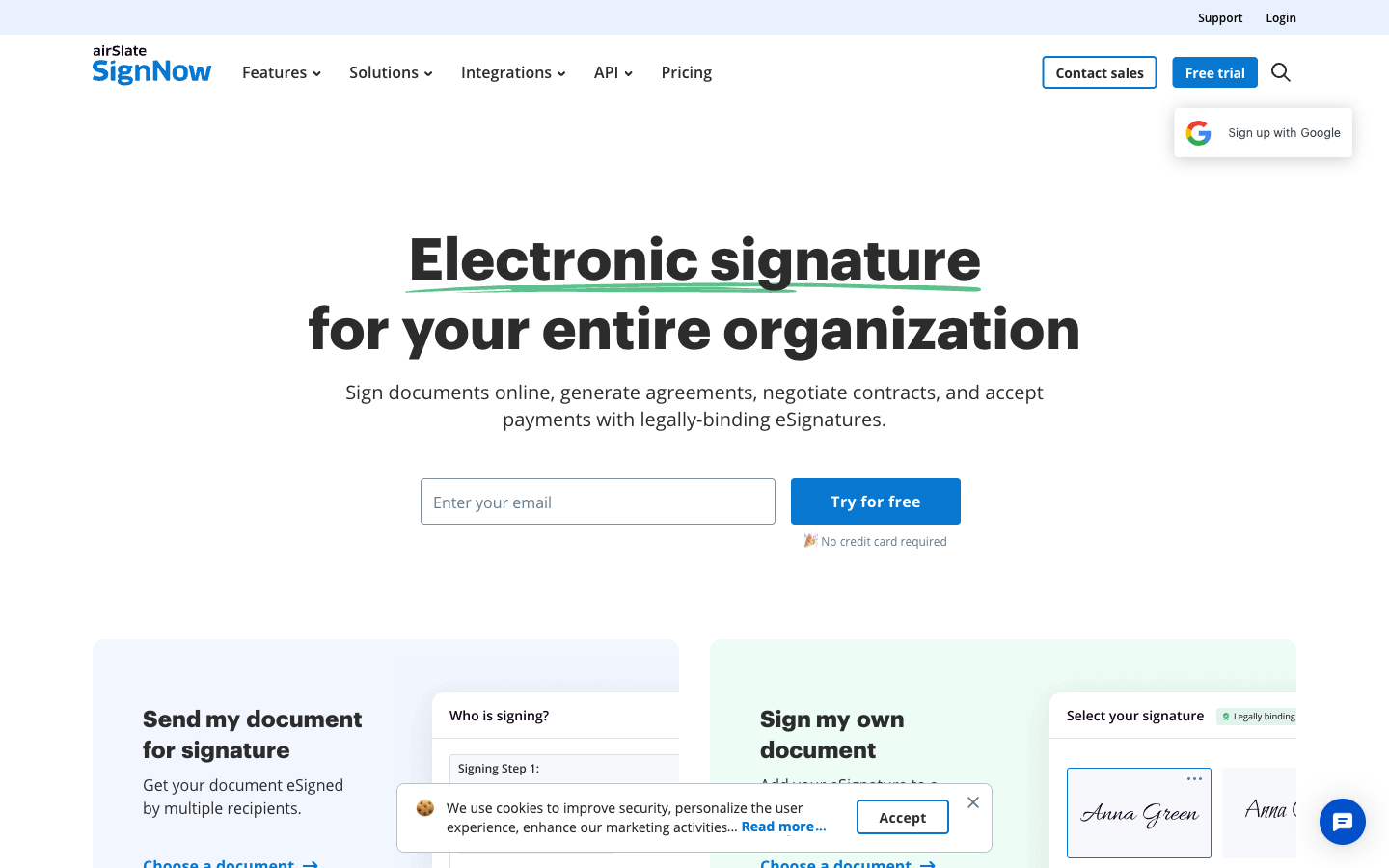
SignNow is the only tool here with a purpose-built kiosk mode: prop a tablet on the open-house table and each visitor completes their own copy of a template, one after another — sign-in sheets, buyer registration, agency disclosures. SMS signature invites are the other field feature, and they're effective; a text reaches a seller in their car faster than an email they'll find tonight. Business Premium, the tier with kiosk mode and bulk sending, is $15/user/month on annual billing, every tier includes unlimited templates (enough for a full forms library), and the mobile apps hold up. Users rate it 4.6/5 on both G2 (1,755 reviews) and Capterra, and the audit trail is court-admissible with SOC 2, GDPR, ISO 27001, and eIDAS coverage (HIPAA needs the quote-based Site License).
Then there's the cap, and for agents it's the whole story: every seat plan allows 100 signature invites per user per year. Two or three closings a quarter plus rental paperwork blows through that, and overages cost $0.96-3.60 per invite depending on tier. SignNow's Trustpilot rating sits at 3.1/5 across 3,100+ reviews largely because customers met the cap on their invoice rather than the pricing page. A part-time agent doing a handful of deals a year can make the math work; an active one should assume overage fees or keep scrolling.
Best for: open-house kiosk signing and SMS-first client contact, if your deal volume sits well under the cap.
 #4 Signeasy — for agents who run deals from a phone
Signeasy has been a mobile product since 2010, and in real estate that heritage beats a long feature list. The native iOS and Android apps carry the entire workflow: send a purchase agreement from the car, collect an in-person signature on a tablet at a kitchen-table listing appointment, check who's signed while you hang a lockbox. Sequential and parallel signing order means offer-to-buyer-to-seller routing happens without you playing traffic controller, and reviewers rate the polish highly — 4.7/5 on both G2 (756 reviews) and Capterra (458), with G2 Fall 2025 badges for fastest implementation and easiest setup. SOC 2 Type II, GDPR, and eIDAS compliance come standard, with a tamper-evident "trust seal" on signed documents.
The pricing suits an agent better than an agency. Business is $20/seat/month on annual billing with unlimited documents — fine for one or two licenses, but a ten-person team is paying $2,400 a year, and bulk send (renewal season, again) sits in the contact-sales "Build Your Plan" tier alongside SSO and HIPAA. Skip the $10 Personal plan: 5 sends a month is under one closing. There's no document editor, so leases arrive as PDFs from somewhere else, and some reviewers report app crashes on long documents — which disclosure packets are.
Best for: agents who work primarily from a phone or tablet and sign clients in person.
 #5 SignWell — cheapest unlimited documents for a one-agent shop
SignWell's Light plan is the cheapest way on this page for one agent to stop counting: $10/month billed annually, unlimited documents, one sender. It also publishes a large library of free, lawyer-reviewed contract templates — the kind of resource a newly independent agent raids for a referral agreement or property management contract before a broker's attorney supplies the real one. Multi-party signing order is built in, the review record is the category's best (4.8/5 on G2, 4.9/5 on Capterra, 65,000+ businesses), and compliance runs ESIGN/UETA, eIDAS, GDPR, HIPAA, and SOC 2 Type II with court-admissible audit reports.
The squeeze for real estate is the Light plan's 5-templates-per-sender cap. A listing agreement, buyer rep, two lease variants, and a disclosure form uses all five; the sixth form means Business at $30/month (annual) with three senders included. There's no native mobile app — agent and signer both work in the browser, fine for clients but no help at a rural showing with one bar of signal — and documents are upload-only, so you're still drafting leases elsewhere. Extra senders at $10-15/month each make team math less friendly than the sticker price suggests.
Best for: a solo independent agent with steady volume and a small, stable forms stack.
 #6 Dropbox Sign — signing inside the folders your deals live in
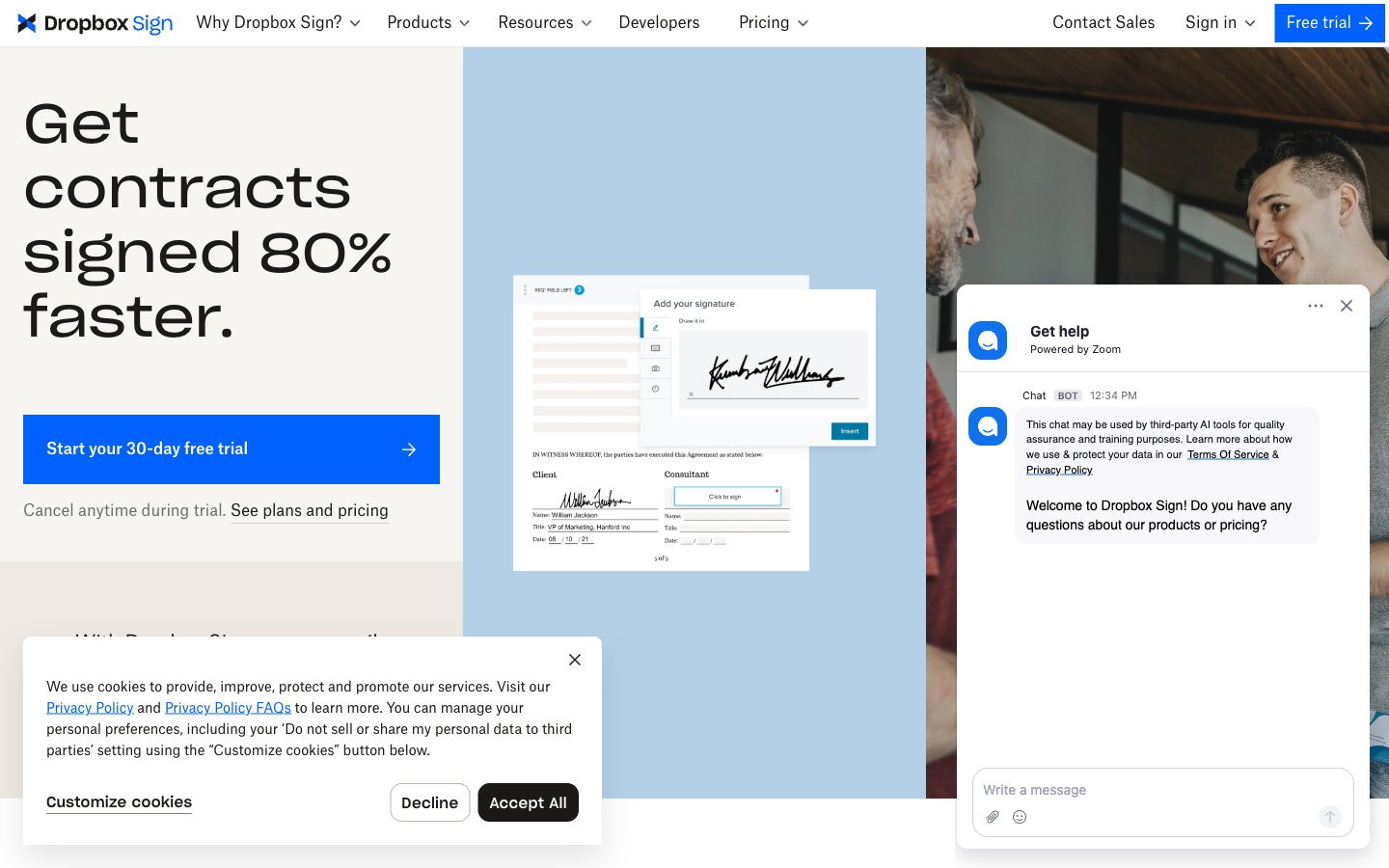
Plenty of small brokerages organize every deal as a Dropbox folder, and for them Dropbox Sign puts unlimited signature requests inside the structure they already maintain. No paid plan meters documents, the signing flow is among the cleanest anywhere (4.7/5 on G2 across 2,266 reviews, ease of use the top-cited strength), and the Standard plan covers real estate's field needs with in-person signing, bulk send, and SMS signer authentication at $17.50/user/month on annual billing. Dropbox explicitly markets Sign to real estate professionals, and the compliance stack backs it: SOC 2, ISO 27001, GDPR, HIPAA with BAA, and qualified e-signatures via eID partners, all with non-editable, time-stamped audit trails.
The template caps fight the use case. Five templates on Essentials and 15 on Standard sound workable until you count listing agreements, buyer reps, lease forms per property type, disclosures, and addenda — a working agent's library clears 15 forms quickly. Standard also carries a 2-user minimum, the free plan is 3 requests a month with a single signer, and product development has visibly slowed since Dropbox's 2019 acquisition (the SharePoint integration was retired in March 2026). It's a maintained product more than an advancing one.
Best for: teams that run deals out of Dropbox folders and keep a compact forms stack.
 #7 PandaDoc — lease packages with payment collection
PandaDoc earns its place for property managers more than agents. Lease packages come out of a real drag-and-drop editor with a large template gallery, tenants can pay application fees or deposits on the same document they sign, and approval workflows keep an owner's sign-off in the chain before a lease goes out. Paid plans include unlimited documents, the CRM integrations run deep for teams tracking deals in HubSpot or Salesforce, and it scores 4.7/5 on G2 across 3,400+ reviews. Compliance covers SOC 2, GDPR, HIPAA, and eIDAS including qualified signatures, with a certificate and audit trail on every document.
Bought as a solo agent's signing tool, it's mispriced. Every user needs a seat at $19-49/month annual, the $19 Starter tier caps you at 5 templates (a legacy of the 2024 plan restructure that dragged its Trustpilot to 3.3/5), and payment collection plus CRM sync require Business at $49/seat. An agent pays proposal-suite prices for CPQ and deal rooms built for software sales teams. Property managers with lease volume, application fees, and owner approvals get real value; if you only need the signature part, our PandaDoc alternatives breakdown covers the cheaper routes.
Best for: property management companies collecting fees and deposits at lease signing.
Tools we left off, and the real-estate reason why
Adobe Acrobat Sign keeps its API in Acrobat Sign Solutions, whose user licenses cap at 150 transactions per user per year — DocuSign-style metering without an NAR escape hatch — and simple sending is buried inside Acrobat's sprawl; it only makes sense if your office already pays for the PDF suite. Zoho Sign gates in-person signing behind its Enterprise tier and caps Standard at 25 envelopes per user per month; capable inside the Zoho suite, but nothing about it is built for field work. Jotform Sign has 1,000+ templates including real estate and pairs naturally with rental application forms, but hard monthly caps (100 signed documents on the $39 Bronze plan, with no way to buy more mid-cycle) and single-user plans below Enterprise rule out the property managers it would otherwise suit. Signaturely lacks in-person signing and mobile apps — two of the criteria this page ranks on — and its $25/month Personal plan allows 5 requests a month. For the full field, see our complete e-signature software ranking.
See them in action
Two independent videos worth ten minutes: a head-to-head of the two field-work picks, and a pros-and-cons pass over the DocuSign plan most agents would actually buy.
Pricing for a transaction-heavy month
Price these tools against one number: how many separately signed documents your last transaction produced. On DocuSign Standard annual billing, 100 envelopes per user per year is about 8 a month — one deal side, give or take a counter-offer — and each envelope past the cap costs $3-8. SignNow's cap has the same shape at 100 invites a year with $0.96-3.60 overages. Papersign Pro, SignWell, Signeasy Business, Dropbox Sign, and PandaDoc's paid tiers don't meter documents at all; what separates them is seats and templates. For a three-agent team on annual billing, the year looks like this: SignNow Business $288 (300 pooled invites, then $0.96+ per extra invite), SignWell Business $360 (three senders included), Papersign Pro $720 (unlimited documents, no overages), Signeasy Business $720, and DocuSign Standard $1,080 for a pooled 300 envelopes. The SignNow number needs the asterisk: three working agents sending even 20 documents a month each burn 720 invites a year, and the 420 past the pool cost roughly $400 in overages — landing within dollars of Papersign's uncapped $720, and past it the moment volume rises. API access follows the same split — included with Papersign Pro, pay-as-you-go at SignWell, a separate $146+/month contract at SignNow.
Papersign
DocuSign
| Product | Plan | Monthly Price | Annual Price (per month) | Free Plan | Free Trial | Limits |
|---|---|---|---|---|---|---|
| Papersign | Free | Free | Free | Yes | No | documents: 3, users: Unlimited |
| Papersign | Pro | $24/user | $20/user | documents: Unlimited*, users: Unlimited seats (each user billed), api requests: 10 documents per seat, per month | ||
| DocuSign | Personal | $15/mo | $11/mo billed annually | Yes | 30 days | documents: 5 envelopes per month, users: 1 |
| DocuSign | Standard | $45/mo | $30/mo billed annually | documents: 100 envelopes per user per year (annual plans); ~10/user/month on monthly billing, users: Up to 50 (per-user pricing) | ||
| DocuSign | Business Pro | $65/mo | $45/mo billed annually | documents: 100 envelopes per user per year (annual plans), users: Up to 50 (per-user pricing) | ||
| DocuSign | Enhanced Plans (Enterprise) | Contact sales | Not listed | documents: Custom envelope allowance, users: 50+ | ||
| SignNow | Business | $20/mo | $8/mo billed annually | No | 7 days | documents: 100 signature invites per user per year on annual billing (10 per month on monthly billing, no rollover); overage ~$0.96–$1.50 per extra invite, templates: Unlimited, users: Unlimited seats (per-user pricing) |
| SignNow | Business Premium | $30/mo | $15/mo billed annually | documents: 100 signature invites per user per year; overage ~$1.80 per extra invite, templates: Unlimited, users: Unlimited seats (per-user pricing) | ||
| SignNow | Enterprise | $50/mo | $30/mo billed annually | documents: 100 signature invites per user per year; overage ~$3.60 per extra invite, templates: Unlimited, users: Unlimited seats (per-user pricing) | ||
| SignNow | Site License | Custom (quote-based) | From ~$1.50 per signature invite (volume-based; ~$1.75/invite at 1,000-invite minimum commitment) | documents: Volume commitment, priced per invite, users: Unlimited | ||
| SignNow | API plans | From ~$146/month (billed annually) for ~1,000 invites/year | Not listed | api requests: Tiered by annual invite volume | ||
| Signeasy | Personal | $10/mo | $10/mo billed annually | Yes | Yes | documents: 5 document sends per month (unlimited self-signing), templates: 5, users: 1 |
| Signeasy | Business | $20/mo | $20/mo billed annually | documents: Unlimited, templates: Unlimited | ||
| Signeasy | Business Pro | $30/mo | $30/mo billed annually | documents: Unlimited, templates: Unlimited | ||
| Signeasy | API Starter (Sandbox) | Free | Not listed | api requests: 100 test envelopes | ||
| Signeasy | API Intermediate | $125/mo | $1499/mo billed annually | api requests: 1,000 envelopes/year | ||
| Signeasy | API Advanced | $250/mo | $2999/mo billed annually | api requests: 2,000 envelopes/year | ||
| SignWell | Free | Free | Free | Yes | Free plan acts as ongoing trial (3 documents/month) | documents: 3 per month, templates: 1, users: 1, api requests: 3 free API documents/month |
| SignWell | Light | $12/mo | $10/mo billed annually | documents: Unlimited, templates: 5 per sender, users: 1 sender included; extra senders $10-12/mo each, api requests: 15 free API documents/month, then pay-as-you-go | ||
| SignWell | Business | $36/mo | $30/mo billed annually | documents: Unlimited, templates: Unlimited, users: 3 senders included; extra senders $12-15/mo each, api requests: 25 free API documents/month, then pay-as-you-go | ||
| SignWell | API (pay-as-you-go) | Usage-based | Not listed | documents: First 25 API documents/month free, then $0.85/doc down to $0.20+/doc with volume | ||
| Dropbox Sign | Free | Free | Not listed | Yes | 30 days | documents: 3 signature requests/month, templates: 0, users: 1 |
| Dropbox Sign | Essentials | $15/mo | $10.05/mo billed annually | documents: Unlimited signature requests, templates: 5, users: 1 | ||
| Dropbox Sign | Standard | $25/mo | $17.5/mo billed annually | documents: Unlimited signature requests, templates: 15, users: 2-5 (2-user minimum; contact sales beyond 5) | ||
| Dropbox Sign | Premium | Custom quote | Not listed | documents: Unlimited signature requests, templates: Unlimited, users: 5+ | ||
| Dropbox Sign | API Essentials | $75/mo | $900/mo billed annually | documents: 50 signature requests/month (starting), api requests: 50 signature requests/month | ||
| Dropbox Sign | API Standard | $250/mo | $3000/mo billed annually | documents: 100 signature requests/month (starting), api requests: 100 signature requests/month | ||
| Dropbox Sign | API Premium | Custom quote | Not listed | documents: 100+ signature requests/month | ||
| PandaDoc | Free | Free | Free | Yes | 14 days | documents: 5 per month (~60 per year) |
| PandaDoc | Starter | $35/mo | $19/mo billed annually | documents: Unlimited, templates: 5, users: Per-seat pricing | ||
| PandaDoc | Business | $65/mo | $49/mo billed annually | documents: Unlimited, templates: Unlimited, users: Per-seat pricing | ||
| PandaDoc | Enterprise | Custom | Custom | documents: Unlimited, templates: Unlimited, users: Per-seat or per-document licensing |
How they score with users
G2 and Capterra scores bunch between 4.5 and 4.9 across this list, so read Trustpilot for the failure modes instead: the two envelope-metered incumbents wear their pricing there (DocuSign 1.5/5, SignNow 3.1/5, both dominated by renewal and overage complaints), while the unmetered tools have no equivalent pattern — SignWell and Signeasy hold strong scores on every platform they're listed on. For an agent, the lesson is less about support quality than billing predictability in a commission-based cash flow.
How we evaluated
This list is published by Papersign, and Papersign ranks first, so here is the test we applied. We took the same 14-platform dataset behind our main e-signature ranking and re-scored it on five real-estate-weighted criteria: what a closing's worth of documents costs (envelope caps, overage fees, unmetered pricing), in-person and mobile signing for open houses and kitchen-table appointments, template handling for a working forms stack, multi-party routing with signing order for offer chains, and compliance with an audit trail that survives a dispute — ESIGN/UETA at minimum, SOC 2 preferred. Pricing was verified against vendor pricing pages in July 2026.
Real-estate-specific transaction platforms (dotloop, Lone Wolf, SkySlope) weren't ranked because they're a different category, and we've said plainly where they win: MLS and association forms inside a brokerage workflow. Where the evidence favored a competitor, we said that too — the NAR DocuSign plan is the best deal in this article for anyone eligible, and SignNow's kiosk mode has no equal here. Papersign takes the overall spot because unmetered documents, a lease-capable editor, and seats you can add without changing plans fit how real estate paperwork behaves: in bursts, at volume, with several signing parties on every deal.
Frequently Asked Questions
How many signature requests does one real estate transaction actually use?
Can buyers and sellers sign disclosures on their phones?
Do any of these tools integrate directly with MLS forms?
Should I use dotloop or a general e-signature tool?
Are electronic signatures legally binding on real estate contracts and leases?
What is the cheapest way for a solo agent to get unlimited e-signatures?
Does DocuSign have a real-estate-specific plan?
What should a property management company look for that an agent does not need?
Sources & References
- Docusign — NAR REALTOR Benefits Program (official and exclusive e-signature provider) — National Association of REALTORS, verified July 2026
- DocuSign eSignature plans and pricing for real estate — DocuSign, verified July 2026
- Docusign Rooms for Real Estate — DocuSign
- Lone Wolf Authentisign — Lone Wolf Technologies
- dotloop plans and pricing — dotloop (Zillow Group)
- SignNow Pricing 2026: Plans, Costs & Hidden Limits — Docupilot, July 2026
- Adobe Acrobat Sign transaction limits — Adobe
- SignWell pricing — SignWell, verified July 2026
- Signeasy pricing — Signeasy, verified July 2026
- Dropbox Sign plans and pricing — Dropbox Sign, verified July 2026
- SignNow vs SignEasy Comparison 2025 | Best eSignature Platform Review — YouTube, September 2025
- DocuSign Pro Review | Pros and Cons – Watch Before Using — YouTube, January 2026
- DocuSign reviews on Trustpilot — Trustpilot, July 2026
Last updated October 7, 2026
Ready to try Papersign?
Send, sign, and manage documents in minutes — simple, fast e-signatures without the bloat.
Get Papersign FreeFree plan available, no credit card required