
Papersign vs DocuSign: Which Is Better in 2026?
Papersign and DocuSign both produce legally binding e-signatures backed by full audit trails. The difference is scale: DocuSign is an enterprise agreement platform, sold per user with envelope caps; Papersign is a signing tool you can learn in five minutes, priced at $24 per user per month ($20 billed annually) with unlimited signed documents and no envelope caps. Most teams only need the second one.
On paper this is a mismatch. DocuSign has been signing the world's documents since 2003; it's a public company with around 7,000 employees, 1.7 million customers, and a product line that runs from e-signature into contract lifecycle management, AI-assisted review, and identity verification. Papersign launched in 2023, is built by the bootstrapped team behind Paperform, and does one job: get documents signed. If you're scoring on feature count, close the tab — DocuSign wins.
Feature count is the wrong test, though. The typical buyer here sends client contracts, NDAs, offer letters, and consent forms, and the work is unglamorous: put a document in front of the right person, collect a signature that holds up, keep the evidence. The useful question is how much product you want to own to do that job. DocuSign asks you to take on an admin console, per-user seats, and an envelope allowance. Papersign asks you to upload a PDF (or write the document in its editor) and press send. Below, the two compared on pricing and limits, templates, workflows, integrations, compliance, and reviews, with honest notes on where DocuSign is the right call.
The quick verdict
Choose Papersign if:
- You want documents going out today, with nobody trained and nothing configured
- The whole team should be able to send (no seat caps — add a user, they're billed, they're in)
- You'd rather never think about envelope allowances or overage fees
- SOC 2 Type II, GDPR, and a full audit trail cover your compliance requirements
- Your documents start life as forms, and the Paperform integration turns submissions into signed agreements
Choose DocuSign if:
- You need HIPAA, 21 CFR Part 11, or eIDAS qualified signatures (QES)
- Agreements run through Salesforce, SAP, or Workday and must stay there
- Signers must be verified by government ID or SMS, not just email
- Procurement will only approve the incumbent with the longest audit history
Papersign vs DocuSign side by side
| Feature | Papersign | DocuSign |
|---|---|---|
| Document Creation & Editing | ||
| Upload and sign PDFs | Yes | Yes |
| Rich editor to create documents from scratch | Yes | No |
| Web forms | No | Yes Business Pro |
| Document generation | No | Yes Enterprise |
| Signing Experience | ||
| Legally binding e-signatures | Yes | Yes |
| Real-time tracking and notifications | Yes | Yes |
| Automatic reminders | Yes | Yes |
| Manual signing links | Yes Pro | No |
| Unlimited users | Yes | No |
| Signing order / routing | No | Yes |
| In-person signing | No | Yes |
| Bulk send | No | Yes Business Pro |
| SMS delivery | No | Yes |
| Mobile signing (native apps) | No | Yes |
| Payment collection at signing | No | Yes Business Pro |
| Workflows & Automation | ||
| Paperform integration | Yes | No |
| Bulk sending | Yes Pro | No |
| Custom email notifications | Yes Pro | Yes Standard |
| Webhooks | Yes Pro | No |
| Conditional routing / advanced workflows | No | Yes Enterprise |
| Webhooks (Connect) | No | Yes |
| PowerForms (on-demand signing links) | No | Yes Business Pro |
| Security & Compliance | ||
| SOC 2 Type II | Yes | Yes |
| GDPR compliant | Yes | Yes |
| Activity trail | Yes | No |
| Signed document certificate | Yes | No |
| Consent agreement | Yes | No |
| Local data residency | Yes Enterprise | Yes Enterprise |
| HIPAA support (BAA) | No | Yes Enterprise |
| ISO 27001 | No | Yes |
| Audit trail / certificate of completion | No | Yes |
| eIDAS AES/QES qualified signatures | No | Yes |
| 21 CFR Part 11 module | No | Yes Enterprise |
| Identity Verification | ||
| Signer email verification | Yes Pro | Yes |
| SSO (SAML) | Yes Enterprise | Yes Enterprise |
| SMS / phone OTP authentication | No | Yes |
| ID document verification | No | Yes |
| Knowledge-based authentication (KBA) | No | Yes |
| Integrations & API | ||
| Papersign API | Yes Pro | No |
| Webhooks | Yes Pro | Yes |
| Public API | No | Yes |
| Native integrations | No | 900+ |
| Zapier | No | Yes |
| Team & Branding | ||
| Team document organisation | Yes Pro | Yes Standard |
| Email/chat support | Yes | No |
| Dedicated CSM | Yes Enterprise | Yes Enterprise |
| SLA | Yes Enterprise | Yes Enterprise |
| Custom branding | No | Yes Standard |
| 24/7 live support | No | Yes Enterprise |
| Templates | ||
| Reusable templates | No | Yes |
| Template sharing across teams | No | Yes Standard |
What Papersign does better
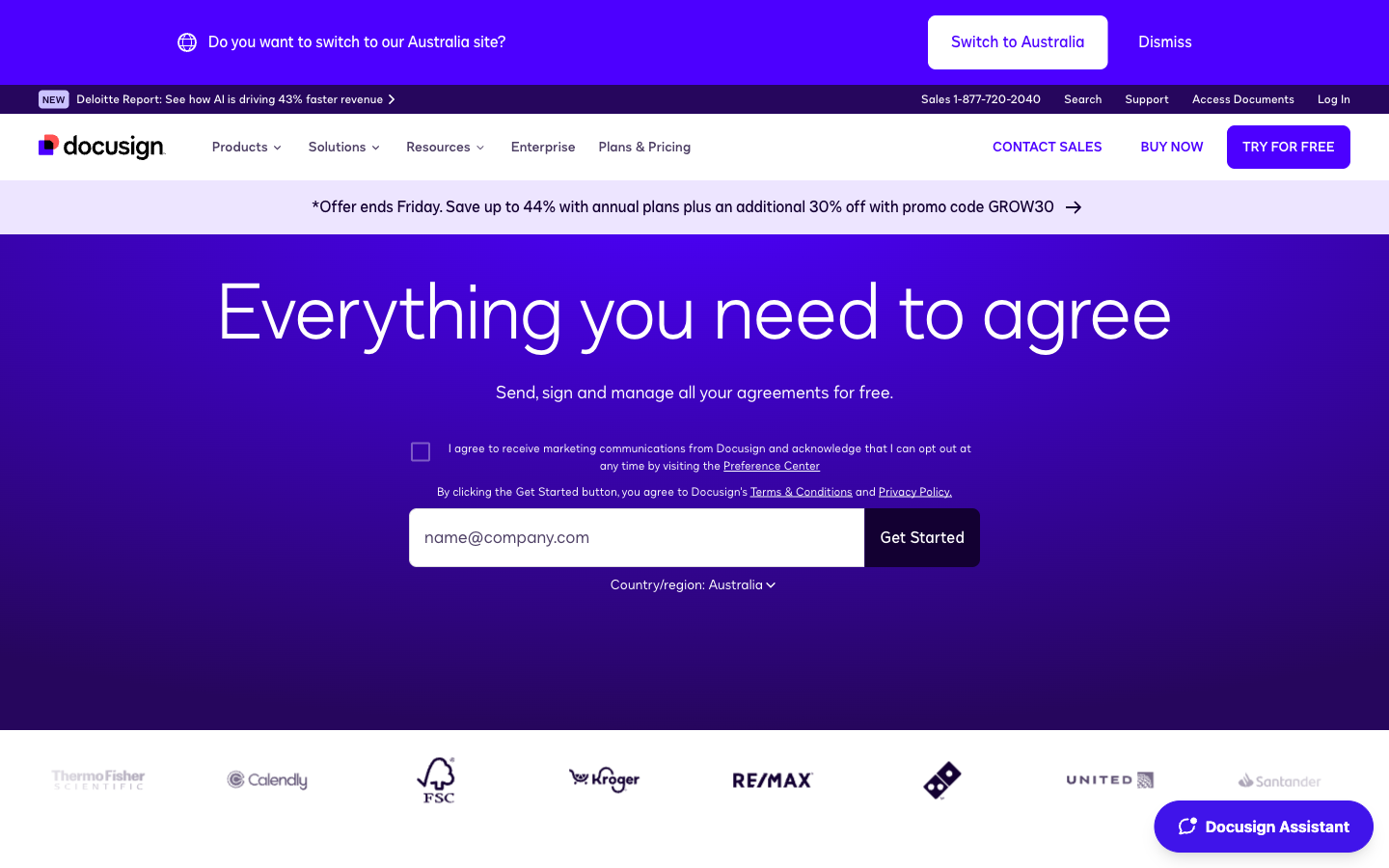
Speed is the whole design brief. A new Papersign account can send its first document inside ten minutes: upload the PDF or draft it in the built-in editor, drop the signature fields, send. There's no sandbox to set up, no permission profiles to design, and no training session to schedule, because there's nothing to be trained on. DocuSign's basic sending flow is fine too; the difference is that it sits inside a much larger product, and someone at your company has to own that product.
That ownership gap is the sharpest difference between the two. DocuSign assumes an administrator exists: someone assigns seats, manages permission profiles, builds shared templates, and reads envelope reports. Papersign assumes nobody wants that job. There are no seat caps or permission tiers to plan around: add a user, they're billed as a seat, and rolling it out means sending a link rather than designing an org chart. When a new salesperson joins, they're sending contracts that afternoon.
You also stop counting. Papersign's paid plan doesn't meter documents, so nobody hesitates before sending a contract in December because the allowance is running thin; the full numbers are in the pricing section below. And the compliance floor comes included rather than laddered: SOC 2 Type II, GDPR, the activity trail, and the signed document certificate are all on the free plan, not reserved for an enterprise tier.
What DocuSign does better
Familiarity, first. Your counterparties have signed with DocuSign before; 1.7 million customers and over a billion users in 180+ countries will do that. A recognized sender gets documents opened and completed with less chasing, and on deals with slow outside parties that recognition is worth something real.
Then there's the certification drawer. DocuSign holds SOC 2 Type II, ISO 27001/27017/27018, HIPAA BAAs, PCI DSS, and a 21 CFR Part 11 module for life sciences, and it issues eIDAS Advanced and Qualified signatures through DocuSign France, its own qualified trust service provider. If a regulator, auditor, or EU counterparty demands a specific attestation, DocuSign almost certainly has the paperwork. Papersign doesn't compete in that tier and shouldn't pretend to.
The integrations are the moat: 900+ native connections, including Salesforce, Microsoft 365, Google Workspace, SAP, and Workday, plus a mature REST API with SDKs. Add the workflow depth (signing order and conditional routing, in-person signing, PowerForms, payment collection at signing, paid ID verification) and you can see why large companies standardize on it. All of that is why DocuSign costs what it costs. Whether you'd use any of it is the question this page keeps asking.
Where Papersign falls short
Judged as a DocuSign replacement for a regulated enterprise, Papersign disqualifies itself quickly, and it's better to know that up front. There's no HIPAA BAA, no 21 CFR Part 11 module, and no eIDAS qualified signatures, so healthcare providers, pharma companies, and EU deals that specifically require QES should stay put. Identity verification stops at signer email verification, a Pro feature: no SMS one-time codes, no knowledge-based authentication, no government-ID checks.
The integration catalog is deliberately narrow: a deep Paperform connection, an API, and webhooks. If your contracts must be generated and tracked inside Salesforce, that single requirement settles this comparison in DocuSign's favor. The Pro plan's API allowance is also modest (the numbers are in the integrations section below), so heavy programmatic senders end up in the Enterprise conversation. And Papersign is young, launched in 2023, though it's run by Paperform, profitable and bootstrapped since 2016, which is a steadier foundation than most three-year-old software gets.
Where DocuSign falls short
Most of DocuSign's weaknesses in this matchup are the price of its strengths. The platform that satisfies a bank's procurement team is the same one a five-person agency has to administer: seats to buy and assign, permission profiles, template configuration, and an add-on price list where SMS delivery ($0.36 per message), ID verification ($2.40 per attempt), and API access (separate developer plans from about $600/year) each bill separately. The Business Dive's 2026 review scored DocuSign 4.2/5 and drew the same line: getting started is straightforward, but the product is built for large enterprises and priced out of proportion for small teams.
Then there's the meter. Send-heavy months collide with envelope allowances many buyers never knew they'd agreed to, plus overage fees on top. The exact numbers are below, and they recur across independent pricing breakdowns from Eversign to The Business Dive. Once people learn the cap exists, they start rationing sends, which is a strange behavior for software meant to accelerate agreements.
Billing is the sore spot the star ratings can't hide. DocuSign's Trustpilot score sits at 1.5/5 across 1,168 reviews — roughly three-quarters of them one star — describing the same two experiences on repeat: an annual plan that renewed itself, and a support queue with nobody at the end. Its G2 score (4.5/5) says the software works; the Trustpilot score says leaving is harder than arriving. If you're weighing the whole market rather than just these two, our DocuSign alternatives roundup covers six options in depth.
Head to head: the dimensions that decide it
Pricing and document limits
Papersign Pro costs $24 per user per month ($20 billed annually) with unlimited signed documents and no seat caps; DocuSign Standard costs $45 per user per month ($30 billed annually) and caps annual plans at 100 envelopes per user per year, with overages of roughly $3 to $8 per envelope.
Run the math at team size. Three people on DocuSign Standard annual billing: $1,080 a year, sharing a 300-envelope allowance. The same three people on Papersign Pro annual: $720 a year, no allowance to share. Papersign's seat is a third cheaper ($20 vs $30 a month) and comes with no envelope meter, so the gap widens the more you send. DocuSign Personal looks cheaper at $15/month ($11 annual), but it permits one user and 5 envelopes a month — a busy fortnight, not a plan. On free tiers, Papersign includes 3 signed documents a month and the full audit trail; DocuSign's free account is mostly for signing what other people send you. One caveat runs the other way: Papersign's unlimited sending is subject to a fair-usage policy, which exists to stop abuse rather than to bill you for overages. Worth knowing about all the same.
Papersign
DocuSign
| Product | Plan | Monthly Price | Annual Price (per month) | Free Plan | Free Trial | Limits |
|---|---|---|---|---|---|---|
| Papersign | Free | Free | Free | Yes | No | documents: 3, users: Unlimited |
| Papersign | Pro | $24/user | $20/user | documents: Unlimited*, users: Unlimited seats (each user billed), api requests: 10 documents per seat, per month | ||
| DocuSign | Personal | $15/mo | $11/mo billed annually | Yes | 30 days | documents: 5 envelopes per month, users: 1 |
| DocuSign | Standard | $45/mo | $30/mo billed annually | documents: 100 envelopes per user per year (annual plans); ~10/user/month on monthly billing, users: Up to 50 (per-user pricing) | ||
| DocuSign | Business Pro | $65/mo | $45/mo billed annually | documents: 100 envelopes per user per year (annual plans), users: Up to 50 (per-user pricing) | ||
| DocuSign | Enhanced Plans (Enterprise) | Contact sales | Not listed | documents: Custom envelope allowance, users: 50+ |
Prices verified against both vendors' public pricing pages, July 2026.
Templates
Templates are DocuSign's cleanest win in this comparison: reusable templates ship on every DocuSign plan and shared team template libraries arrive from Standard up, while Papersign has no comparable template library. Years of enterprise use have made DocuSign's role-and-field template system genuinely deep. Papersign's answer is different in kind: draft documents in its editor, or have Paperform submissions generate pre-filled documents automatically. If your team fires off the same five role-based contracts hundreds of times a year, DocuSign's template maturity is a legitimate reason to pay more. If your documents vary deal by deal, it's machinery you'd rarely wind up.
Workflows and automation
Both tools cover the workflow essentials (automatic reminders, real-time tracking and notifications, bulk sending), but the gating differs sharply: bulk send needs DocuSign's Business Pro plan at $65 per user per month ($45 on annual billing), while Papersign includes it on Pro at $24 per user. Past the essentials, DocuSign goes deeper: signing order and routing, conditional routing on enterprise tiers, in-person signing, PowerForms for on-demand signing links, payment collection at signing. Papersign counters with manual signing links, custom email notifications, webhooks, and the Paperform integration, where a form submission becomes a document already out for signature. Sequential, multi-stage approval chains favor DocuSign; form-driven document flows favor Papersign.
Integrations and API
DocuSign offers 900+ integrations, with native Salesforce, Microsoft 365, Google Workspace, SAP, and Workday connections; Papersign offers one deep native integration (Paperform) plus an API and webhooks on Pro plans. The API pricing inverts the picture, though. DocuSign sells API sending on separate developer plans starting around $600/year for roughly 40 envelopes a month, per Certinal's breakdown of the tiers. Papersign's API rides along with Pro (10 API-signed documents per seat per month, unlimited on Enterprise), so light programmatic signing doesn't need its own contract. For heavy API volume, DocuSign's SDKs and documentation remain the more worn path.
Compliance and audit trails
Papersign and DocuSign are both ESIGN/UETA-compliant, SOC 2 Type II attested, and GDPR-ready, and both attach tamper-evident evidence to every signed document: DocuSign a certificate of completion, Papersign an activity trail plus a signed document certificate. Above that shared floor, DocuSign's stack runs several storeys higher: ISO 27001/27017/27018, HIPAA BAAs, PCI DSS, 21 CFR Part 11, and eIDAS Advanced and Qualified signatures through its own EU trust service provider. The practical test is your industry's requirements document. If it names HIPAA, Part 11, or QES, this section alone decides for DocuSign. If it doesn't — and for most businesses signing contracts, NDAs, and client agreements, it doesn't — both tools clear the legal bar, and the extra certifications buy you nothing you'd use.
See DocuSign in action
If you're close to a decision, an independent walkthrough of DocuSign's Business Pro plan is twenty minutes well spent: it shows the workflow depth and the plan-matrix overhead in equal measure.
What the review sites show
DocuSign's product ratings are strong: 4.5/5 on G2 from 2,594 reviews and 4.7/5 on Capterra from 9,023, with complaints aimed at price and envelope limits rather than reliability. Its Trustpilot page is the outlier at 1.5/5 across 1,168 reviews, dominated by renewal and billing disputes — the distance between those numbers is the fairest one-line summary of owning DocuSign. Papersign launched in 2023 and hasn't accumulated meaningful review volume on G2 or Capterra yet; weigh that honestly, and offset it with a free plan you can trial without a card, and a parent company, Paperform, that has been shipping since 2016.
The verdict
Buy DocuSign when your requirements say you must: HIPAA or 21 CFR Part 11 obligations, eIDAS qualified signatures, government-ID verification, agreements that live inside Salesforce or SAP, or a procurement process that only passes the incumbent. In those situations DocuSign is the correct tool rather than an indulgence, and smaller products can't substitute for it.
Buy Papersign if you recognized yourself earlier on this page: a team that sends contracts, NDAs, proposals, offer letters, or consent forms and wants them signed today, at a cheaper per-seat price than DocuSign Standard and a volume that ignores meters. You give up the 900-app catalog and the regulated-industry certifications; you get a tool anyone can use unaided and a bill you can predict: seats times $20, nothing metered on top. Start on the free plan (3 documents a month) and find out whether you ever miss the machinery. For how both stack up against the rest of the market, see our best e-signature software ranking or browse the e-signature software hub.
Frequently Asked Questions
Is Papersign as legally binding as DocuSign?
How much work is it to switch from DocuSign to Papersign?
What does DocuSign do that Papersign can't?
How long does it take to roll out Papersign vs DocuSign to a team?
What happens to my signed documents if I cancel Papersign or DocuSign?
Sources & References
- DocuSign eSignature plans and pricing — DocuSign, verified July 2026
- Papersign pricing — Papersign, verified July 2026
- DocuSign compliance certifications — DocuSign Trust Center
- DocuSign reviews on Trustpilot (1.5/5, 1,168 reviews) — Trustpilot, July 2026
- DocuSign reviews on G2 (4.5/5, 2,594 reviews) — G2, July 2026
- DocuSign reviews on Capterra (4.7/5, 9,023 reviews) — Capterra, July 2026
- Docusign Review 2026: Justified Red Flags? — The Business Dive
- DocuSign eSign API Pricing Explained: Costs & Best Alternative — Certinal
- DocuSign Pro Review | Pros and Cons – Watch Before Using — YouTube, January 2026
Last updated October 7, 2026
Ready to try Papersign?
Send, sign, and manage documents in minutes — simple, fast e-signatures without the bloat.
Get Papersign FreeFree plan available, no credit card required