
15 Best DocuSign Alternatives in 2026 (Free & Paid Compared)
DocuSign is the name most people know, but it is not the only way to get a document signed. This guide compares 15 DocuSign alternatives, including free eSignature softwares like Papersign. Each entry covers price, who it suits best, and the main standout feature worth knowing about.
Quick comparison: 15 DocuSign alternatives at a glance
| Tool | Starting price | Free plan | Best for |
|---|---|---|---|
| PandaDoc | From $35/user/month | No | Sales teams that need proposals with signing built in |
| Dropbox Sign | From $15/user/month | 30-day trial | Teams already living in Dropbox, Google, or Salesforce |
| Papersign | $20/user/month (Pro) | Yes, 3 documents/month | Paperform users who want forms and signing in one workflow |
| Acrobat Sign | From $9.99/month (individual) | No | Businesses already inside the Adobe ecosystem |
| SignNow | Custom, low-cost tiers | No | Cost-conscious teams that need bulk sending |
| SignRequest | From $7/month | Yes | Solopreneurs signing the occasional document |
| Xodo Sign | From $9.99/month | Yes | Businesses that want fixed, predictable pricing |
| RightSignature | Bundled into ShareFile plans | No | Existing Citrix ShareFile customers |
| OneSpan Sign | Custom (enterprise) | No | Regulated industries like banking and healthcare |
| DocHub | From $6.99/month | Yes | Individuals who mainly need to edit and sign PDFs |
| Jotform Sign | From $34/month | Yes | Businesses already using Jotform to collect data |
| SignEasy | From $8/month | Free trial | Mobile-first teams signing contracts on the go |
| YouSign (Youtrust) | Custom | Free trial | EU businesses that need qualified electronic signatures |
| Formstack Sign | From $28/user/month | No | Formstack customers building form-to-signature workflows |
| Foxit eSign | From $10/user/month | No | Teams that want signing bundled with a PDF editor |
1. PandaDoc
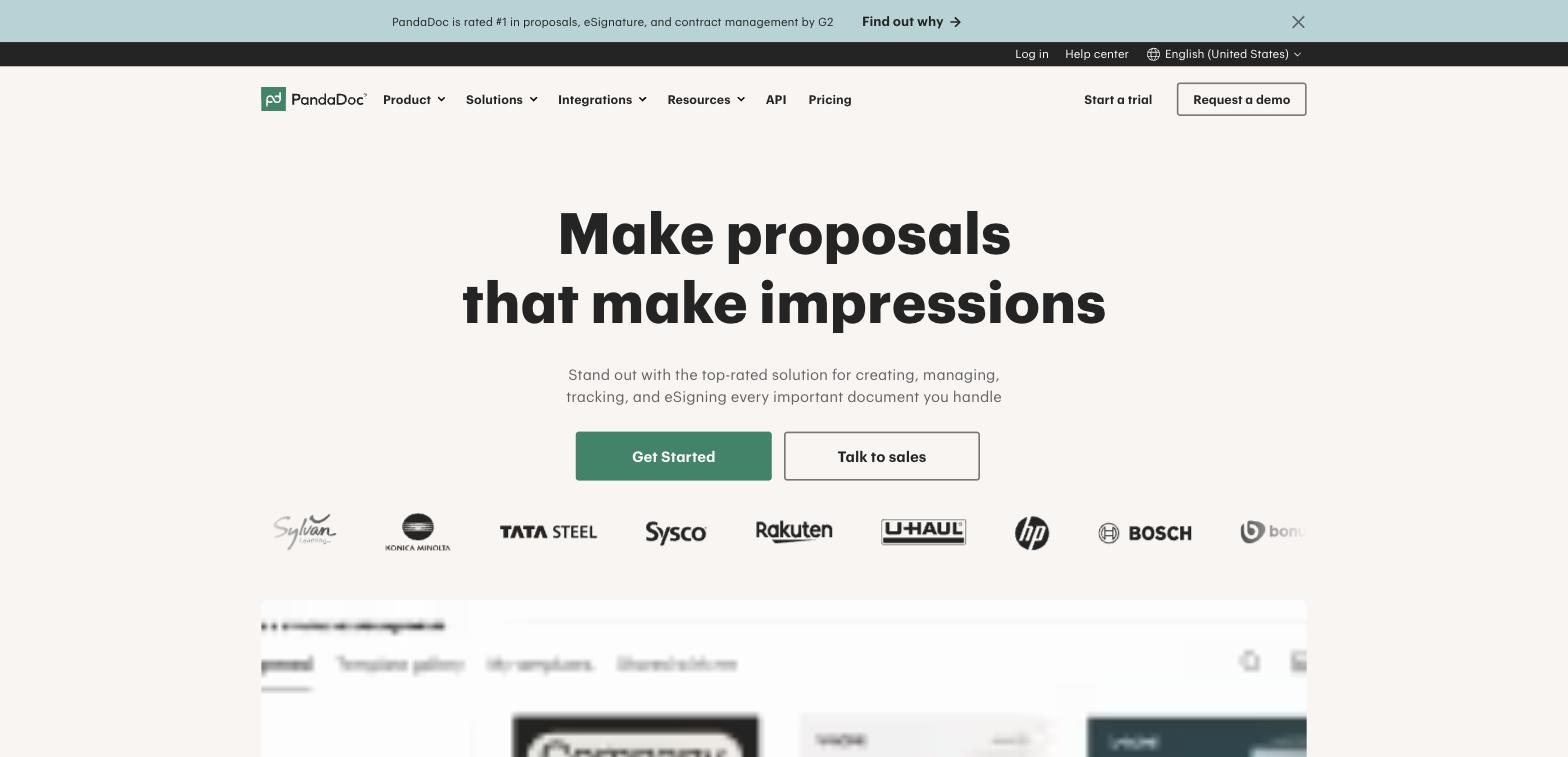
Price: Essentials plans start at $35/user/month, with Business and Enterprise tiers above that.
Best for: Sales teams that need proposals, quotes, and signatures in one place.
PandaDoc goes beyond e-signatures into document automation. It handles content creation, tracking, and analytics, which makes it a natural fit for sales teams sending the same types of proposals on repeat.
Highlighted feature: smart content generation
PandaDoc's Smart Content adapts what a recipient sees based on their earlier answers, cutting down the back-and-forth needed to tailor a document to each deal.
2. Dropbox Sign
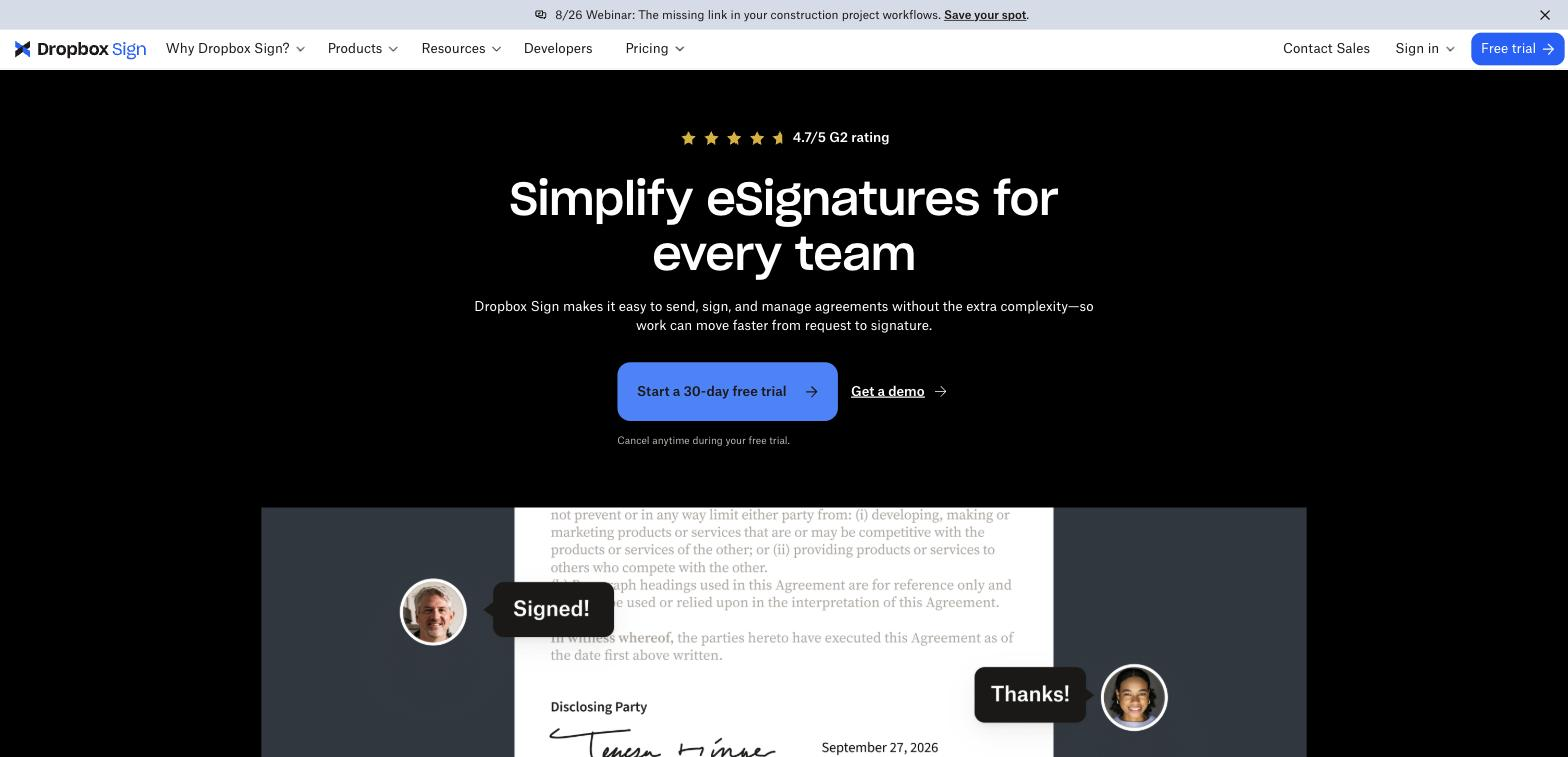
Price: Plans start around $15/user/month, with a 30-day free trial.
Best for: Teams already working inside Dropbox, Google Docs, or Salesforce.
Dropbox Sign, formerly HelloSign, keeps things simple: upload a document, add signature fields, send. Its strength is how well it slots into tools you are probably already using.
Highlighted feature: deep integrations
Dropbox Sign connects directly with Dropbox, Google, Salesforce, HubSpot, and SharePoint, so signing happens inside the apps your team already has open.
3. Papersign
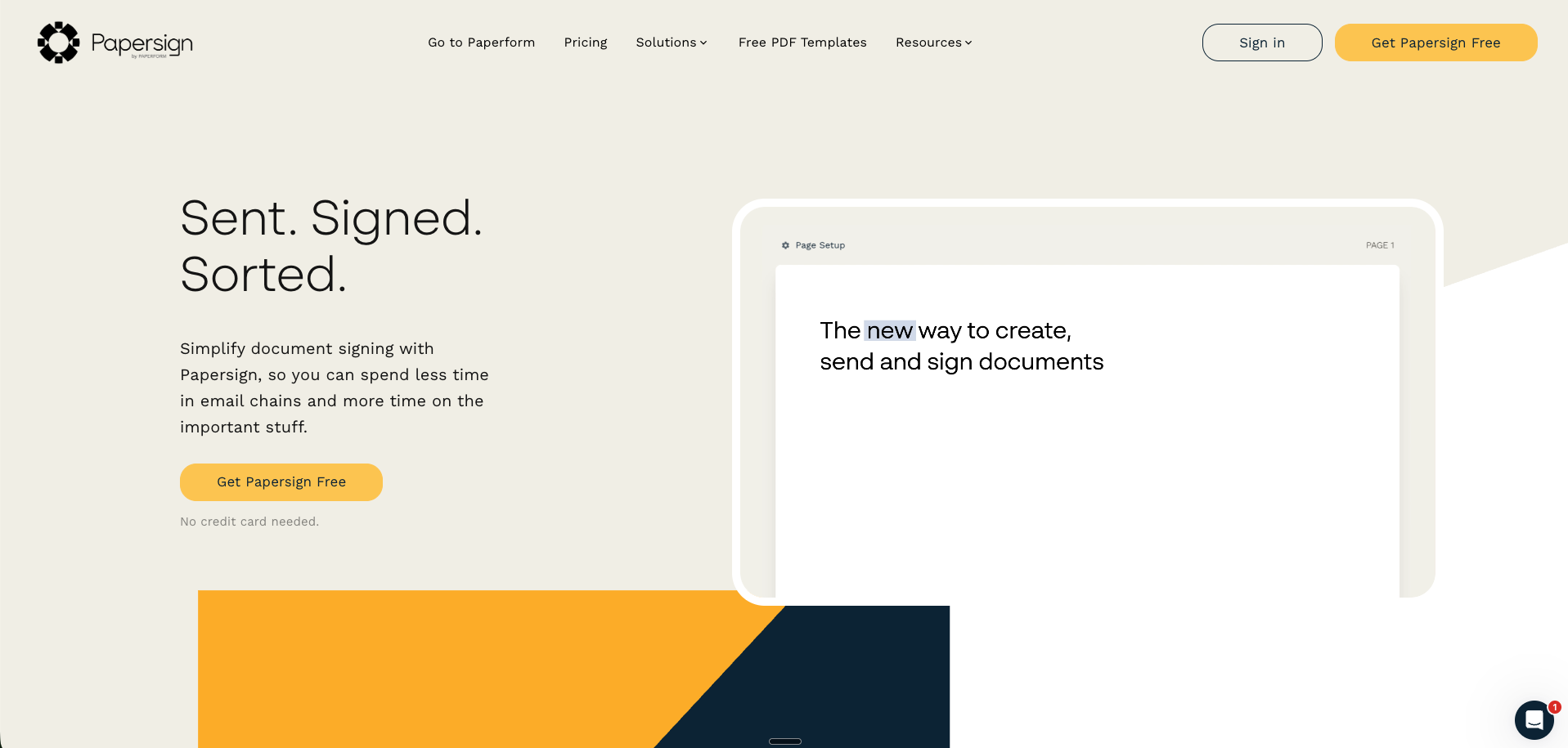
Price: Free plan available (3 documents/month). Pro plan is $20/user/month with unlimited documents, bulk sending, and API access.
Best for: Paperform users who want to collect data and get it signed without re-entering a single field.
Papersign is Paperform's e-signature platform, built to work standalone or alongside Paperform forms. Upload an existing PDF or build one from scratch in the editor, add signature fields with slash commands, and send it in minutes.
Papersign's dashboard shows real-time status for every document you send, so you are not stuck guessing whether someone has opened, viewed, or signed. Add your logo, fonts, and colours to keep every document on-brand, something most e-signature tools treat as an afterthought.
The real advantage shows up when you connect Papersign to Paperform. Collect information through a form (with conditional logic to branch based on answers), then auto-populate the resulting contract in Papersign for signing. No copy-pasting fields from a form into a document, no email chains to track down a missing signature. DocuSign has no form-builder equivalent, so this workflow is not something you can replicate there without stitching together a separate tool.
Highlighted feature: form-to-signature automation
Connect a Paperform form to Papersign and trigger a document to send the moment someone submits it, with their answers already filled in. It turns a two-step manual process into one automated one.
4. Acrobat Sign
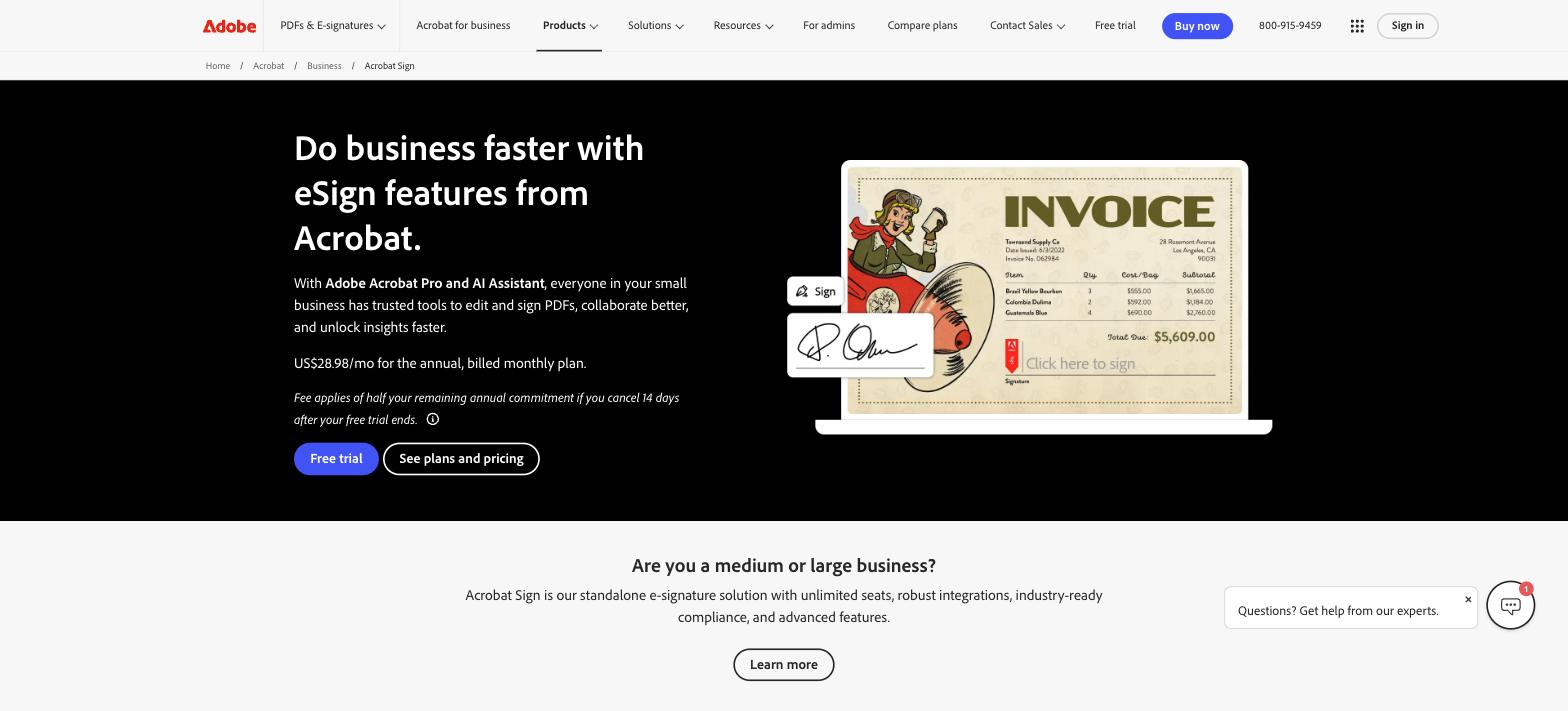
Price: Individual plans from $9.99/month. Business plans with Acrobat Pro and AI Assistant bundled start around $29/user/month, billed annually.
Best for: Businesses already paying for the Adobe ecosystem.
Acrobat Sign is part of Adobe's document suite, so it makes sense for teams already using Acrobat to edit and manage PDFs. It integrates with Microsoft, Salesforce, and ServiceNow for signing inside existing workflows.
Highlighted feature: mobile PDF scanning
The free Adobe Scan app lets you turn a physical document into a signable PDF from your phone, which is handy when a signer only has a paper copy on hand.
5. SignNow
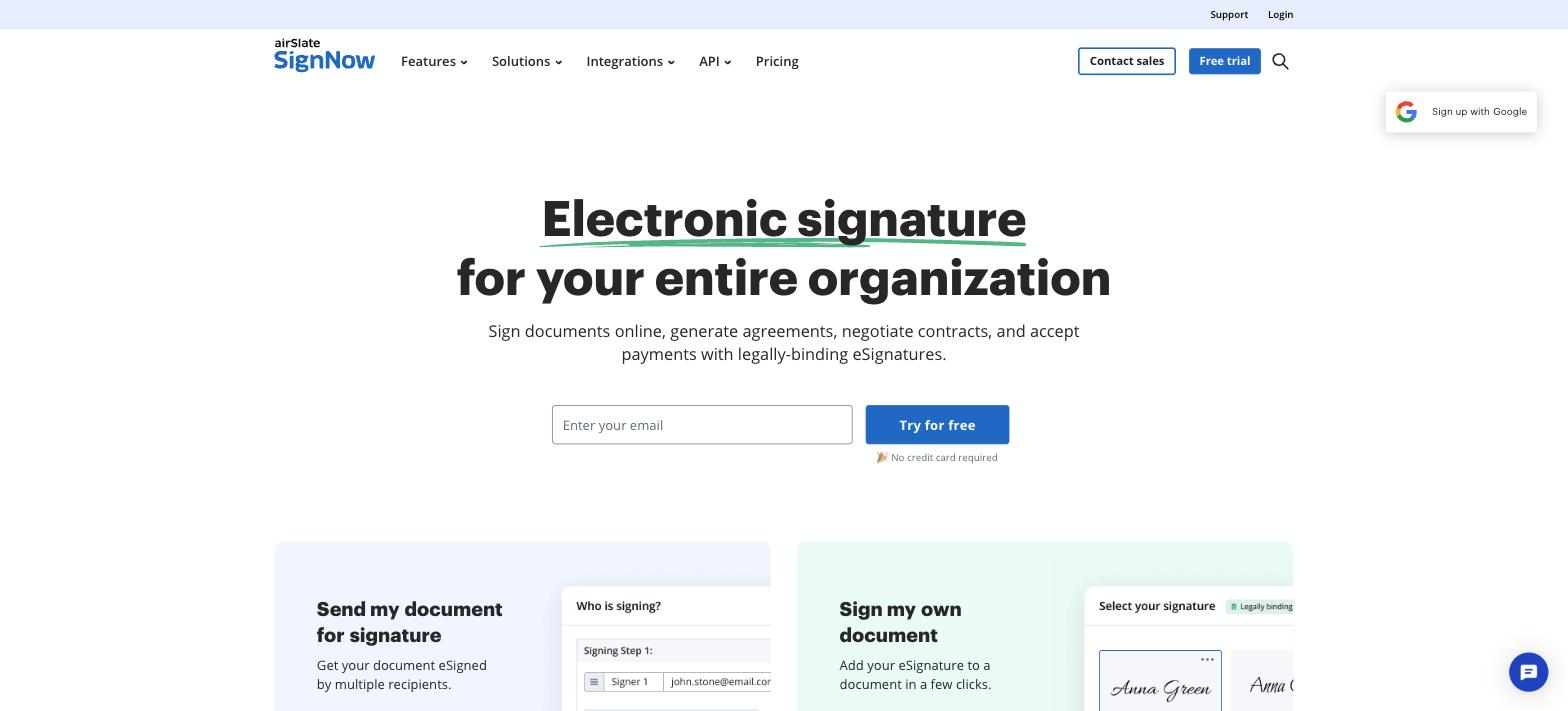
Price: Plans are priced lower than DocuSign for comparable features. Check current pricing on their site, since it varies by seat count.
Best for: Cost-conscious teams that need bulk sending and reusable templates.
SignNow positions itself as a budget-friendly alternative with custom branding, bulk sending, and fillable templates, aimed at organisations that do not want to pay enterprise prices for standard e-signature features.
Highlighted feature: developer-friendly API
SignNow's API lets you embed e-signature functionality, request payments, and track document status directly inside your own website or app.
6. SignRequest
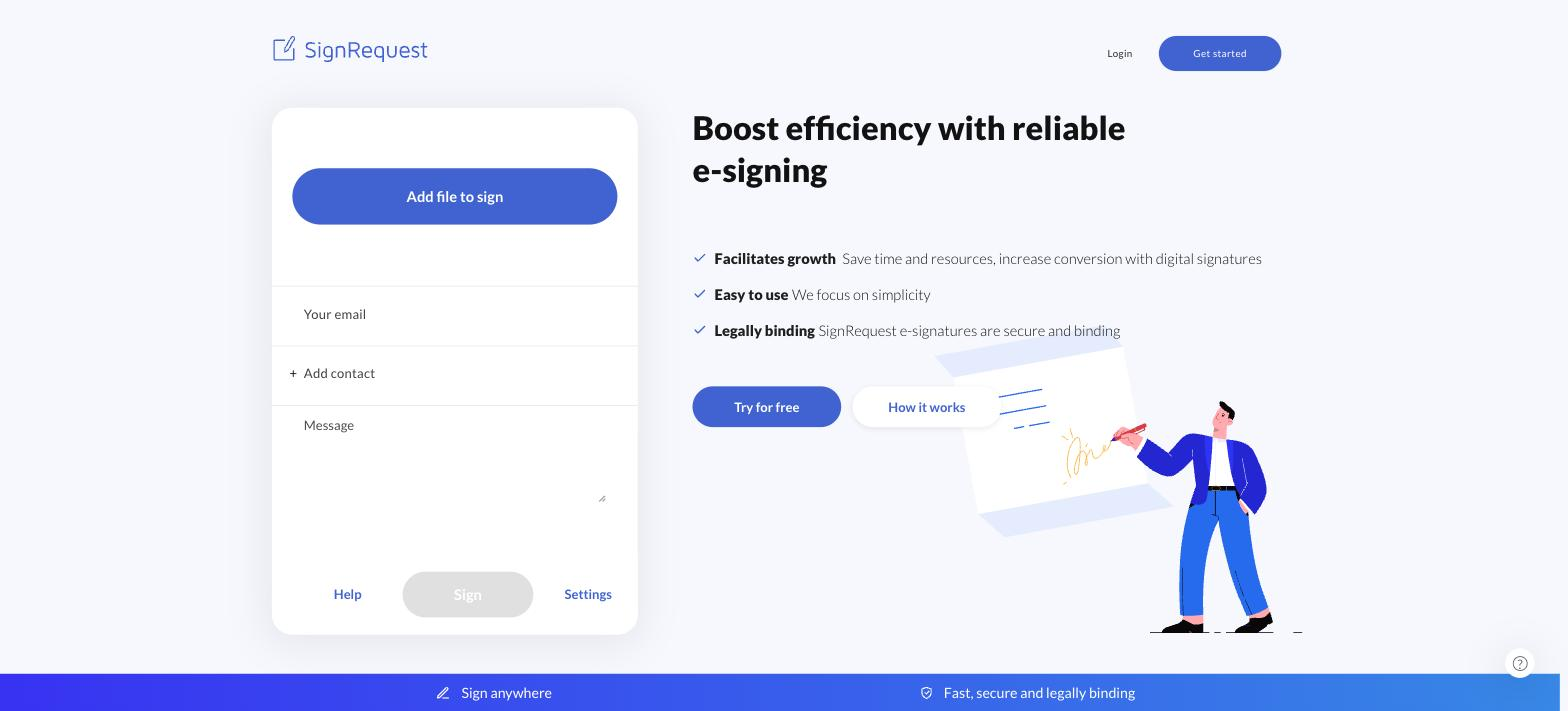
Price: Free plan available. Paid plans start at $7/month.
Best for: Solopreneurs and small teams that only need to sign the occasional document.
SignRequest keeps its interface deliberately minimal. Upload a file, add a signer, and choose whether they need to sign, approve, or just receive a copy.
Highlighted feature: sign, approve, or notify
SignRequest lets you choose the type of interaction each recipient needs, so you are not forcing a signature on someone who only needs to review or receive the final file.
7. Xodo Sign
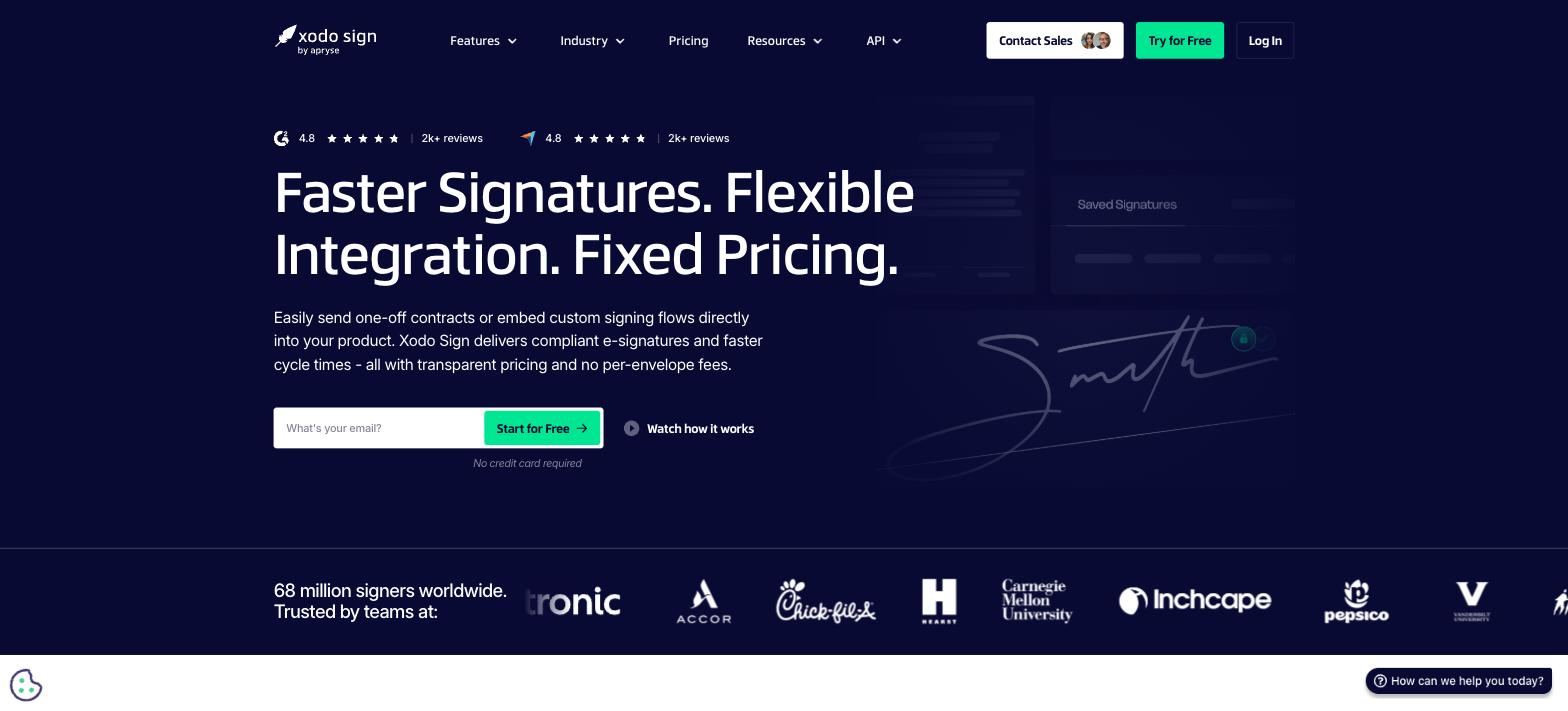
Price: Free plan available. Paid plans start at $9.99/month with no per-envelope fees.
Best for: Businesses that want transparent, fixed pricing instead of per-document charges.
Xodo Sign is the rebranded name for eversign, now part of Apryse. It leads with flexible integration and flat pricing, aimed squarely at teams that have been burned by usage-based e-signature bills.
Highlighted feature: in-person signing
Xodo Sign supports in-person signing directly on your device, useful for contracts signed at a desk, a counter, or a client meeting rather than sent by email.
8. RightSignature
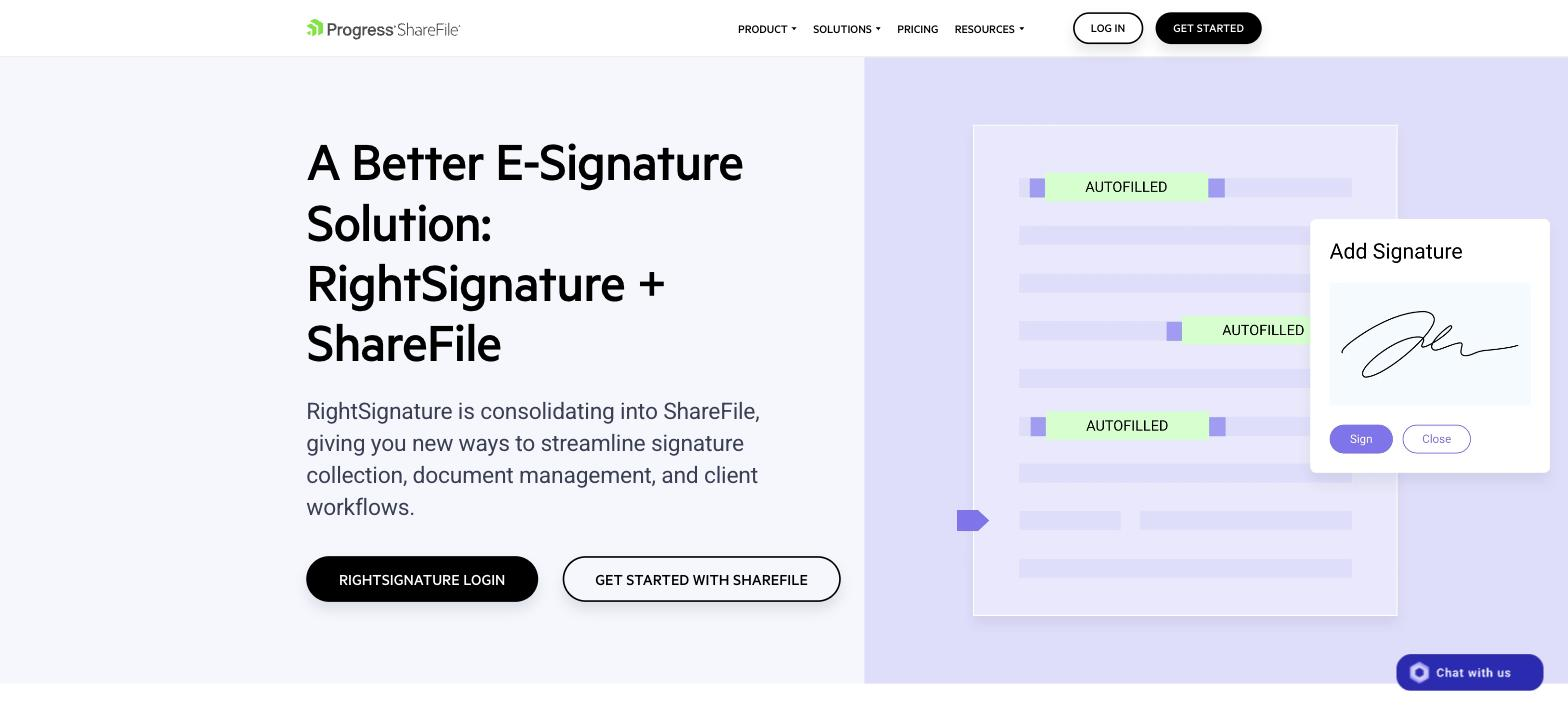
Price: Bundled into Citrix ShareFile plans, since RightSignature is consolidating into ShareFile.
Best for: Businesses already using ShareFile for document storage and client-facing workflows.
RightSignature is folding into ShareFile rather than operating as a standalone product. If you are not already a ShareFile customer, this is worth knowing before you commit, since new sign-ups route through ShareFile's plans.
Highlighted feature: guided signing mode
RightSignature flags each required field as the signer moves through a document, cutting down missed fields and incomplete signatures.
9. OneSpan Sign
Price: Custom, enterprise-focused pricing.
Best for: Regulated industries like banking, insurance, and healthcare that need high-assurance authentication.
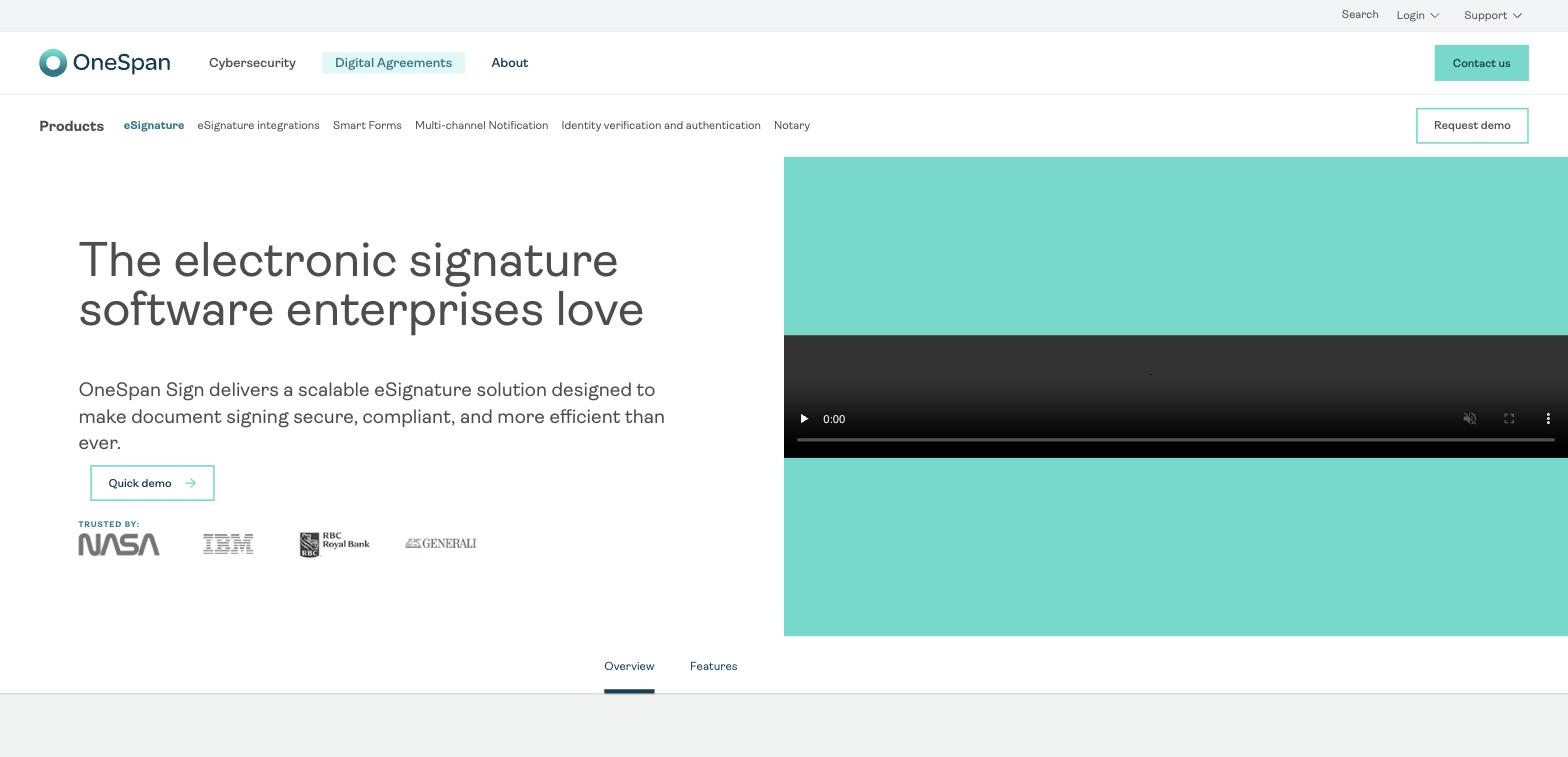
OneSpan Sign is built for organisations where identity verification matters as much as the signature itself. It is less about speed and more about proving, beyond doubt, who signed what.
Highlighted feature: multiple ID verification methods
OneSpan Sign supports several ways to verify a signer's identity, adding a layer of assurance for contracts where fraud risk is a real concern.
10. DocHub
Price: Free plan available. Pro plan at $6.99/month.
Best for: Individuals or small teams who mainly need to edit and sign PDFs, not run full workflows.
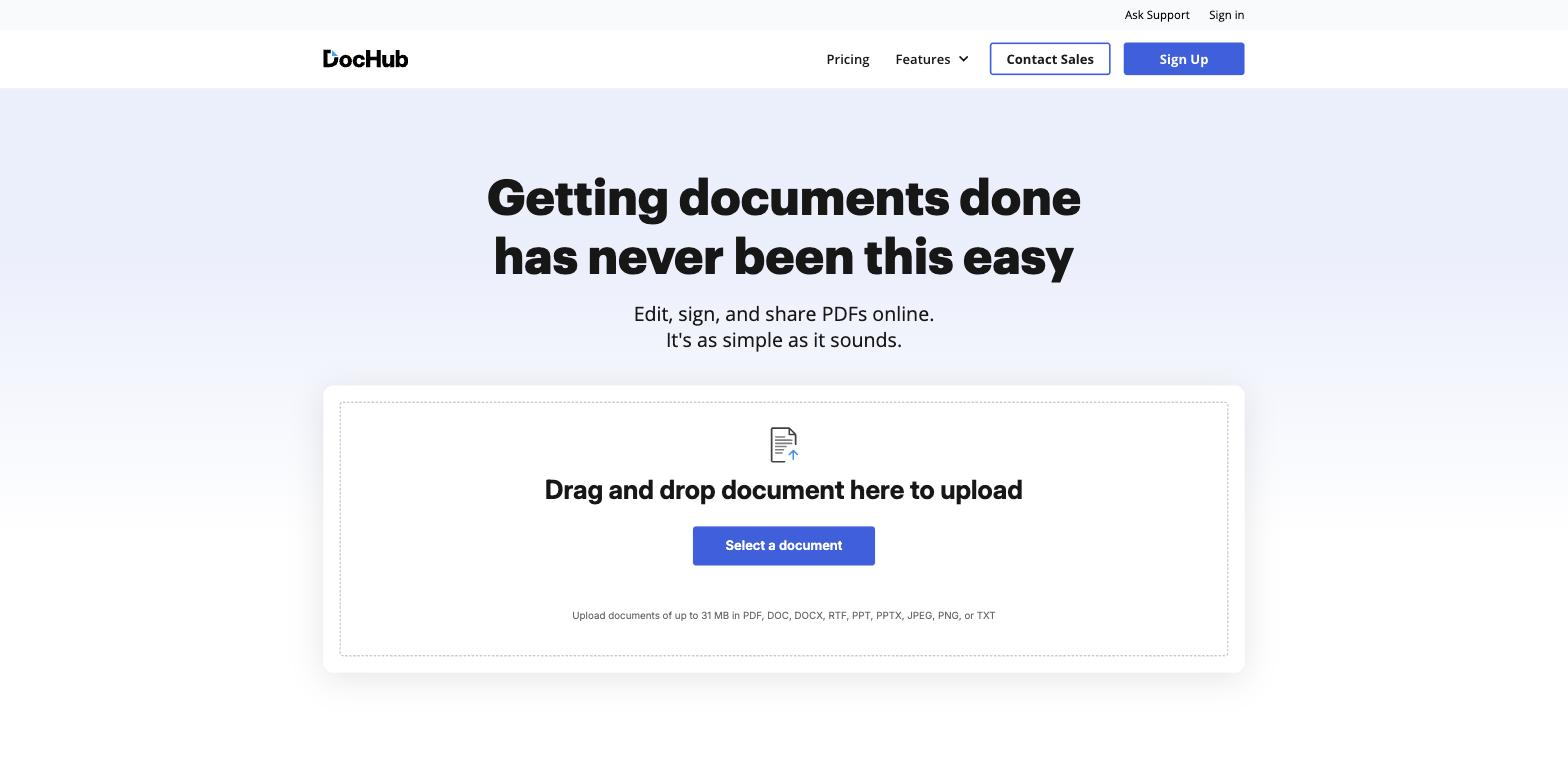
DocHub keeps its scope narrow on purpose. It handles document editing, signing, and sharing well, without the workflow automation features that push up the price of larger platforms.
Highlighted feature: collaborative editing
DocHub lets multiple people comment on, edit, and sign the same document with set permissions, useful for contracts that need input from more than one person before signing.
11. Jotform Sign
Price: Free plan available. Paid plans start around $34/month.
Best for: Businesses already using Jotform to collect data who want signing in the same place.
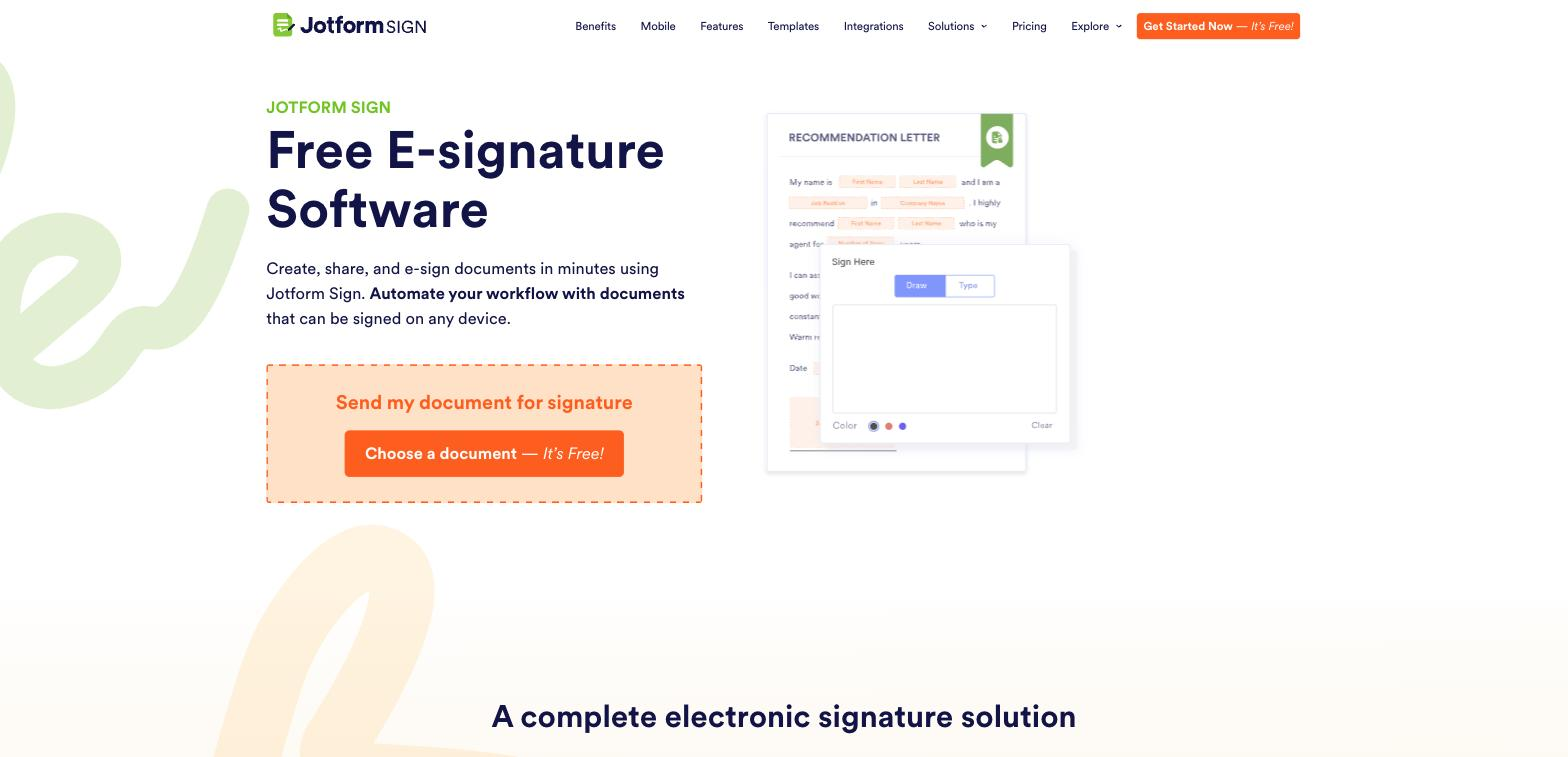
Jotform Sign extends Jotform's form builder into e-signatures, so if you are already collecting information through Jotform, adding a signature step does not mean switching tools.
Highlighted feature: multiple sending options
Jotform Sign lets you send a document by email, shareable link, or embedded directly on your website, giving signers more than one way to complete it.
12. SignEasy
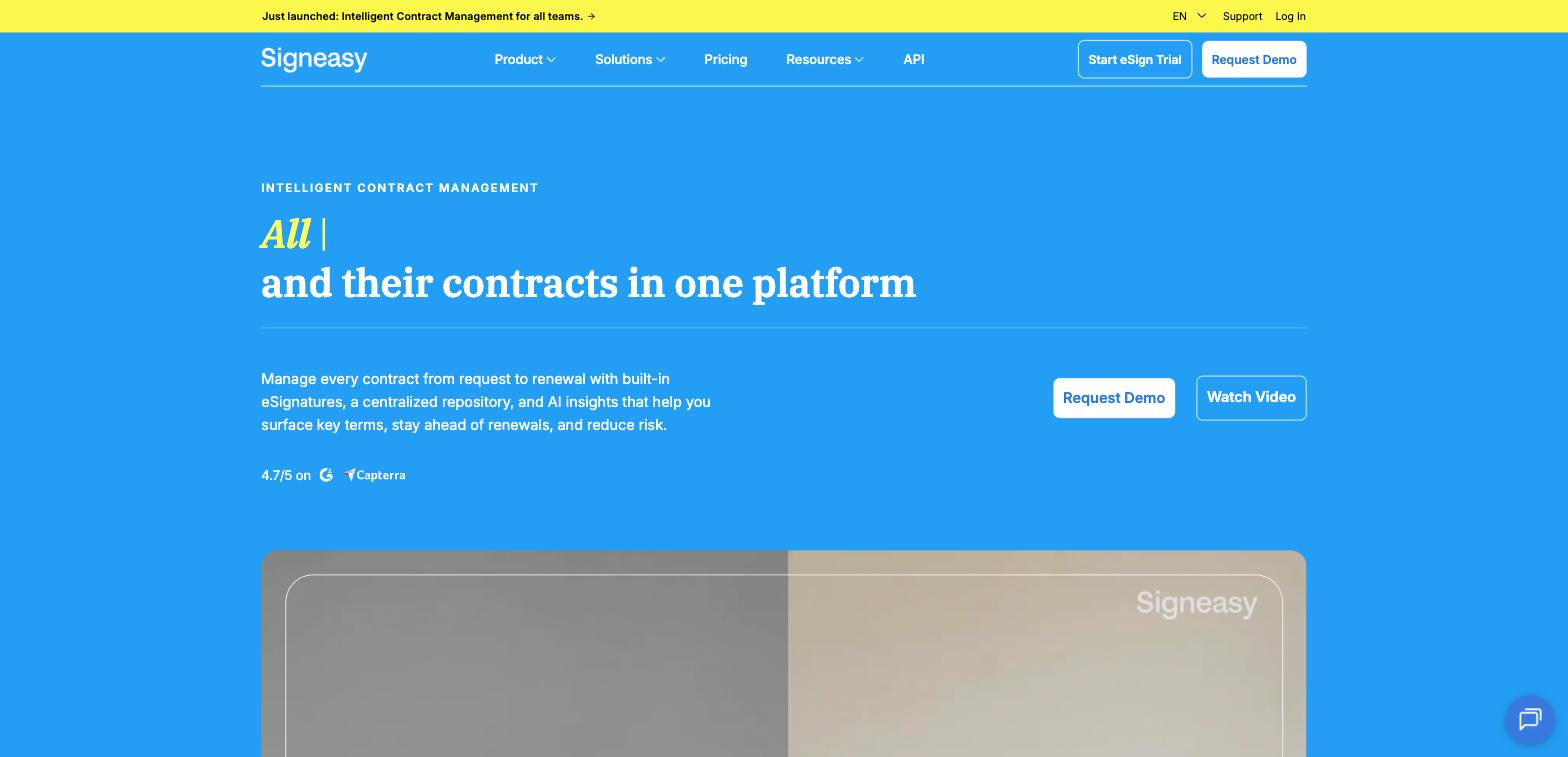
Price: Free trial available. Paid plans start at $8/month.
Best for: Mobile-first teams that need to sign and send contracts from a phone.
SignEasy is built around its mobile apps first. If most of your signing happens away from a desk, on-site, on the road, or between meetings, that is where SignEasy is strongest.
Highlighted feature: cross-device signing
SignEasy's iOS and Android apps carry the same functionality as the desktop version, so signing, sending, and tracking contracts does not require sitting down at a computer.
13. YouSign (now Youtrust)
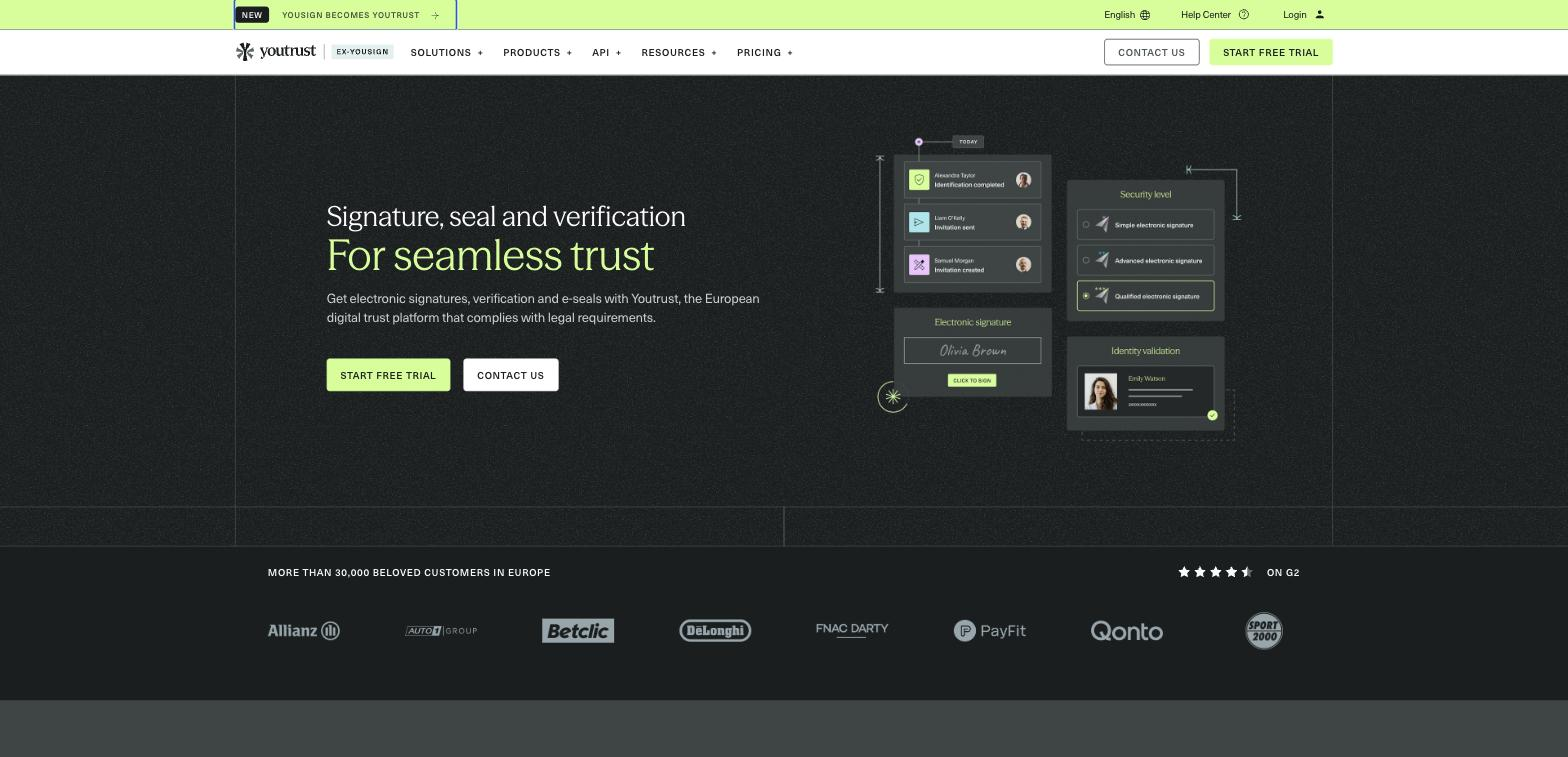
Price: Custom pricing, with a free trial available.
Best for: EU businesses that need qualified electronic signatures (QES) and eIDAS compliance.
YouSign has rebranded to Youtrust, positioning itself as a European digital trust platform rather than a straightforward e-signature tool. It still covers standard e-signing, but its focus has shifted toward identity verification and compliance for businesses operating under EU regulations.
Highlighted feature: qualified electronic signatures
Youtrust supports simple, advanced, and qualified electronic signatures with manual identity checks and one-time passwords, meeting the higher legal bar some EU contracts require.
14. Formstack Sign
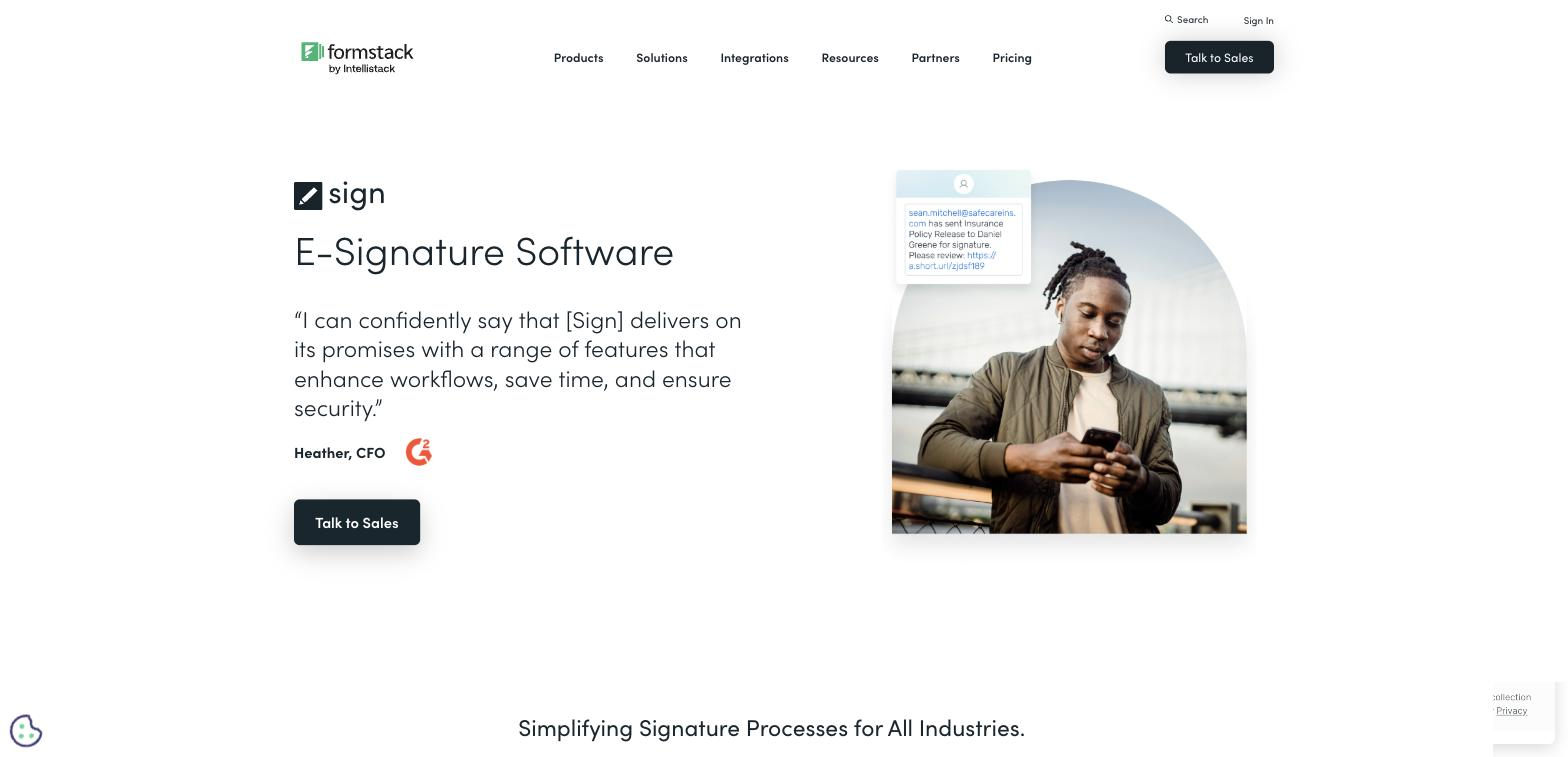
Price: Plans start around $28/user/month.
Best for: Formstack customers building an end-to-end form-to-signature workflow.
Formstack Sign integrates with Formstack's form builder and data collection tools, similar in concept to how Papersign connects to Paperform. If you are already in the Formstack ecosystem, it is a logical add-on rather than a new tool to learn.
Highlighted feature: SMS document delivery
Formstack Sign can send documents for signature by text message, an extra channel for reaching signers who are more likely to check a text than an email.
15. Foxit eSign
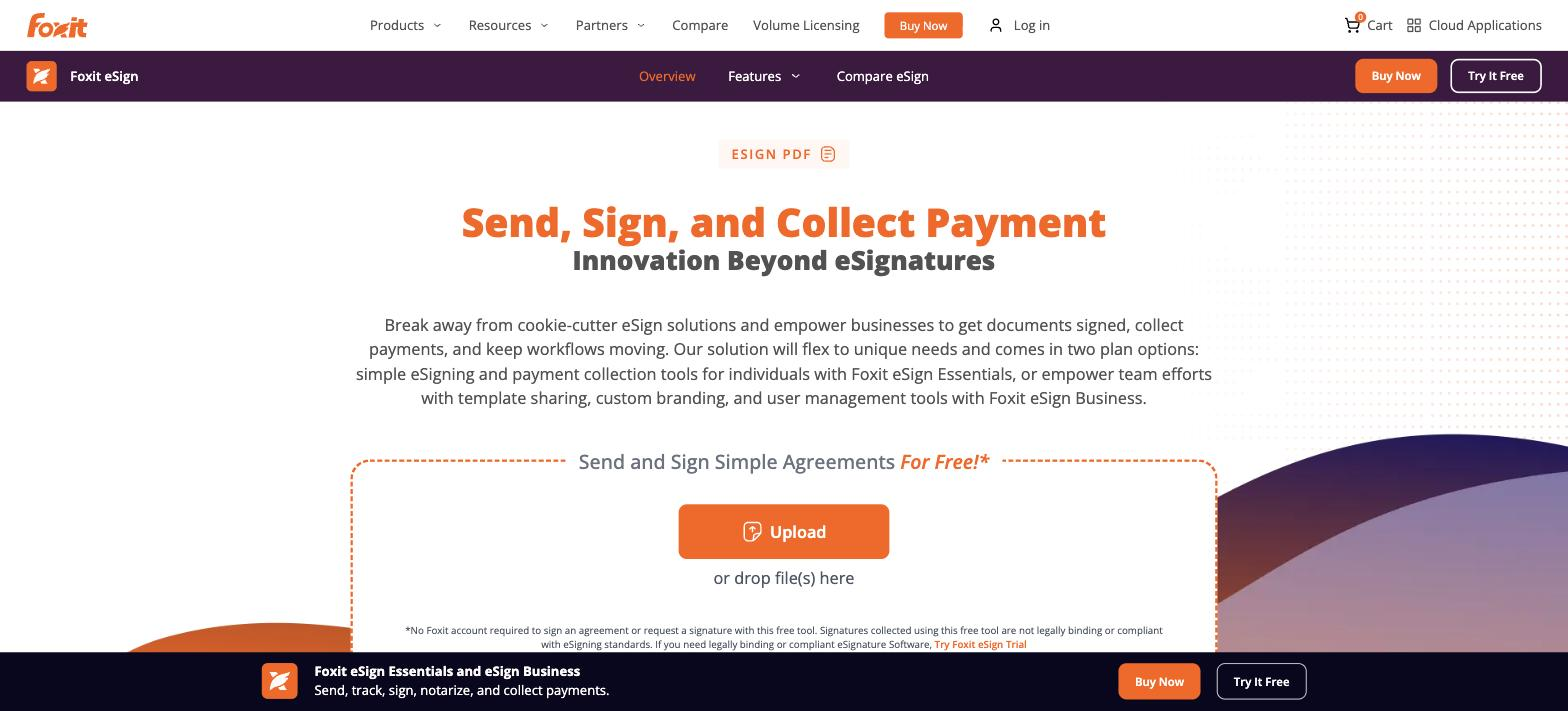
Price: Plans start around $10/user/month.
Best for: Teams that want e-signatures bundled with a PDF editor rather than as a separate subscription.
Foxit eSign covers document creation, editing, and signing in one interface, built on top of Foxit's PDF software. It suits teams that already handle a lot of PDF editing and want signing folded into the same tool.
Highlighted feature: Salesforce add-on
Foxit eSign's Salesforce integration lets you generate and sign invoices, quotes, and agreements without leaving the CRM, cutting out a tool switch mid-deal.
FAQs
What's the best free alternative to DocuSign?
Papersign, SignRequest, Xodo Sign, DocHub, and Jotform Sign all offer a genuine free plan. Papersign's free plan includes 3 signed documents a month, no credit card required, which suits low-volume signers like freelancers and small teams.
Can small businesses use DocuSign alternatives for legally binding contracts?
Yes. Most tools on this list comply with e-signature laws like the ESIGN Act in the US, ETA in Australia, and eIDAS in the EU and UK. Check a tool's compliance page before signing anything with significant legal weight, particularly for contracts that may need a qualified electronic signature.
What should I look for in a DocuSign alternative?
Match the tool to how you actually work. Look at price per user (not only the advertised starting price), whether there is a real free plan, integrations with tools you already use, and whether the interface matches your team's technical comfort level. A sales team sending proposals needs different features to a solopreneur sending the occasional contract.
Does Papersign integrate with other tools the way DocuSign does?
Papersign’s strongest integration is with Paperform. You can collect data through a form with conditional logic, then auto-generate a document with that data already filled in for signing. That workflow, form to document to signature without manual re-entry, is not something DocuSign offers, since it has no built-in form builder.
Are any of these tools better suited to enterprise teams than small businesses?
OneSpan Sign and Acrobat Sign lean toward larger, regulated organisations with dedicated procurement processes. Most other tools on the list are built with small and mid-sized teams in mind, with self-serve sign-up and per-user pricing that scales down as well as up.
Written by
Mel SeppMel leads SEO and growth for Papersign, Paperform, and Stepper. She writes about e-signatures, document workflows, and the tools that make paperwork less painful.
Suggested reading


Papersign (“Papersign” or “we”) provides the information, data, links and other materials on this page (collectively, “Information”) for informational and educational purposes only. We do not warrant or represent the accuracy, completeness, currency, or suitability of any Information for any use or purpose. Papersign is not a licensed legal provider nor is it providing any legal advice; the Information should not be so construed or used. Nothing contained in the Information is intended to create an attorney-client relationship, to replace the services of a licensed, trained attorney or legal professional, or to be a substitute for the legal advice of an attorney or trained legal professional licensed in your state/jurisdiction. Before taking any action, including using our services to execute contracts or other documents, You should always first consult an attorney licensed in your state/jurisdiction, in each instance, regarding the issues address by the Information. Please never disregard professional legal advice or delay in seeking it because of something you have read in the information.