
Best Electronic Signature Software in 2026: 8 Apps Compared
An electronic signature app lets you send, sign, and track documents online instead of printing, signing, and scanning them. The main thing to weigh when picking one is what matters most to you: price, the features you need, or how easy it is for your signers to use. Papersign is a free electronic signature app built specifically for small businesses, and it's one of eight tools we cover below.
Quick comparison: 8 e-signature apps at a glance
| Tool | Starting price | Free plan | Best for | Compliance & security | G2 | Capterra |
|---|---|---|---|---|---|---|
| DocuSign | $10/user/mo (annual) | No, free trial only | Enterprise agreement management | SOC 2, GDPR, eIDAS, ESIGN/UETA | 4.5 (2,599) | 4.7 (9,407) |
| Adobe Acrobat Sign | $19.99/user/mo (Acrobat Pro) | No | PDF-heavy Microsoft 365 workflows | SOC 2, GDPR, eIDAS, ESIGN/UETA, HIPAA | 4.4 (1,069) | 4.6 (1,133) |
| PandaDoc | $19/user/mo (Starter) | Yes, unlimited e-signatures | Sales proposals and quotes | SOC 2, GDPR, ESIGN/UETA | 4.7 (3,598) | 4.5 (1,200+) |
| Papersign | $20/user/mo (Pro) | Yes, 3 docs/mo | Best value for SMBs | SOC 2, GDPR, eIDAS, ESIGN Act | Not yet rated | Not yet rated |
| Dropbox Sign | $15/mo (Essentials) | Yes, limited | Teams already living in Dropbox | SOC 2, GDPR, ESIGN/UETA | 4.7 (2,281) | 4.7 (1,447) |
| signNow | $8/user/mo (Business) | No, free trial only | Unlimited users on a budget | SOC 2, GDPR, HIPAA, ESIGN/UETA | 4.6 (1,764) | 4.6 (539) |
| RightSignature (ShareFile) | $25/user/mo (3-5 user min) | No | Existing ShareFile customers | SOC 2, GDPR, HIPAA, ESIGN/UETA | 4.5 (242) | 4.5 (150) |
| SignWell | $8/mo (Personal) | Yes, 3 docs/mo | Solopreneurs who want simplicity | SOC 2, GDPR, ESIGN/UETA | 4.8 (442) | 4.9 (2,709) |
Which tool for which use case
There’s a right tool for everything and everyone. Here’s a quick decision framework that helps you find the right tool for you.
- Need enterprise SSO and deep contract lifecycle management? Go with DocuSign.
- Already paying for Acrobat Pro and want signing built into the PDFs you edit daily? Adobe Acrobat Sign saves you a second subscription.
- Running a sales team that lives on quotes and proposals? PandaDoc's templates and CRM integrations are built for that.
- Want the affordable genuinely useful option, especially if you already collect information through online forms? That's Papersign.
- Already a Dropbox or ShareFile customer? Stick with Dropbox Sign or RightSignature to keep everything in one place.
- Just need something simple and affordable with no enterprise bloat? SignWell fits solopreneurs and small teams well.
1. DocuSign
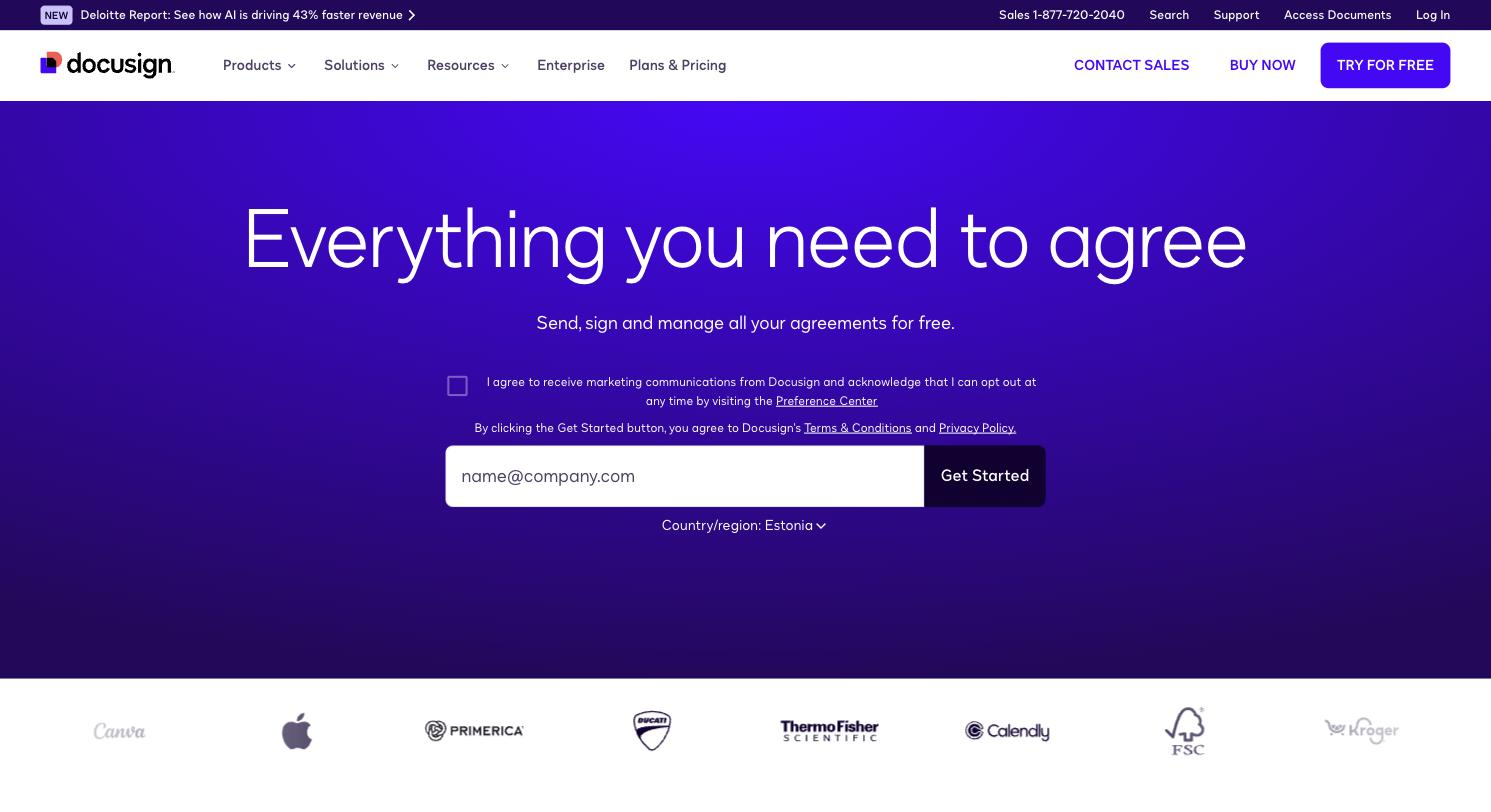
DocuSign has been the biggest name in electronic signatures since it was founded in 2003, and it has grown into a full agreement management platform with more than a million customers. Alongside straightforward signing, DocuSign now offers contract lifecycle management, AI-assisted contract review, and hundreds of integrations with tools like Salesforce and Microsoft 365.
The signing experience itself is simple for both senders and signers. Where DocuSign earns its reputation is in the advanced layer underneath: workflow routing, audit trails, and enterprise-grade admin controls that large legal and procurement teams rely on. That depth comes with a learning curve and pricing that climbs quickly once you move past the single-user Personal plan. If you're deciding between the two biggest enterprise names in this category, our DocuSign vs. Adobe Acrobat Sign comparison breaks down the differences in more detail.
Price: Personal plan starts at $10/user/month (billed annually), capped at 5 envelopes/month. Standard is $25/user/month, Business Pro is $40/user/month, with envelope limits on both.
Available for: Web, iOS, Android
Pros:
- Recognized brand that most signers already trust
- 350+ integrations, including Salesforce and Microsoft 365
- Strong contract lifecycle and workflow tools for complex agreements
Cons:
- No permanent free plan, only a free trial
- Envelope-based pricing (not unlimited documents) can add up fast
- Advanced features take time to learn
Best suited for: Larger teams and legal departments that need deep integrations and contract management on top of signing.
Ratings: G2: 4.5/5, 2,599 reviews (source). Capterra: 4.7/5, 9,407 reviews (source).
2. Adobe Acrobat Sign
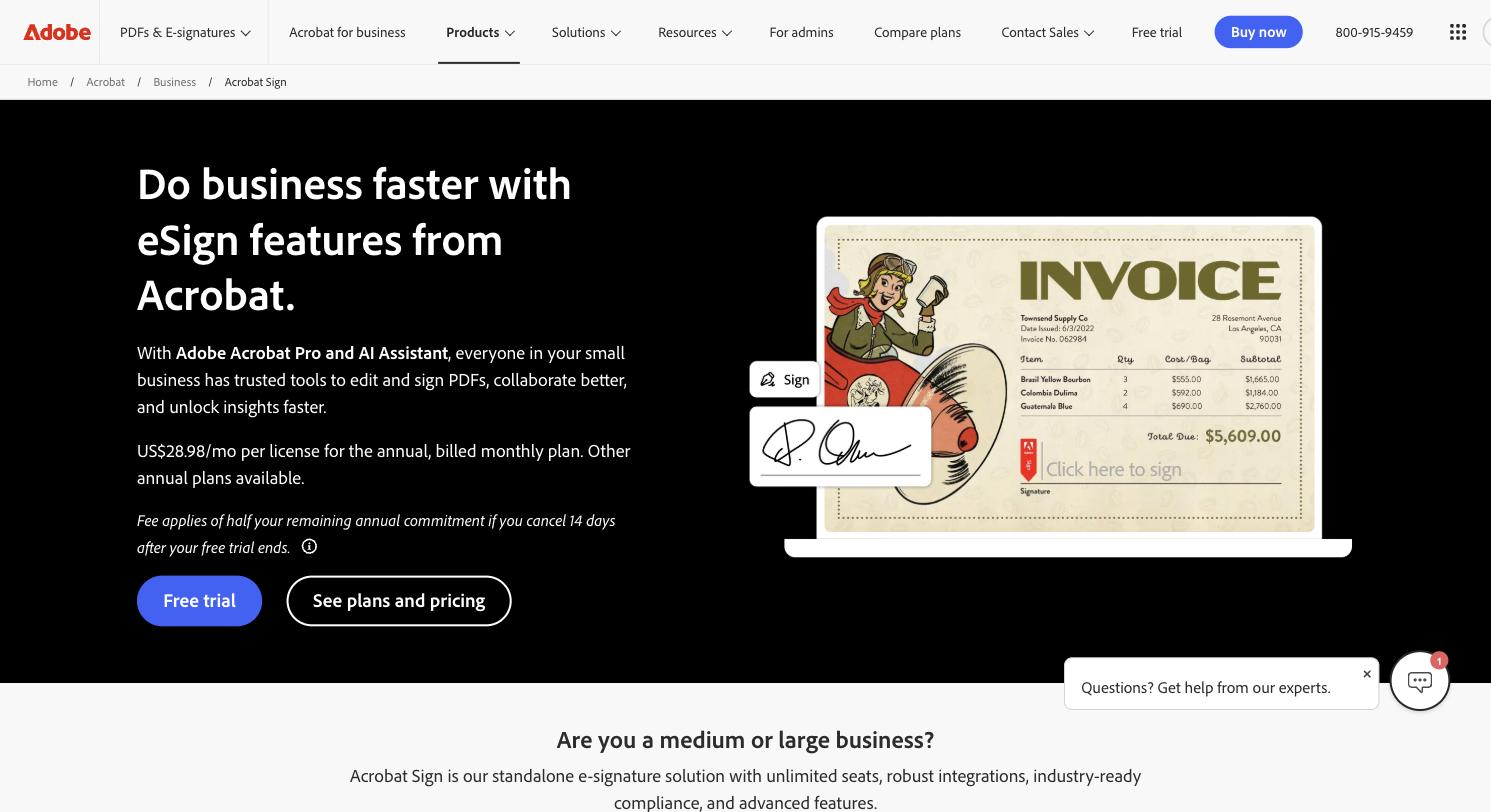
If your team already lives inside Adobe Acrobat, Acrobat Sign is the natural choice. It's built into the same subscription you likely already use for editing and managing PDFs, so you can collect signatures, track document status, and edit a contract without switching apps.
Because Adobe also partners closely with Microsoft, Acrobat Sign slots neatly into Word, Outlook, and Teams. You can send a document for signature without leaving whatever Microsoft app you're already working in. The tradeoff is that Acrobat Sign isn't sold as a lightweight standalone product. You're paying for the broader Acrobat suite, whether you need the PDF editing tools or only the signing.
Price: No standalone free plan. E-signature features come with Acrobat Pro Individual at $19.99/user/month, or Acrobat Standard at $12.99/user/month with more limited sign tools. Advanced features (API, HIPAA support) live on quoted Acrobat Sign Solutions plans.
Available for: Web, iOS, Android, Windows, Mac
Pros:
- Deep PDF editing tools bundled with signing
- Tight integration with Microsoft 365
- Trusted brand with strong document security
Cons:
- No free plan
- Pricing is bundled into Acrobat tiers, so it takes some digging to know what you're paying for signing
- Some users report a learning curve when they first set up workflows
Best suited for: Businesses already paying for Acrobat Pro who want PDF editing and e-signatures under one subscription.
Ratings: G2: 4.4/5, 1,069 reviews (source). Capterra: 4.6/5, 1,133 reviews (source).
3. PandaDoc
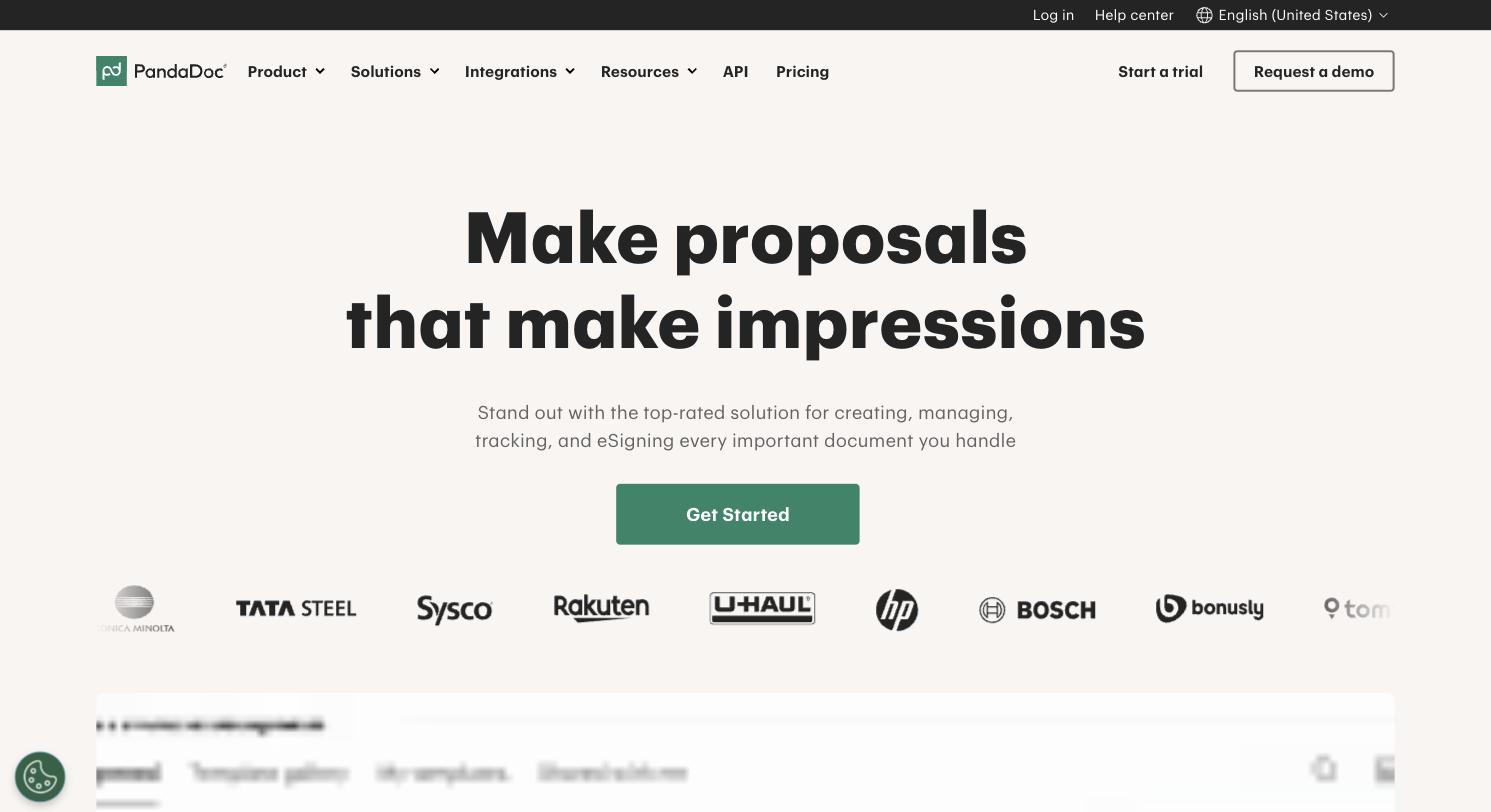
PandaDoc covers all the e-signature basics, but it's built with sales and marketing teams in mind. Instead of treating signing as the whole product, PandaDoc treats it as the last step in creating a proposal or quote. The drag-and-drop editor and 750+ ready-made templates mean you can go from blank page to signed deal in the same tool.
That sales focus shows up in the feature set too. Approvals, audit trails, and native CRM integrations with Salesforce and HubSpot make PandaDoc a strong fit for revenue teams that need documents to move through a pipeline, not sit still after one signature.
Price: Free plan includes unlimited e-signatures. Starter is $19/user/month (annual billing), Business is $49/user/month, Enterprise is custom.
Available for: Web, iOS, Android
Pros:
- Unlimited e-signatures on the free plan
- Strong proposal and quote-building tools with 750+ templates
- Native CRM integrations built for sales workflows
Cons:
- Full document workflow and analytics features sit behind paid tiers
- Some users report formatting quirks in longer documents
- Per-seat pricing climbs quickly once you add users
Best suited for: Sales teams sending quotes and proposals that need signatures built into the same document.
Ratings: G2: 4.7/5, 3,598 reviews (source). Capterra: 4.5/5, 1,200+ reviews (source).
4. Papersign
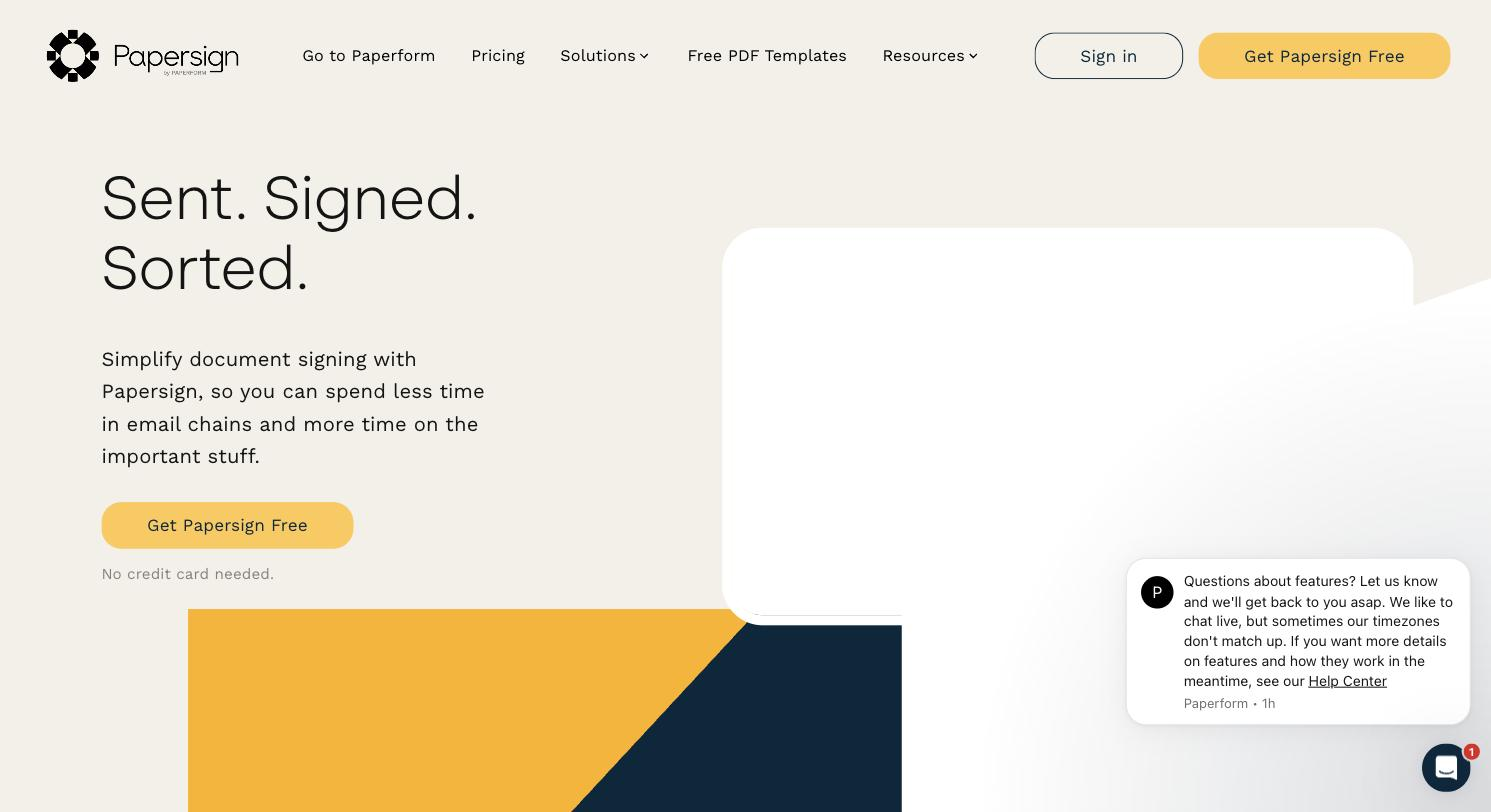
Papersign is built for small businesses and solopreneurs who want document signing without the enterprise setup. You can start from a blank page, upload an existing PDF, or build a document that matches your brand with your own logo, fonts, and colors. Every document you send comes with a real-time tracking dashboard, so you always know whether a signer has opened, viewed, or signed.
The feature that sets Papersign apart is its native connection to Paperform. If someone fills out a Paperform intake form, Papersign can turn that submission straight into a document for signature, with no copy-pasting and no manual document prep in between. You don't need a Paperform account to use Papersign on its own, but the combination is where the two products are strongest together.
If DocuSign is your default option because it's the name everyone knows, see how Papersign compares to DocuSign directly before you commit.
Price: Free plan includes 3 signed documents/month. Pro is $20/user/month (unlimited documents, bulk sending, API, webhooks). Enterprise is custom, with SSO and local data residency.
Available for: Web
Pros:
- Free plan covers real usage, not only a trial
- On-brand document design without extra design work
- Auto-generates signable documents from Paperform submissions
- Real-time tracking dashboard included on every plan
Cons:
- Fewer third-party integrations than DocuSign or PandaDoc, since it's newer to the category
- No dedicated mobile app yet, though the web app works on mobile browsers
- No contract lifecycle management for complex, multi-stage deals
Best suited for: SMBs and solopreneurs who want an affordable, good-looking signing tool, especially if they already collect information through online forms.
Ratings: Papersign is too new on G2 and Capterra to have a review-based rating yet. We'd rather say that plainly than make up a number.
5. Dropbox Sign
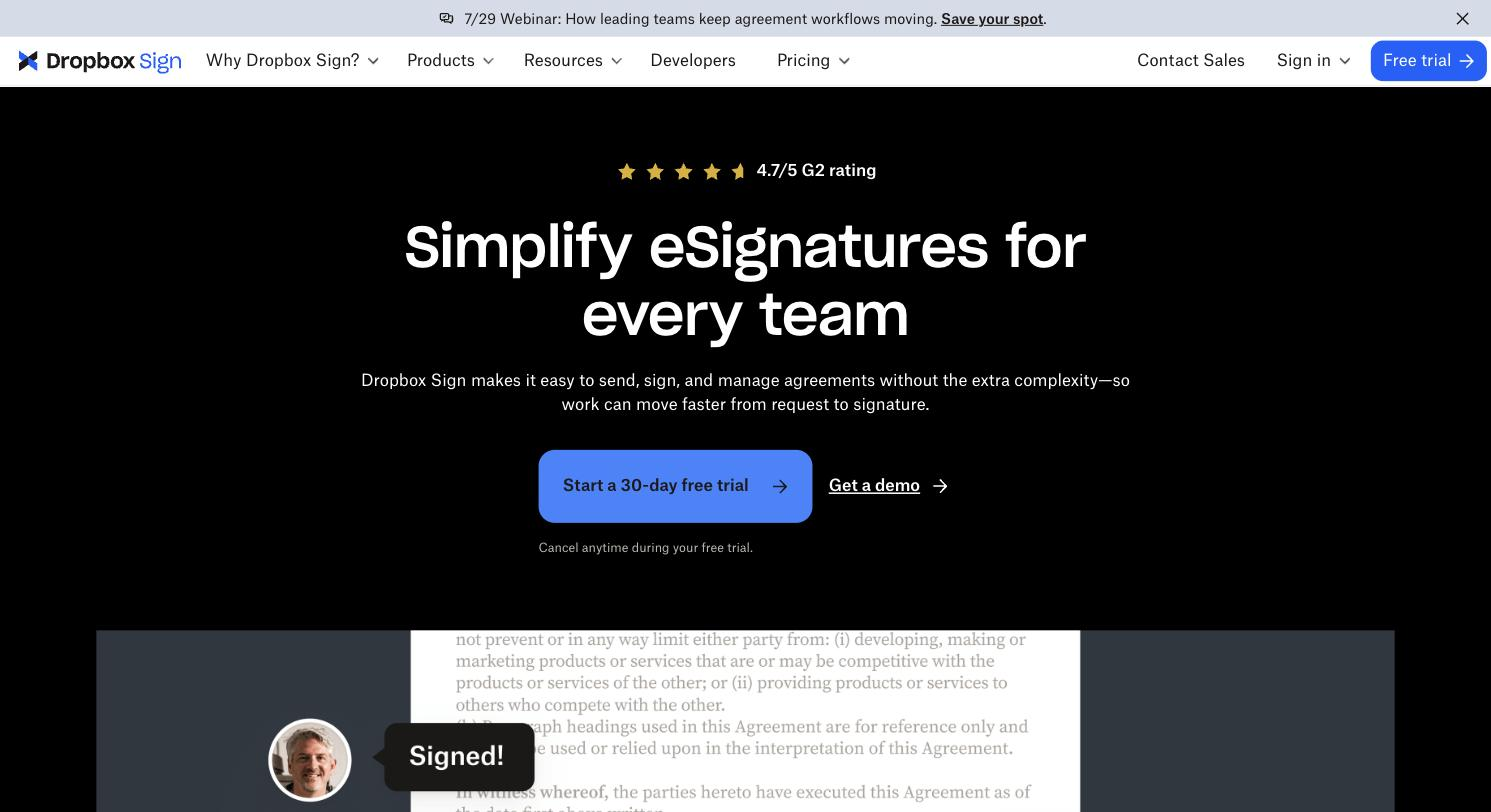
Dropbox Sign used to be called HelloSign before Dropbox acquired it in 2019. It's one of the more established names in the category, with an interface that most people find easy to pick up without training. You get reusable templates, automatic reminders, and native integrations with Google, Slack, Salesforce, and Dropbox itself.
The biggest draw for existing Dropbox users is how naturally signing fits into a workflow they already use. Completed documents save straight back into the same folders you're already working from, so there's no separate system to manage.
Price: Free plan available (limited documents/month). Essentials is $15/month for one user. Standard is $25/user/month with a 2-user minimum.
Available for: Web, iOS, Android
Pros:
- Unlimited signature requests on paid plans, not billed per envelope
- Clean, easy-to-learn interface
- Strong integrations with Dropbox, Google, and Salesforce
Cons:
- Free plan is limited to a small number of documents
- Some users report occasional email deliverability issues with signature requests
- Standard plan requires a 2-user minimum
Best suited for: Teams that already store and share files in Dropbox and want signing in the same place.
Ratings: G2: 4.7/5, 2,281 reviews (source). Capterra: 4.7/5, 1,447 reviews (source).
6. signNow
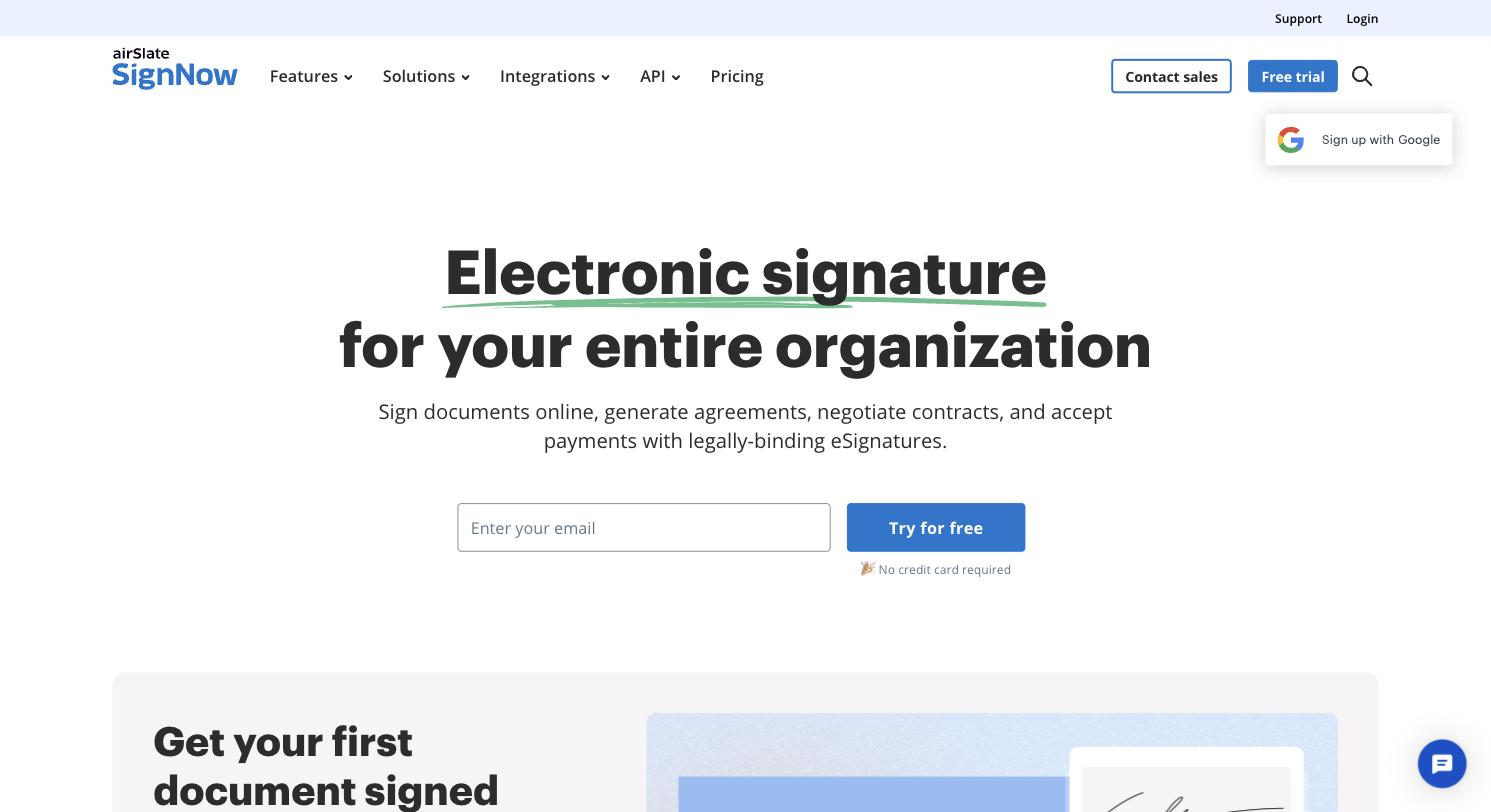
signNow doesn't have the same brand recognition as DocuSign or Adobe, but it holds its own on features. Alongside legally-binding signatures and custom branding, it offers conditional workflows that automatically route a document to the right recipient based on their role, plus the option to share a document via link instead of entering every signer's email individually.
Where signNow stands out is its pricing model. Every paid plan includes unlimited users, so you're not charged per seat as your team grows, though there's still an annual cap on total signature requests.
Price: Business is $8/user/month (annual billing). Business Premium is $15/user/month. Enterprise is $30/user/month. No permanent free plan, free trial only.
Available for: Web, iOS, Android
Pros:
- Unlimited users on every paid plan
- Conditional workflows route documents automatically by role
- Competitive per-user pricing compared to DocuSign and Adobe
Cons:
- Signature requests are capped at 100/year even on paid plans
- No permanent free plan
- Customer support response times get mixed reviews
Best suited for: Growing teams that want everyone to have a seat without paying a per-user premium for it.
Ratings: G2: 4.6/5, 1,764 reviews (source). Capterra: 4.6/5, 539 reviews.
7. RightSignature (now ShareFile)
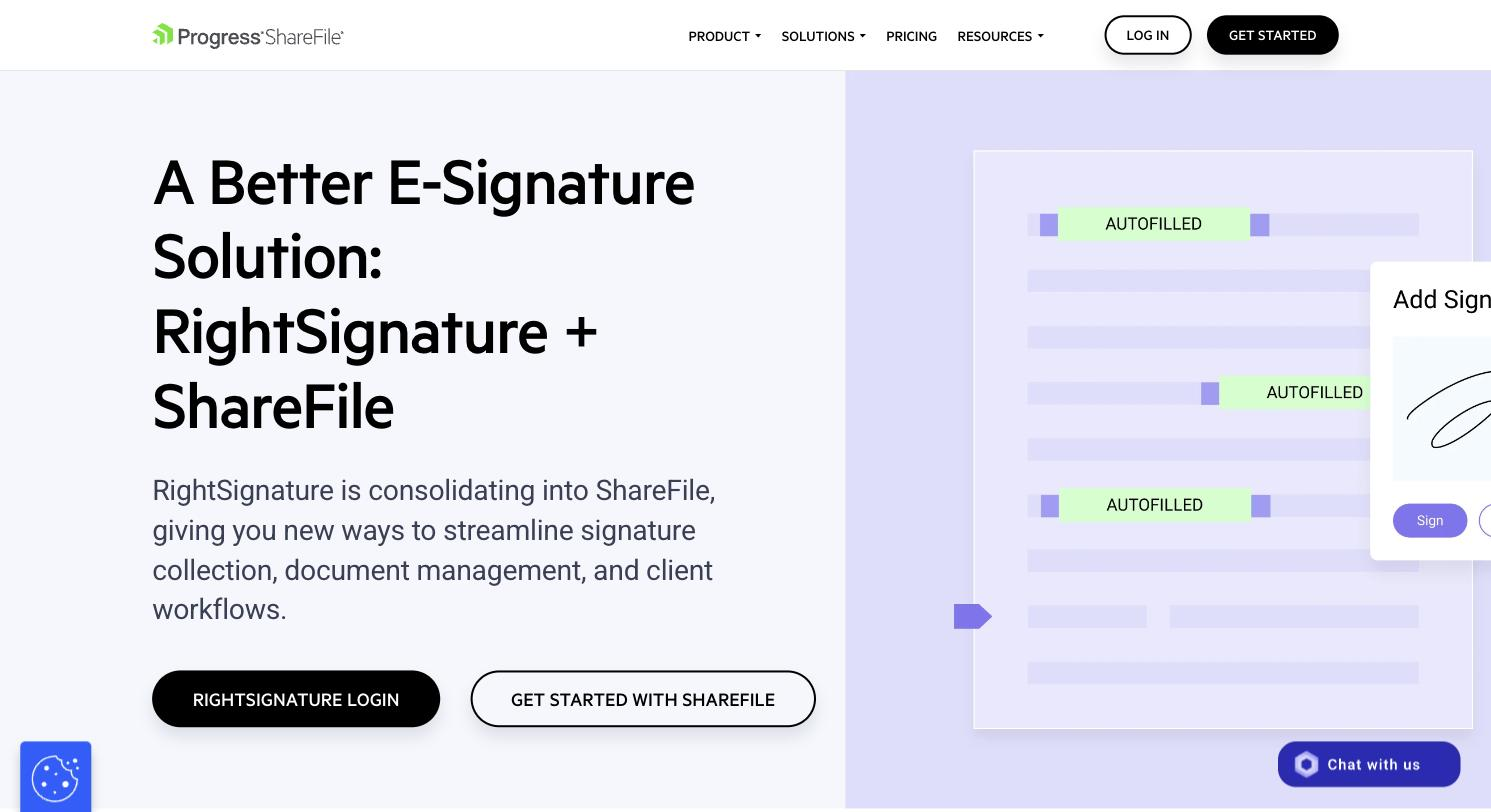
Here's an update the rest of the internet hasn't caught up on yet: RightSignature is no longer a standalone product. Citrix folded it into ShareFile in 2023, and ShareFile itself was acquired by Progress Software in October 2024. If you go looking for RightSignature today, you'll land on a ShareFile page.
The signing technology still works the same way it always did, with signature history, audit trails, and document interaction logging. The difference is that you can no longer buy it on its own. Full e-signature functionality now requires a ShareFile Premium plan, which comes with a 3-5 user minimum, so a solo user ends up paying for seats they don't need.
Price: Full e-sign functionality requires ShareFile Premium at $25/user/month, with a 3-5 user minimum ($75-$125/month to get started).
Available for: Web, iOS, Android
Pros:
- Signature history and audit trail built in
- Now backed by the wider ShareFile file-sharing and collaboration suite
- Handles standard signing workflows well
Cons:
- No longer sold as a standalone e-signature product
- 3-5 user minimum means solo users overpay for seats they don't need
- Customer service has been flagged as slow to respond in reviews
Best suited for: Existing Citrix or ShareFile customers who want signing inside a platform they already pay for.
Ratings: G2: 4.5/5, 242 reviews (listed under the RightSignature product page, source). Capterra: 4.5/5, 150 reviews (source).
8. SignWell
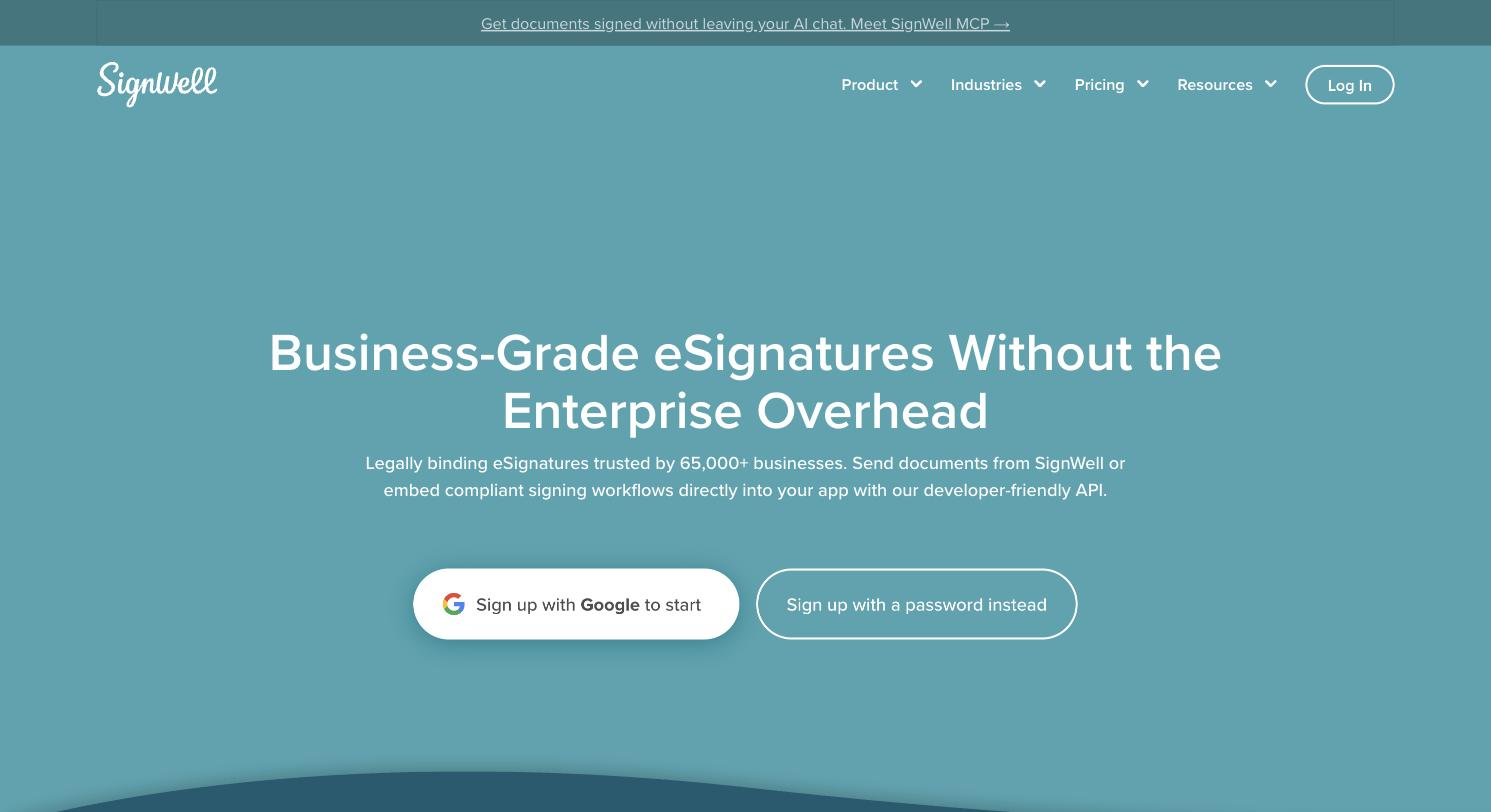
SignWell positions itself as the simplest, most affordable way to get documents signed without an enterprise price tag or a steep learning curve. You get the essentials: reusable templates, automated reminders, real-time tracking, and bulk sending, along with SOC 2 Type II and GDPR-aligned security.
The interface is deliberately uncluttered. There's no feature bloat to wade through, which is exactly the point for small businesses and solopreneurs who want to send a document, get it signed, and move on.
Price: Free plan includes 3 documents/month. Personal is $8/month for one seat and 5 contracts/month. Business is $30/seat/month with a 3-seat minimum ($90/month to start).
Available for: Web, iOS, Android
Pros:
- Transparent, no-surprises pricing with no per-signer fees
- Simple interface with a minimal learning curve
- SOC 2 Type II and GDPR-aligned security without enterprise cost
Cons:
- Business plan needs a 3-seat minimum, even for small teams
- Fewer advanced workflow features than PandaDoc or DocuSign
- Free plan is capped at 3 documents/month
Best suited for: Solopreneurs and small teams who want something affordable and free of enterprise bloat.
Ratings: G2: 4.8/5, 442 reviews (source). Capterra: 4.9/5, 2,709 reviews.
How to choose the right e-signature app for your business
Work through these before you commit to a plan:
- Pricing model: Some tools charge per envelope or per signature request (DocuSign, signNow), others charge per seat with unlimited documents (Papersign, Dropbox Sign Standard). Know which model fits how you send documents.
- Number of users: Check for hidden seat minimums. RightSignature/ShareFile and SignWell's Business plan both require 3+ seats even if you only need one.
- Volume: If you're sending a handful of documents a month, a free plan (Papersign, PandaDoc, SignWell) might cover you completely. If you're sending hundreds, compare envelope caps carefully.
- Ease of use for signers: Your signers matter as much as your team. A confusing signing experience creates friction you don't need.
- Security and compliance: If you handle regulated data, check for SOC 2, GDPR, HIPAA, or industry-specific certifications before you sign a contract, not after.
- Integrations: Look at what you already use. If you collect information through online forms, check whether the e-signature app integrates with a form builder so you're not copying data by hand.
Most of these tools offer a free trial or free tier, so test the signing experience yourself before you roll it out to a team. If you're still weighing whether to move off paper and wet signatures altogether, these reasons to switch to e-signatures lay out the case plainly.
FAQs
What is the best free electronic signature app?
Papersign, PandaDoc, and SignWell all offer usable free plans. Papersign and SignWell include 3 signed documents/month for free, while PandaDoc's free plan allows unlimited e-signatures with fewer document creation features. The best fit depends on whether you need document design tools or only signing.
Are electronic signatures legally binding?
Yes, in most countries, as long as the signer intends to sign and the document proves it. Read our full breakdown of are electronic signatures legally binding for the specific laws that apply in the US, UK, EU, and Australia.
How much does e-signature software typically cost per user?
Paid plans generally range from $8/user/month (signNow, SignWell) to $40+/user/month (DocuSign Business Pro). Most tools also charge extra for add-ons like bulk sending, API access, or advanced authentication.
Can I use an e-signature app without a Paperform or online form account?
Yes. Every tool on this list, including Papersign, works as a standalone e-signature app. The benefit of pairing Papersign with Paperform is that form submissions can generate a signable document automatically, but that's optional.
What's the difference between an electronic signature and a digital signature?
An electronic signature is any digital mark showing intent to sign, like typing your name or drawing it with a mouse. A digital signature is a specific, cryptographically secured type of electronic signature that verifies the signer's identity and detects tampering. Most everyday business signing (contracts, agreements, HR forms) only needs an electronic signature.
Is DocuSign free to use?
DocuSign doesn't currently offer a permanent free plan, only a free trial. Its cheapest paid tier, Personal, starts at $10/user/month billed annually and caps you at 5 envelopes/month.
What should I look for in e-signature software for a small business?
Prioritize a free or low-cost plan that covers your actual document volume, a simple signing experience for your clients, and no hidden seat minimums. Compliance certifications like SOC 2 and GDPR matter if you handle sensitive client data.
Do e-signature apps work on mobile?
Most do. DocuSign, Adobe Acrobat Sign, PandaDoc, Dropbox Sign, signNow, RightSignature/ShareFile, and SignWell all have iOS and Android apps. Papersign works through any mobile browser, though it doesn't have a dedicated app yet.
Can I send documents in bulk with a free e-signature plan?
Generally no. Bulk sending is a paid feature across almost every tool on this list, including Papersign, PandaDoc, and Dropbox Sign. If bulk sending is a must-have, budget for at least the entry paid tier.
Which e-signature app integrates with a form builder?
Papersign is the only tool here built with a native form builder connection. It integrates directly with Paperform, so form submissions can automatically generate a document ready for signature. Other tools on this list rely on third-party automation platforms (like Zapier) to connect a form to a signature workflow, which adds an extra step.
Written by
Mel SeppMel leads SEO and growth for Papersign, Paperform, and Stepper. She writes about e-signatures, document workflows, and the tools that make paperwork less painful.
Suggested reading

Papersign (“Papersign” or “we”) provides the information, data, links and other materials on this page (collectively, “Information”) for informational and educational purposes only. We do not warrant or represent the accuracy, completeness, currency, or suitability of any Information for any use or purpose. Papersign is not a licensed legal provider nor is it providing any legal advice; the Information should not be so construed or used. Nothing contained in the Information is intended to create an attorney-client relationship, to replace the services of a licensed, trained attorney or legal professional, or to be a substitute for the legal advice of an attorney or trained legal professional licensed in your state/jurisdiction. Before taking any action, including using our services to execute contracts or other documents, You should always first consult an attorney licensed in your state/jurisdiction, in each instance, regarding the issues address by the Information. Please never disregard professional legal advice or delay in seeking it because of something you have read in the information.