
20 Contract Management Tools for Small Businesses in 2026
The right contract management software for your small business depends on one question most buyers skip: do you need full contract lifecycle management, or simply a better way to send documents out for signature? Full CLM tools are built for high contract volume, multi-party negotiation, and approval chains across legal, ops, and finance. This is an overkill for most small businesses who simply need to draft an agreement and get it signed, which you can do for free with eSignature tool like Papersign.
This guide compares 20 contract management tools by price, free plan, and real G2/Capterra ratings, then walks through exactly how to tell which category you're in before you spend a cent.
Quick comparison: 20 contract management tools
| Tool | Starting price | Free plan | Best for | Rating |
|---|---|---|---|---|
| PandaDoc | $19/user/mo (Starter, annual) | Yes, 60 docs/year | Overall pick for small teams | G2 4.7/5 (3,745) · Capterra 4.5/5 (1,256) |
| Oneflow | $20/user/mo (Essentials) | Yes, basic PDF e-sign | Contract creation + e-sign together | G2 4.4/5 (372) · Capterra 4.6/5 (112) |
| Papersign (for eSignatures) | Free, then $20/user/mo | Yes, 3 signed docs/month | Small business signing only | No reviews yet on G2 or Capterra |
| Zoho Contracts | $25/user/mo (Standard, annual) | Yes, 3 users / 10 contracts | Budget pick if you're already on Zoho | G2 4.6/5 (14) · Capterra 4.5/5 (6) |
| ContractSafe | ≈$450/mo (Organize, ≤100 contracts) | No, 7-day trial | Simple, no-frills repository | G2 4.7/5 (133) · Capterra 4.8/5 (186) |
| ContractZen | $9.50/user/mo (Standard, annual) | No, 14-day trial | Lean teams wanting contracts + board docs | G2 4.9/5 (15) · Capterra 4.8/5 (25) |
| ContractWorks | $600/mo flat (annual, unlimited users) | No, demo only | Flat-fee, unlimited seats | G2 4.6/5 (95) · Capterra 4.7/5 (100) |
| Ironclad | Custom quote only | No | Legal teams managing high-volume negotiation | G2 4.4/5 (323) · Capterra 4.4/5 (64) |
| LawVu | Custom quote only | No | In-house legal departments | G2 4.5/5 (102) · Capterra 4.6/5 (5) |
| Juro | Custom quote only | No | Fast-growing legal/ops teams wanting AI drafting | G2 4.5/5 (248) · Capterra 4.8/5 (45) |
| Outlaw | Custom quote, 12-month minimum | No | Draft, redline, and sign in one flow | G2 4.6/5 (86) · Capterra 4.5/5 (44) |
| Icertis | Custom quote (≈$88K/yr median) | No | Large enterprise, regulated industries | G2 4.2/5 (81) · Capterra 4.3/5 (41) |
| Conga Contracts | Custom quote (≈$15K to $60K+/yr) | No, Salesforce sandbox only | Salesforce-native mid-market and enterprise | G2 4.3/5 (620)* · Capterra 4.3/5 (74) |
| Agiloft | Custom quote (≈$68K/yr avg. buyer) | No, demo only | Complex configurable workflows | G2 4.5/5 (109) · Capterra 4.8/5 (38) |
| LinkSquares | Custom quote (≈$31K/yr median) | No | In-house legal teams, 50+ employees, already on Salesforce/DocuSign | G2 4.7/5 (438) · Capterra 4.3/5 (40) |
| CobbleStone Contract Insight | Custom quote only | No trial | Heavy workflow and approval customization | G2 4.8/5 (45) · Capterra 4.7/5 (55) |
| Gatekeeper | Custom quote only | No, trial only | Vendor and procurement contract management at volume | G2 4.5/5 (91) · Capterra 4.6/5 (83) |
| DocuSign CLM | Custom quote only | No | Teams already on DocuSign eSignature | G2 4.3/5 (507) · Capterra 4.5/5 (128) |
| Concord | $499/mo for 5 users (Essentials, annual) | No | Affordable dedicated CLM for one team | G2 4.2/5 (133) · Capterra 4.6/5 (235) |
| HyperStart CLM | Custom quote only | No, 7-day trial | AI-native CLM, if you're OK with a sales call first | G2 4.5/5 (5, small sample) · Capterra: no rating on record |
Do you actually need contract management software?
Most of the tools above are built to solve problems small businesses don't have yet. Before you shortlist anything, work out which of these two groups you're in.
You need full CLM if: you're negotiating terms back and forth with counterparties, routing contracts through multiple approvers before anyone signs, tracking renewals and obligations across legal, ops, and finance at the same time, or handling a genuinely high volume of contracts each month. That's what tools like Ironclad, Juro, LinkSquares, and Icertis are built for, and it's why most of them are priced and sold like enterprise software.
You need a better signing workflow if: you're mostly sending out standard agreements, client contracts, or vendor terms for signature, tracking a handful of renewal dates, and you don't have a legal team routing every document through review. That covers most small businesses. A lighter e-signature tool does the job without the CLM price tag or the six-month implementation.
Best overall for most small businesses
1. PandaDoc
Price: $19/user/month (Starter, billed annually).
Free plan: yes, 60 documents a year, no card required.
Rating: G2 4.7/5 from 3,745 reviews, Capterra 4.5/5 from 1,256 reviews.
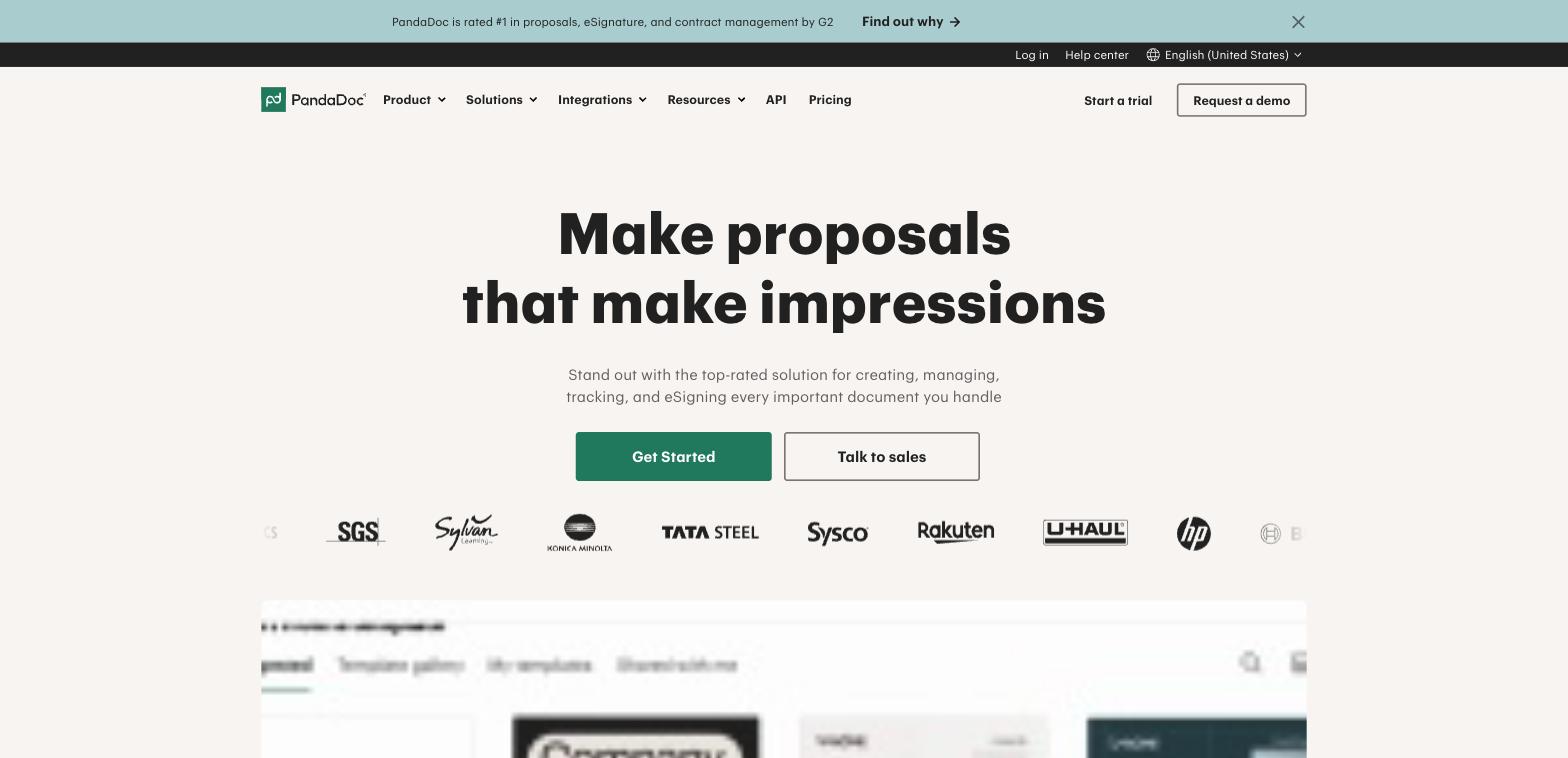
PandaDoc bundles document creation, e-signature, and a lighter contract workflow into one self-serve tool, which is the cheapest way into this category for a small team. It's not a dedicated CLM: clause libraries, obligation tracking, and approval routing are thinner than purpose-built tools further down this list.
Pros: genuine free tier, self-serve signup, covers proposals and quotes as well as contracts.
Cons: approval routing and clause control are basic compared to dedicated CLM tools.
Best suited for: a small team that wants document creation, e-signature, and light contract tracking in one place without a sales call.
2. Oneflow
Price: $20/user/month (Essentials), $54/user/month (Business).
Free plan: yes, limited to basic PDF e-signature.
Rating: G2 4.4/5 from 372 reviews, Capterra 4.6/5 from 112 reviews.
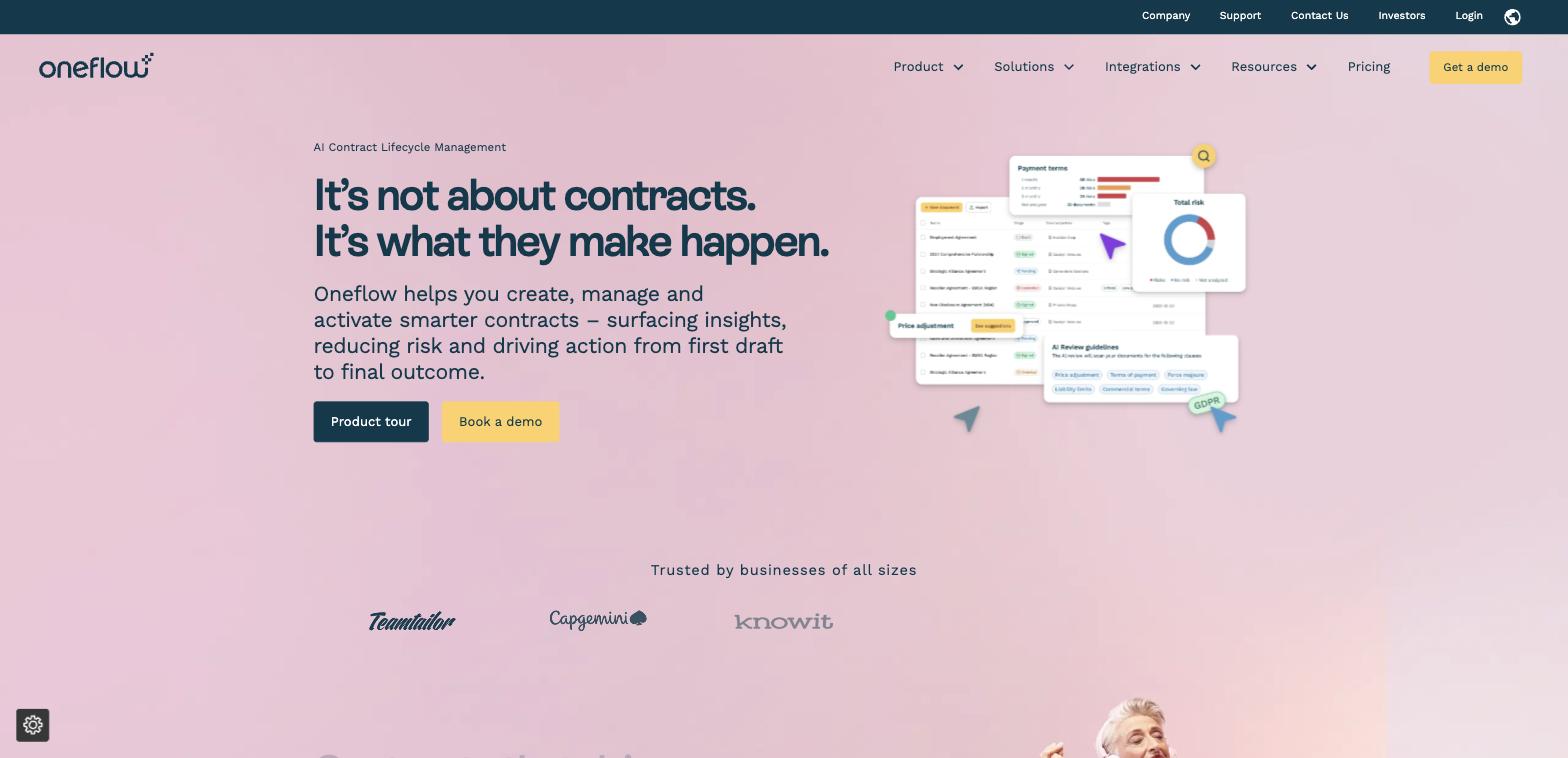
Oneflow's interface is built for non-specialists rather than legal admins, with AI-assisted contract analysis and workflow automation built into the core product rather than added on top. Paid tiers scale quickly once you need real CLM depth, and the automation features carry more of a learning curve than the simple surface suggests.
Pros: modern, approachable interface, real free tier, AI contract analysis included.
Cons: cost climbs fast per seat once you need advanced workflow features.
Best suited for: a small business that wants contract creation and e-signature together without an enterprise learning curve.
Best free and budget-friendly options
3. Papersign
Price: free for 3 signed documents/month. Pro: $20/user/month (unlimited documents, bulk sending, API, webhooks). Enterprise: custom pricing for SSO and data residency.
Free plan: yes, no card required.
Rating: no reviews yet on G2 or Capterra, Papersign is newer to the category than most tools on this list.
Papersign is not a CLM, and it's not trying to be. What it does is let you build a document from scratch or upload a PDF, add your branding, send it out for signature with automatic reminders, and track every stage from one dashboard. It's good for organising your documents and contracts, and getting them signed quickly.
Pros: genuine free tier, on-brand document design, connects to Paperform for a collect-to-signature workflow, fast to set up.
Cons: no clause libraries, no multi-party negotiation or approval chains, not built for regulated industries with heavy compliance workflows.
Best suited for: a small business that needs contracts drafted, signed, and tracked.
4. Zoho Contracts
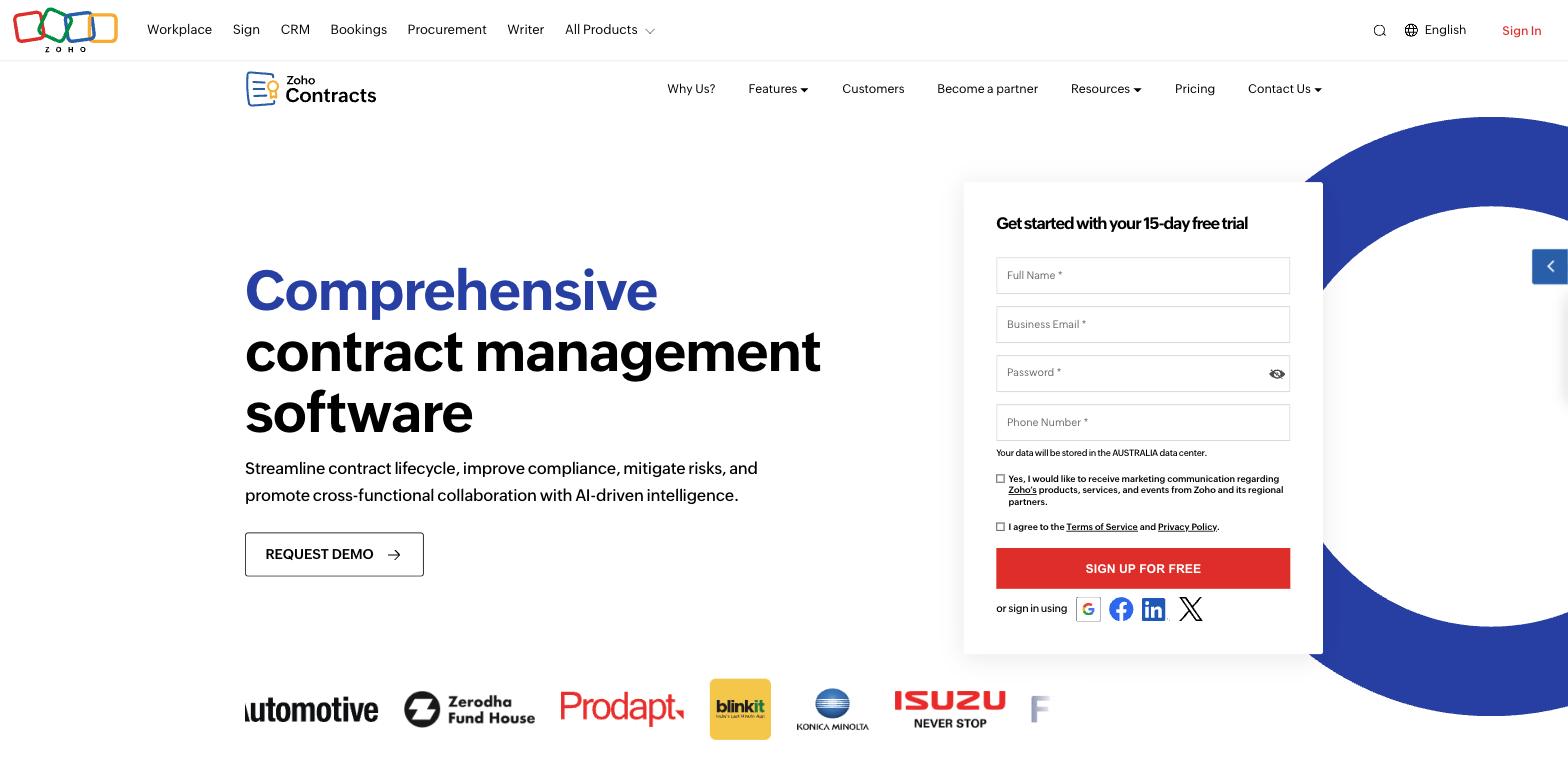
Price: $25/user/month (Standard, annual).
Free plan: yes, 3 users, 10 contracts, 5 counterparties, 2 templates.
Rating: G2 4.6/5 from 14 reviews, Capterra 4.5/5 from 6 reviews.
The cheapest transparent entry price on this list, and the only one with a genuinely usable free tier for a tiny team to start on today. It bundles Zoho Sign and connects natively to Zoho CRM if you're already in that ecosystem. The review base is thin (14 on G2, 6 on Capterra), so treat sentiment as directional rather than conclusive, and full CLM depth is locked behind the $40 to $50/user tiers.
Pros: lowest transparent starting price here, real free tier, native Zoho ecosystem fit.
Cons: thin review base, deeper features gated to pricier tiers.
Best suited for: a small team already using Zoho tools that wants contracts in the same ecosystem.
5. ContractSafe
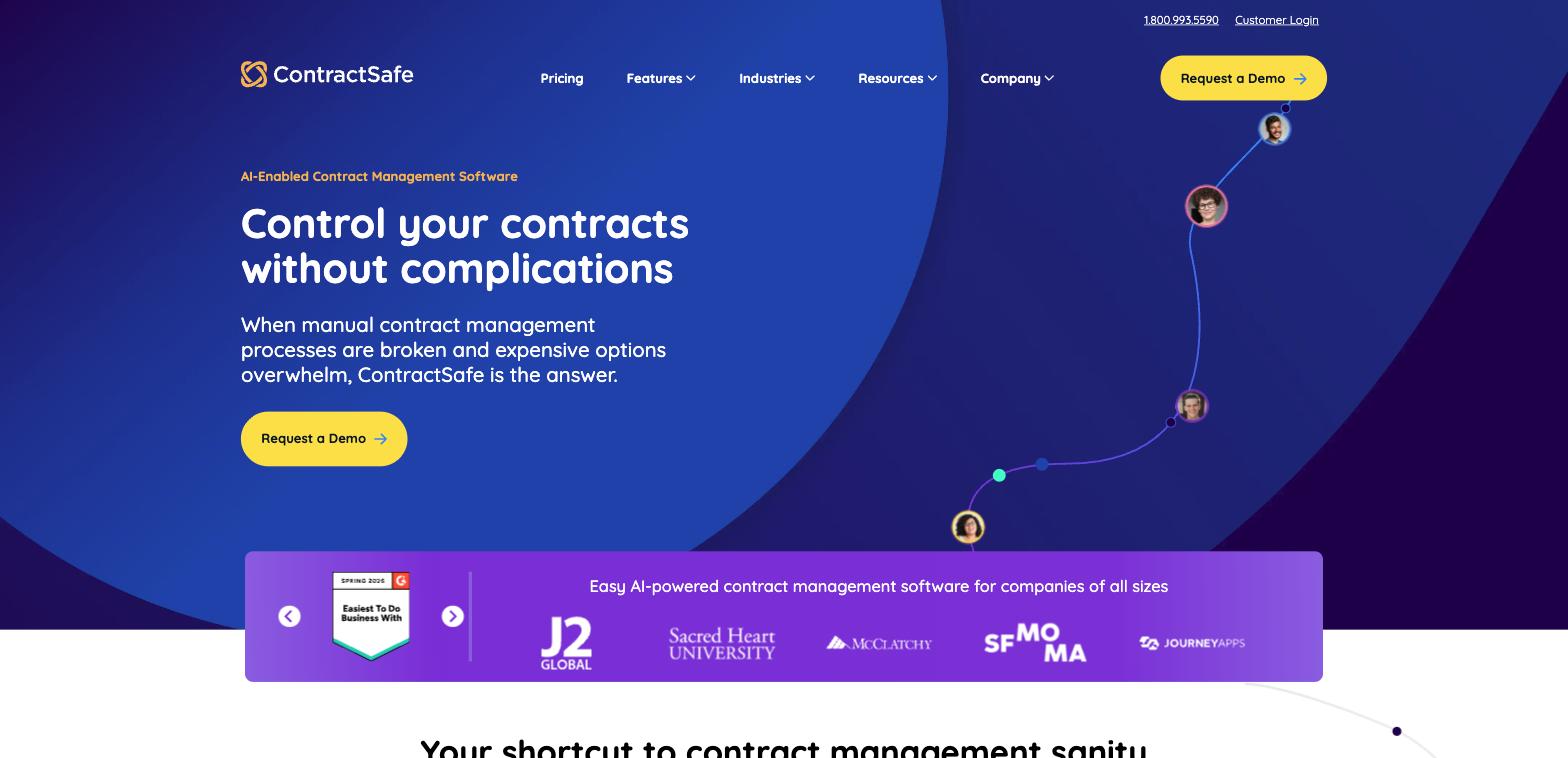
Price: approximately $450/month for the Organize tier (up to 100 contracts), reported by third parties, ContractSafe doesn't publish pricing directly.
Free plan: no, 7-day trial.
Rating: G2 4.7/5 from 133 reviews, Capterra 4.8/5 from 186 reviews.
The highest satisfaction scores in this whole list, with unlimited users on every plan and a reputation for minimal setup. E-signature and lifecycle tracking sit behind higher tiers, and the opaque, quote-dependent pricing is friction for a small business trying to budget upfront.
Pros: top-rated for ease of use, unlimited users included, minimal setup.
Cons: e-signature and deeper lifecycle features cost extra, pricing isn't published.
Best suited for: a team that wants a simple, searchable contract repository without CLM complexity.
6. ContractZen
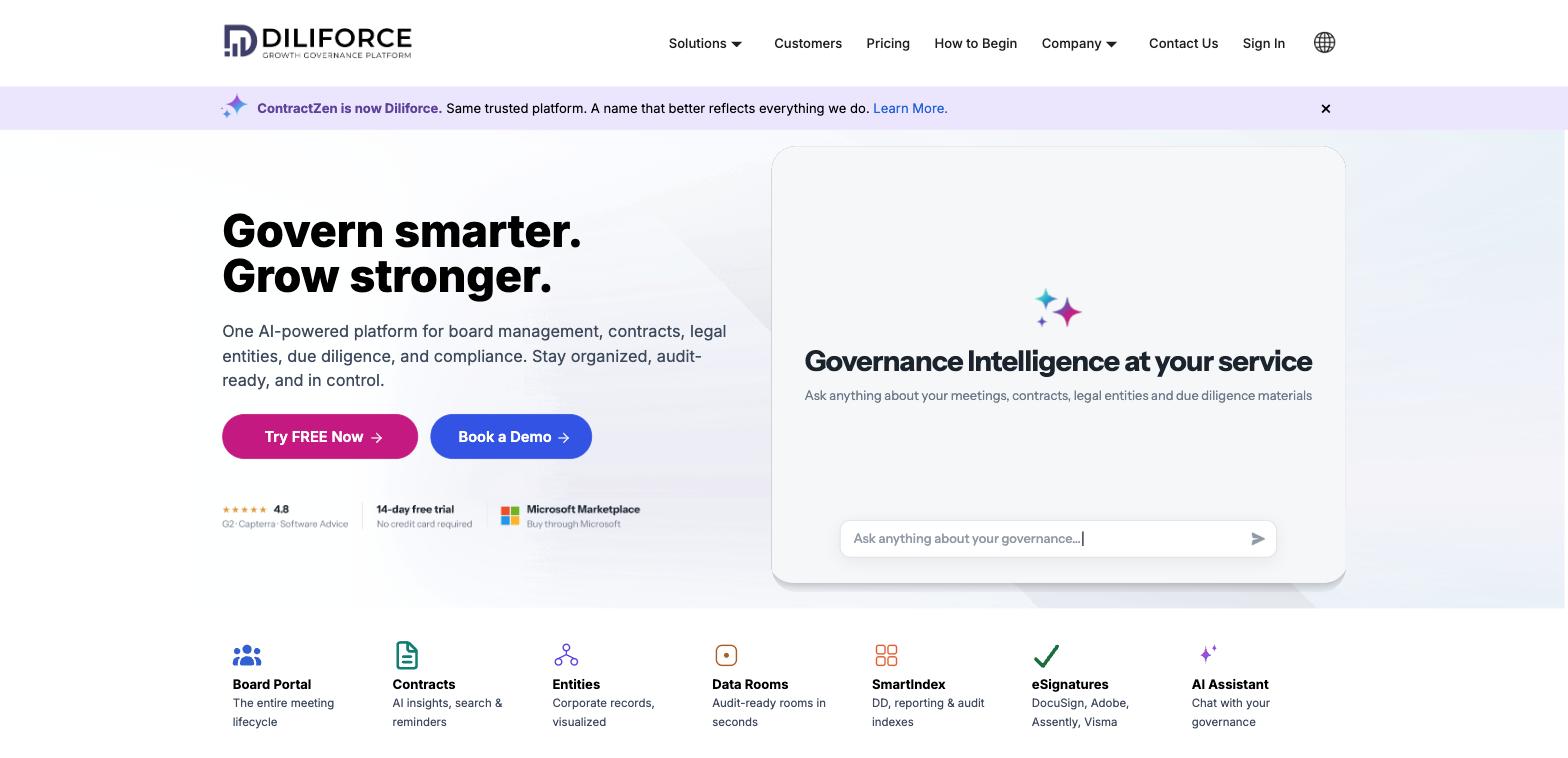
Price: $9.50/user/month (Standard, annual). Note: ContractZen is rebranding to Diliforce in 2026, expect the name to shift on review sites and search results.
Free plan: no, 14-day trial, no card required.
Rating: G2 4.9/5 from 15 reviews, Capterra 4.8/5 from 25 reviews.
The only tool on this list with both a genuinely low published price and a no-card trial, which makes it the most self-serve option here for a solopreneur or tiny team. It bundles board-portal and data room features a small business will likely never touch, and the review base is still small.
Pros: lowest published per-seat price, no-card trial, bundles e-signature and repository.
Cons: board governance features are dead weight for most small businesses, brand is mid-rebrand.
Best suited for: a lean team that wants a low-cost tool covering contracts and light governance in one.
7. ContractWorks
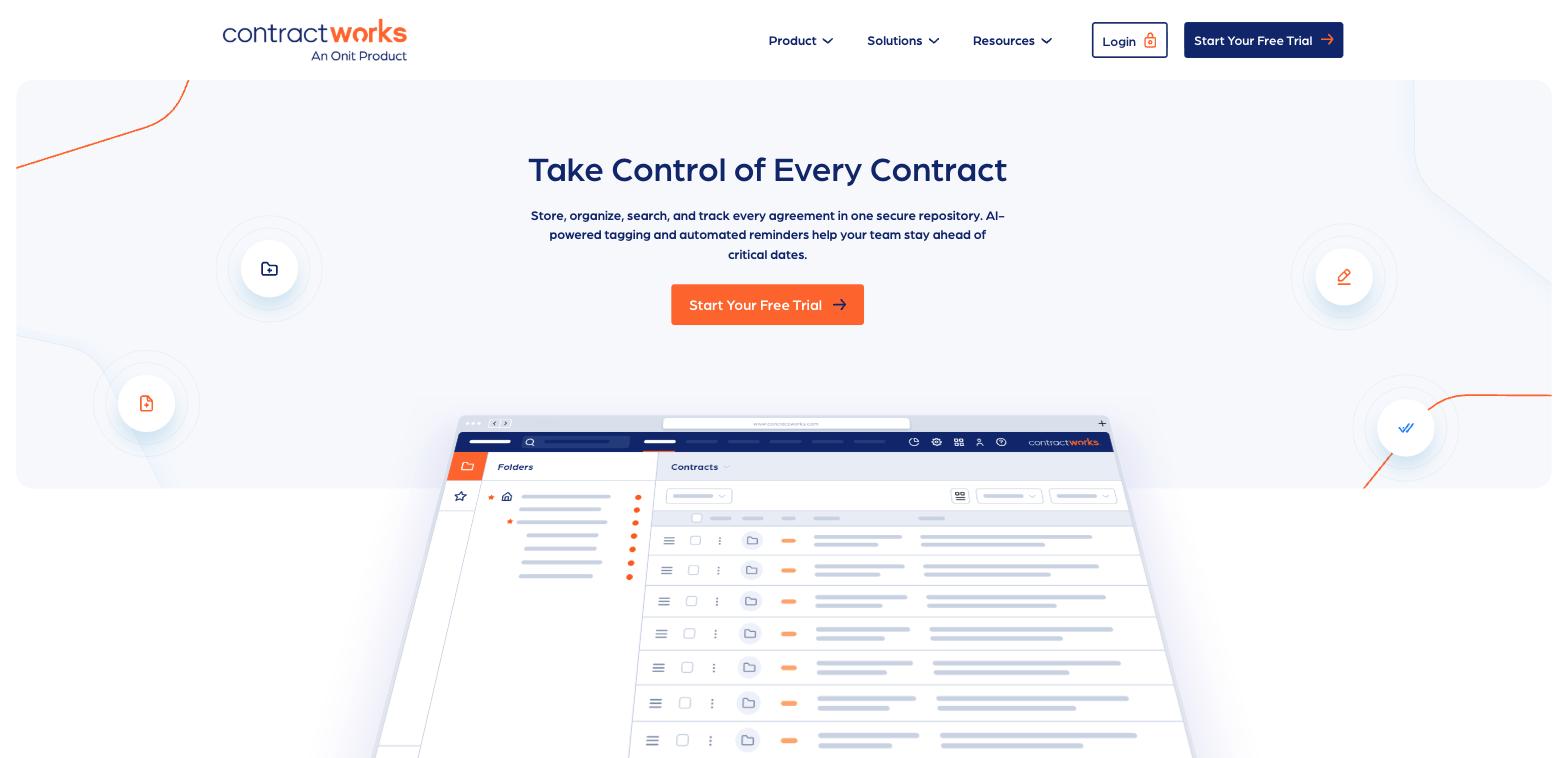
Price: $600/month flat, billed annually, unlimited users, up to 2,500 documents, 5 e-signature licenses included.
Free plan: no, demo only.
Rating: G2 4.6/5 from 95 reviews, Capterra 4.7/5 from 100 reviews.
A flat monthly fee regardless of headcount, which works in your favor if a lot of people occasionally touch contracts and against you if you're a team of two or three paying the full floor price. No self-serve signup, only a demo.
Pros: unlimited users at one flat price, strong support and ease-of-use scores.
Cons: $600/month is a real fixed cost for a two- or three-person team, no free plan or self-serve trial.
Best suited for: a small business with many occasional contract users who values predictable pricing over the lowest entry cost.
Best for legal teams managing negotiation
8. Ironclad
Price: custom quote only, no published pricing.
Free plan: no.
Rating: G2 4.4/5 from 323 reviews, Capterra 4.4/5 from 64 reviews.
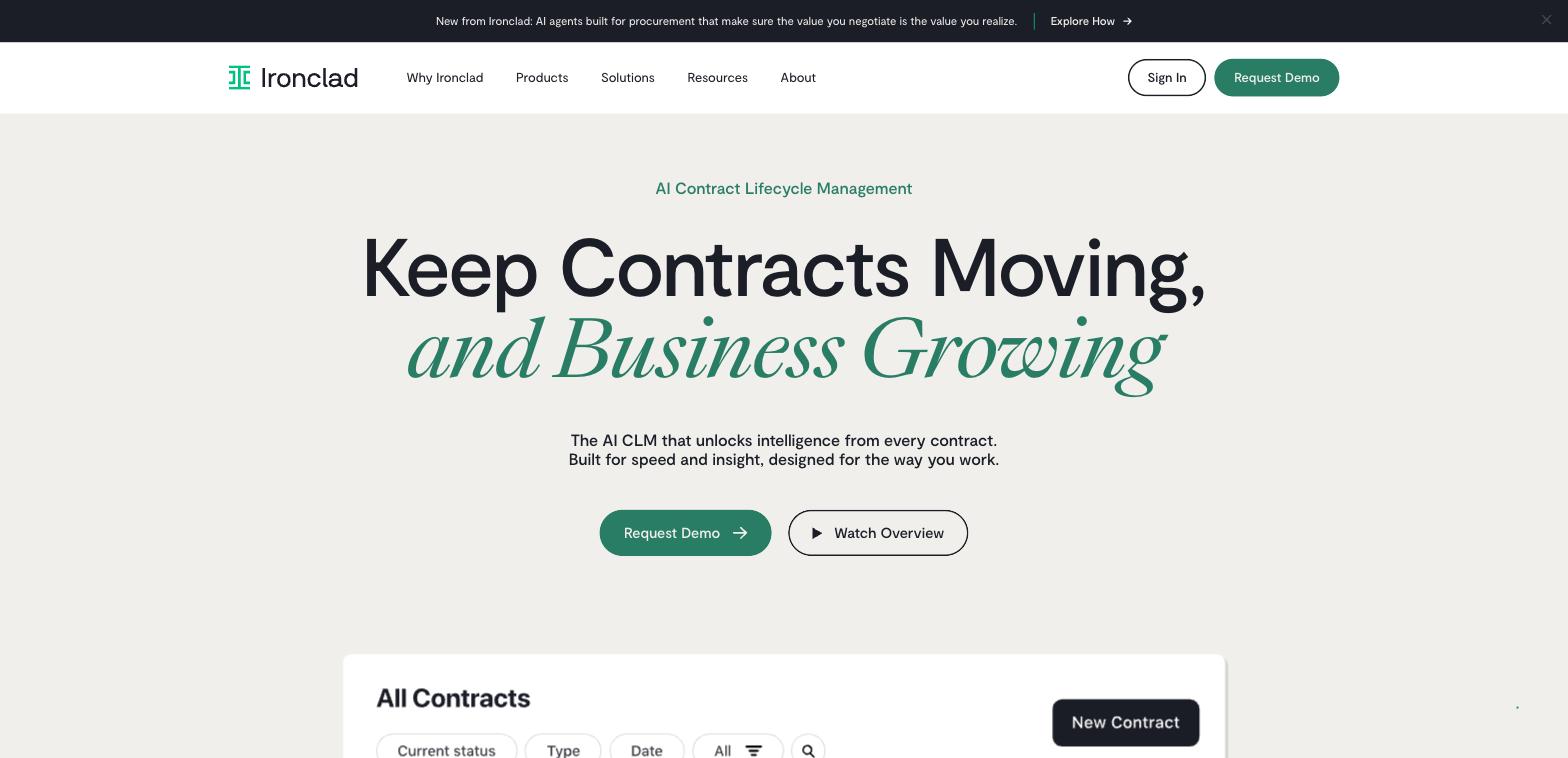
Reviewers rate Ironclad highly for negotiation workflow and AI-assisted contract review, but there's no self-serve signup or published price, only a sales-led demo cycle. That's a mismatch for most small businesses' buying process, and realistically this is priced for mid-market and up.
Pros: strong negotiation workflow, AI contract review reviewers rate highly.
Cons: no published pricing, sales-led onboarding only, priced above SMB budgets in practice.
Best suited for: a legal team handling high-volume contract negotiation, not a general small business.
9. LawVu
Price: custom quote only.
Free plan: no.
Rating: G2 4.5/5 from 102 reviews, Capterra 4.6/5 from 5 reviews (low sample, spot-check before publish).
LawVu is a legal operating system, matter management, contracts, and spend tracking together, built for corporate legal departments rather than general small-business operations. If you don't have a dedicated legal team, most of what it does is overhead you'll never use.
Pros: end-to-end legal ops platform if you have an in-house legal team.
Cons: no free plan, quote-only pricing, most features irrelevant without a legal department.
Best suited for: an in-house legal team, not a typical SMB without dedicated legal staff.
10. Juro
Price: custom quote only.
Free plan: no.
Rating: G2 4.5/5 from 248 reviews, Capterra 4.8/5 from 45 reviews (small sample).
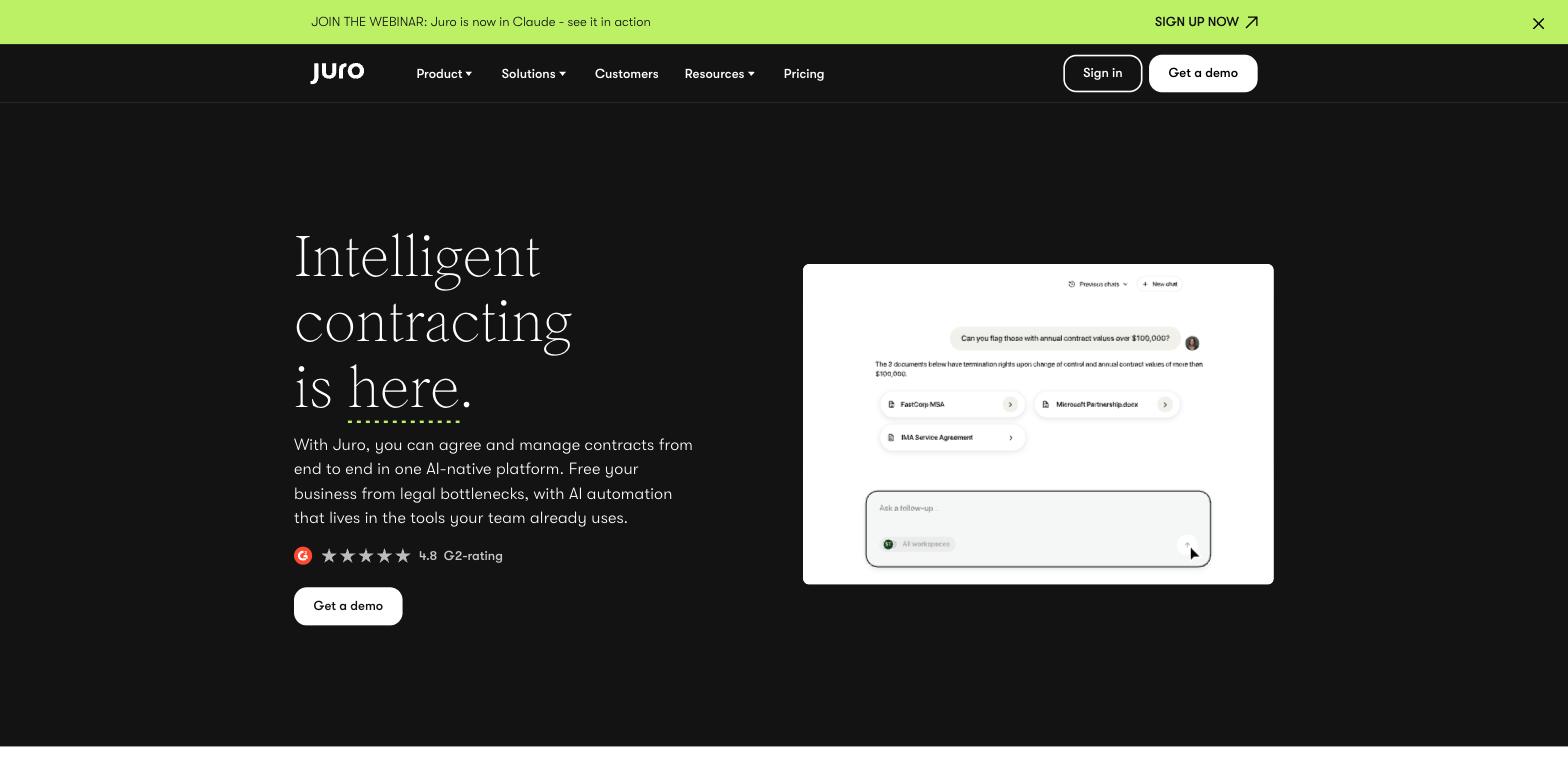
Juro's browser-native editor and AI drafting features get consistently good reviews, and it markets itself as SMB-friendly. In practice every buyer goes through a quote process with no published pricing, and third-party estimates put annual cost well into five figures, out of reach for small teams despite the positioning.
Pros: AI-native drafting, works entirely in-browser, no software to install.
Cons: no self-serve pricing, third-party cost estimates run high for a small business budget.
Best suited for: a fast-growing legal or ops team that wants AI-assisted drafting and can absorb an enterprise-style buying process.
11. Outlaw
Price: custom per-seat quote, 12-month minimum term.
Free plan: no (free only for external signers, not your organization).
Rating: G2 4.6/5 from 86 reviews, Capterra 4.5/5 from 44 reviews.
Outlaw combines drafting, redlining, and e-signature in one flow and is positioned toward scaling companies rather than pure enterprise. The undisclosed per-seat cost and mandatory 12-month commitment are real friction for a small business that isn't sure the tool will stick.
Pros: draft, negotiate, and sign without switching tools, unlimited contract generation per seat.
Cons: no public pricing, 12-month minimum term is a cash-flow risk for a small team.
Best suited for: a growing business that wants negotiation and signing in one workflow and is comfortable committing for a year.
Best for high contract volume and enterprise scale
The five tools in this section are worth knowing about mainly so you can rule them out. All five are priced, sold, and built for organizations well beyond a typical small business, and none belong on a realistic SMB shortlist.
12. Icertis
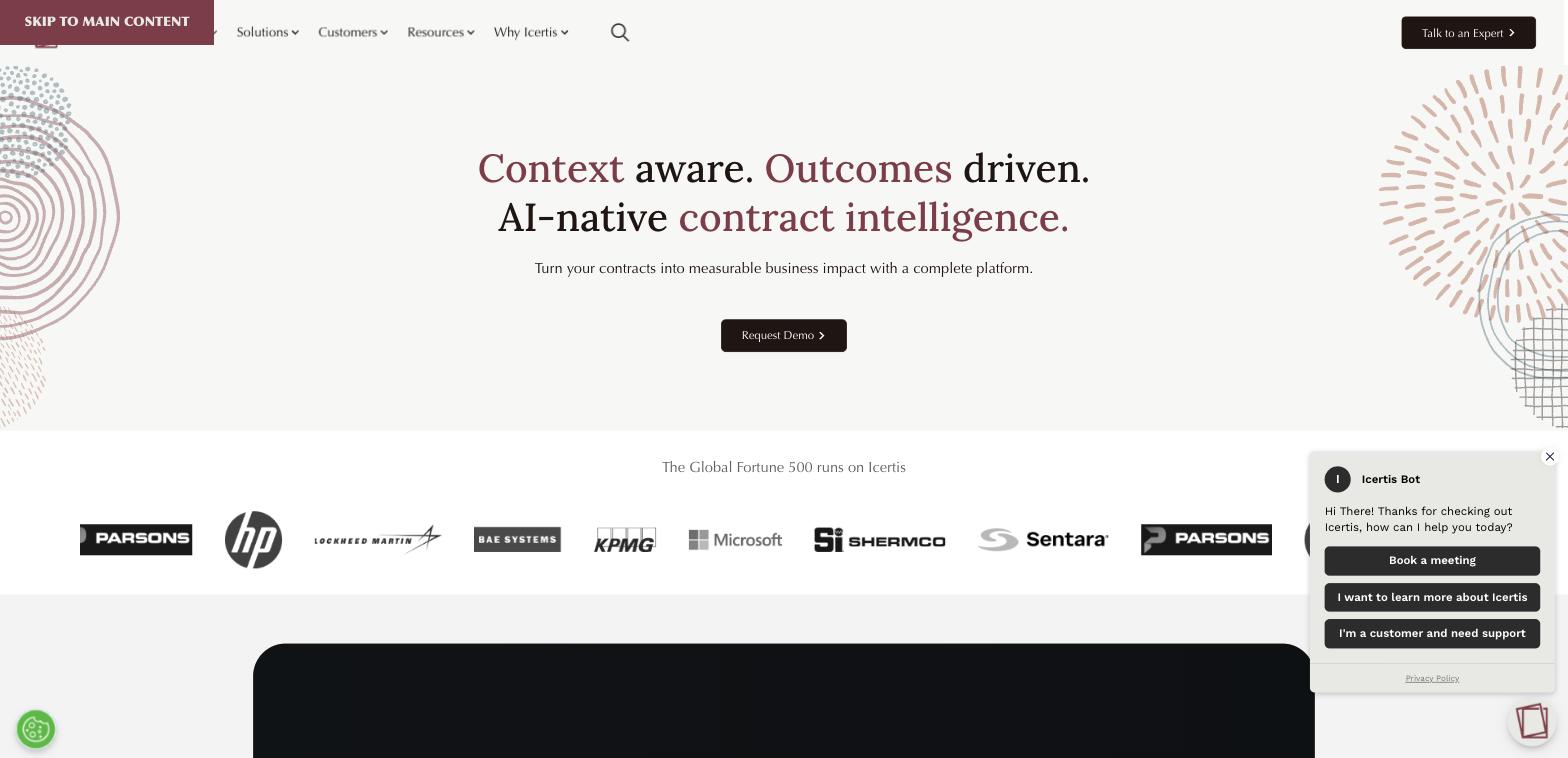
Price: custom quote, median reported cost around $88,000/year, with $100,000 to $300,000 all-in during the first year.
Free plan: no.
Rating: G2 4.2/5 from 81 reviews, Capterra 4.3/5 from 41 reviews.
Roughly 70% of Icertis's user base has 1,000+ employees, and about a third of the Fortune 100 uses it. It's deep, AI-driven, and built for regulated industries managing enormous contract portfolios, with a 6 to 12 month typical implementation and an interface reviewers describe as cluttered.
Pros: deep AI risk and obligation analytics, enterprise-grade compliance.
Cons: long implementation, dated interface, priced well above any small-business budget.
Best suited for: large enterprise and regulated industries, not small business.
13. Conga Contracts
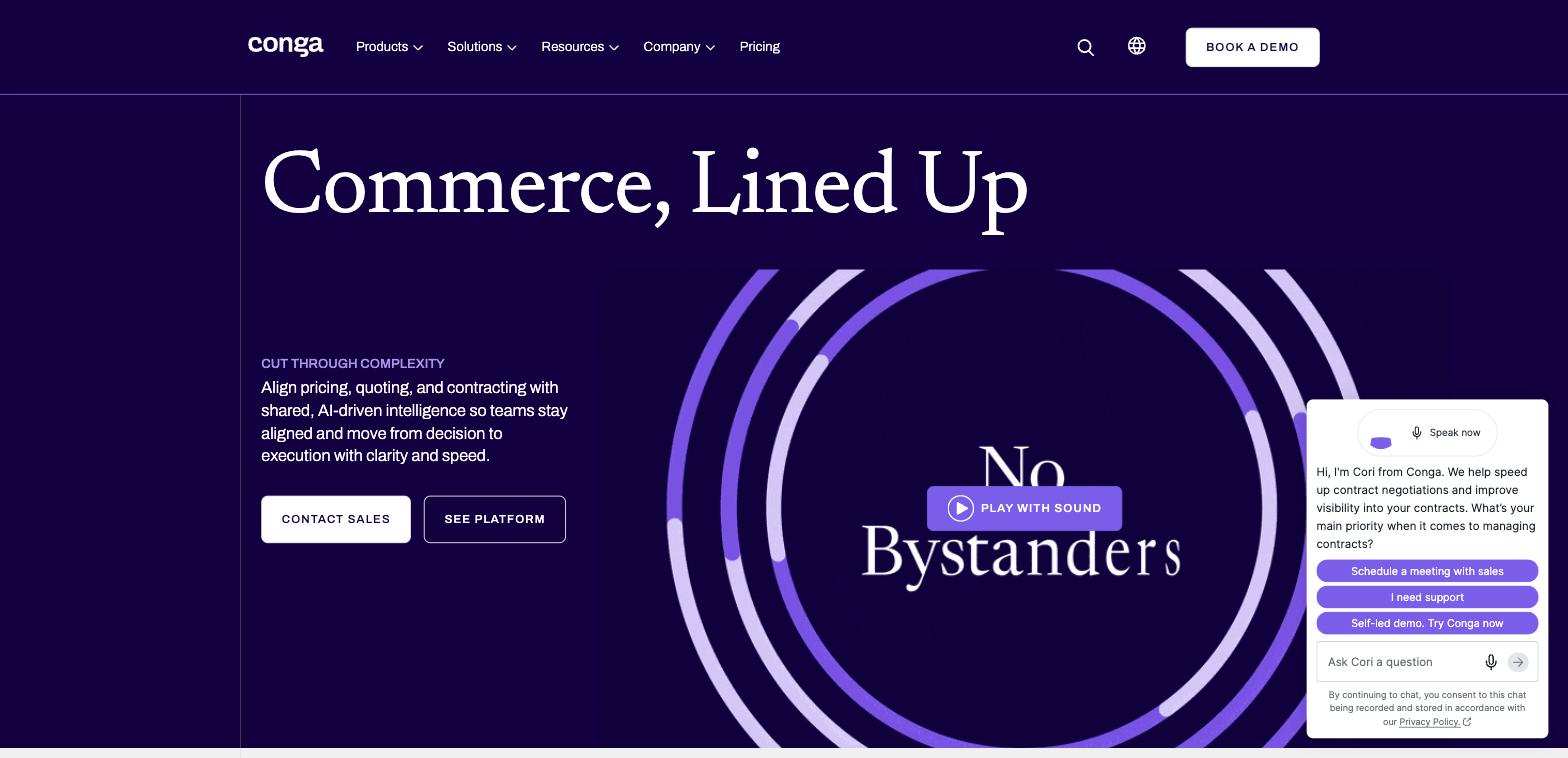
Price: custom quote, reported price floor around $15,000 to $60,000+/year, median purchase near $17,000.
Free plan: no, only a sandboxed Salesforce AppExchange trial.
Rating: G2 4.3/5 from 620 reviews
Capterra 4.3/5 from 74 reviews.
Genuinely useful if Salesforce is already your system of record, with mature redlining, approval routing, and clause libraries. Independent reviewers call it overkill for small teams that need to find contracts or send a document, and implementation cost frequently matches or exceeds the license itself.
Pros: native Salesforce document generation, mature approval and clause tooling.
Cons: quote-gated pricing with add-on surprises, steep implementation cost and learning curve.
Best suited for: mid-market or enterprise teams already standardized on Salesforce.
14. Agiloft
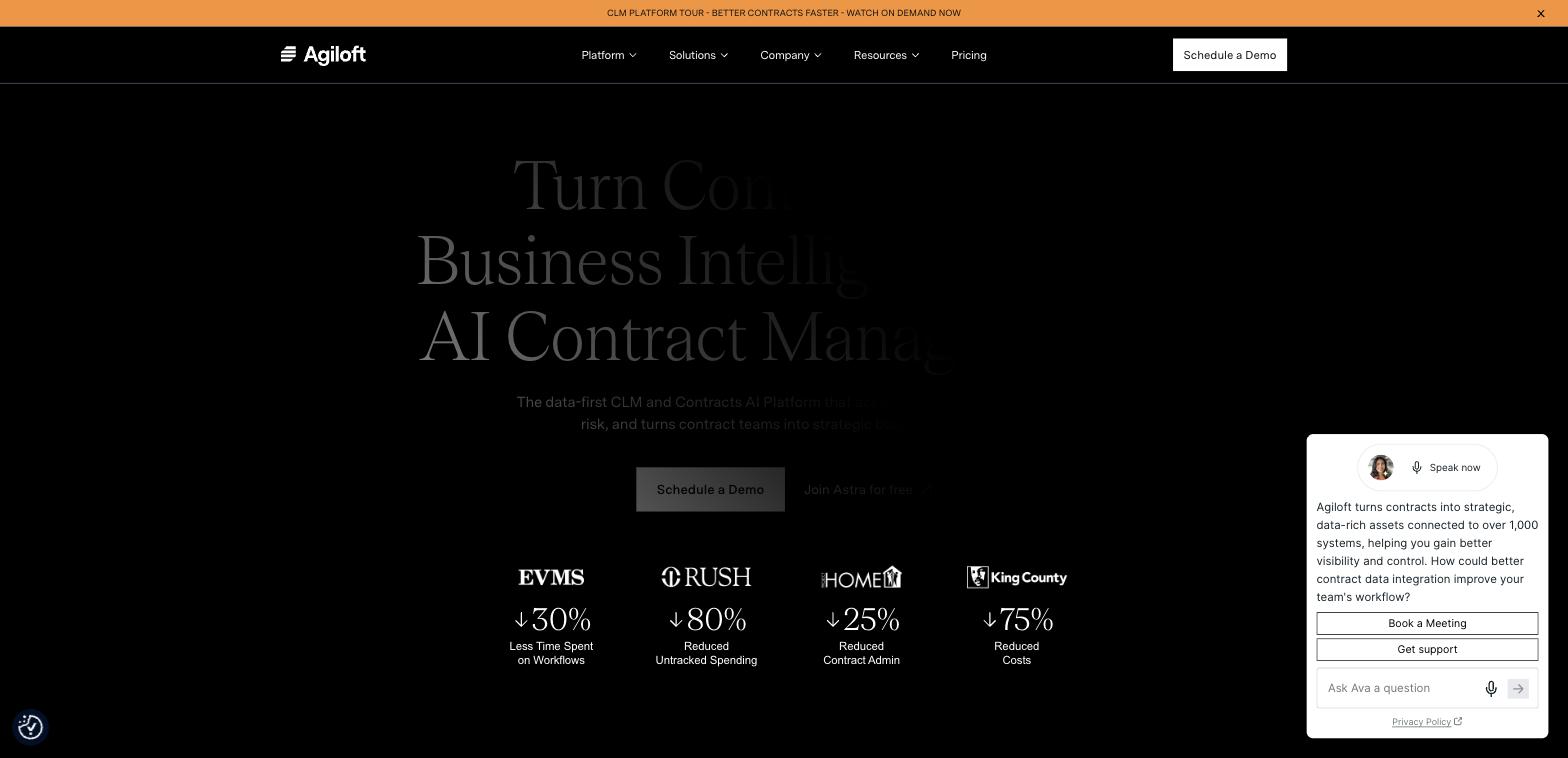
Price: custom quote, third-party estimates put an entry "Essentials" tier around $6,000/year, though average buyer spend is closer to $68,000/year. Free plan: no, demo only. Rating: G2 4.5/5 from 109 reviews, Capterra 4.8/5 from 38 reviews.
Highly configurable for complex approval workflows, with strong reviewer satisfaction. The configuration depth that makes it powerful also means heavy implementation and customization work, and there's no transparent SMB-tier pricing.
Pros: deep configurability, strong reviewer satisfaction scores.
Cons: average buyer spend is enterprise-level, no self-serve pricing or plan.
Best suited for: an organization with complex, custom approval workflows, not a lean small business.
15. LinkSquares
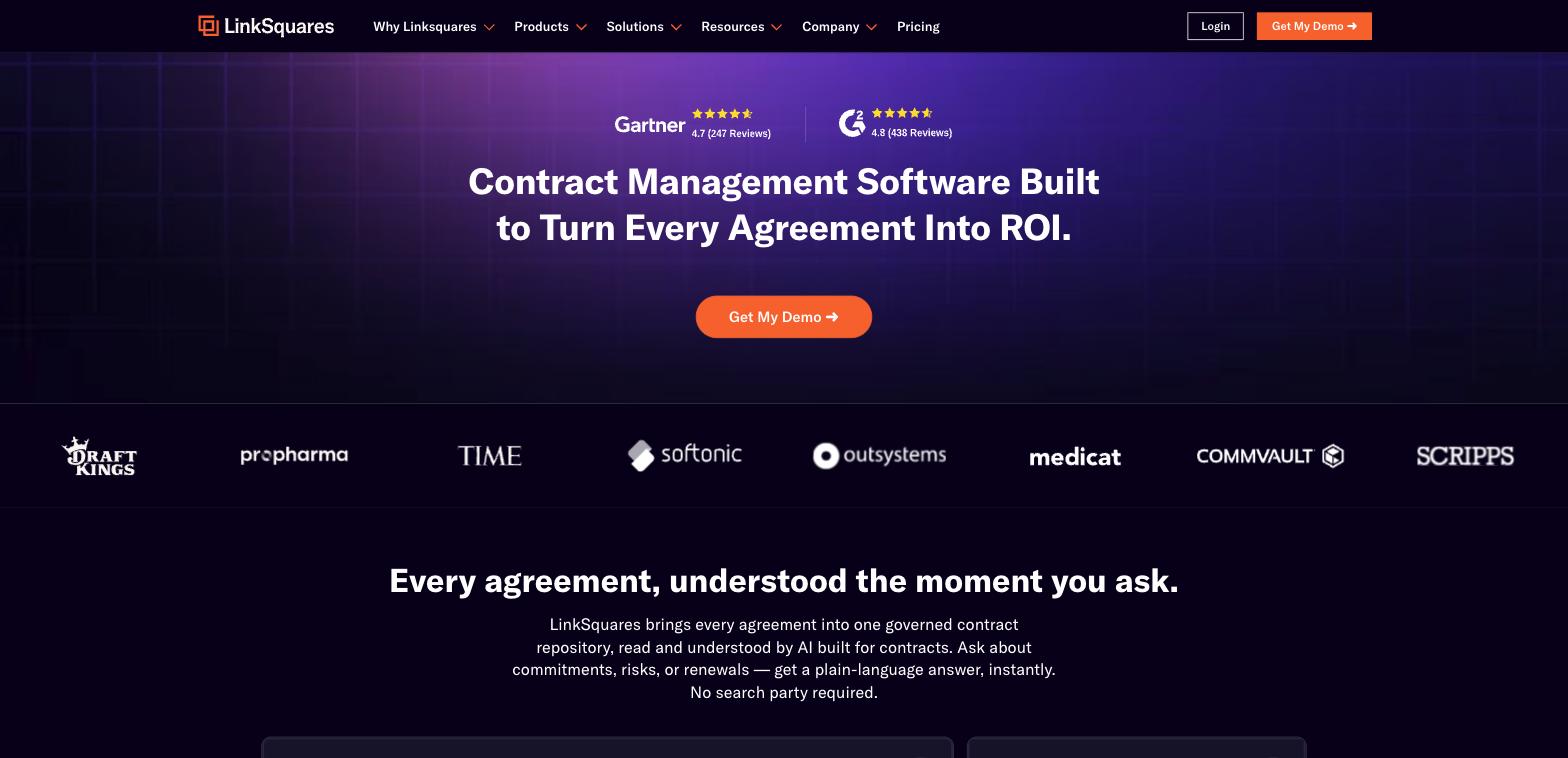
Price: custom quote, entry around $10,000/year, median purchase near $31,000/year. Free plan: no. Rating: G2 4.7/5 from 438 reviews, Capterra 4.3/5 from 40 reviews.
A mature, full-lifecycle CLM with strong Salesforce, DocuSign, HubSpot, and Slack integrations, and 17 consecutive quarters as a G2 Leader. Worth a specific flag: an independent hands-on review by Volody found around 30% of contracts had incorrect or missing renewal terms after a bulk import, and only about 50% of signature dates were correctly identified, worth verifying yourself before relying on the AI extraction unsupervised.
Pros: mature integrations, strong board-ready analytics.
Cons: independent testing found meaningful AI extraction accuracy issues, opaque add-on pricing.
Best suited for: an in-house legal team at a 50+ employee company already on Salesforce or DocuSign, not a solo practice or small firm.
16. CobbleStone Contract Insight
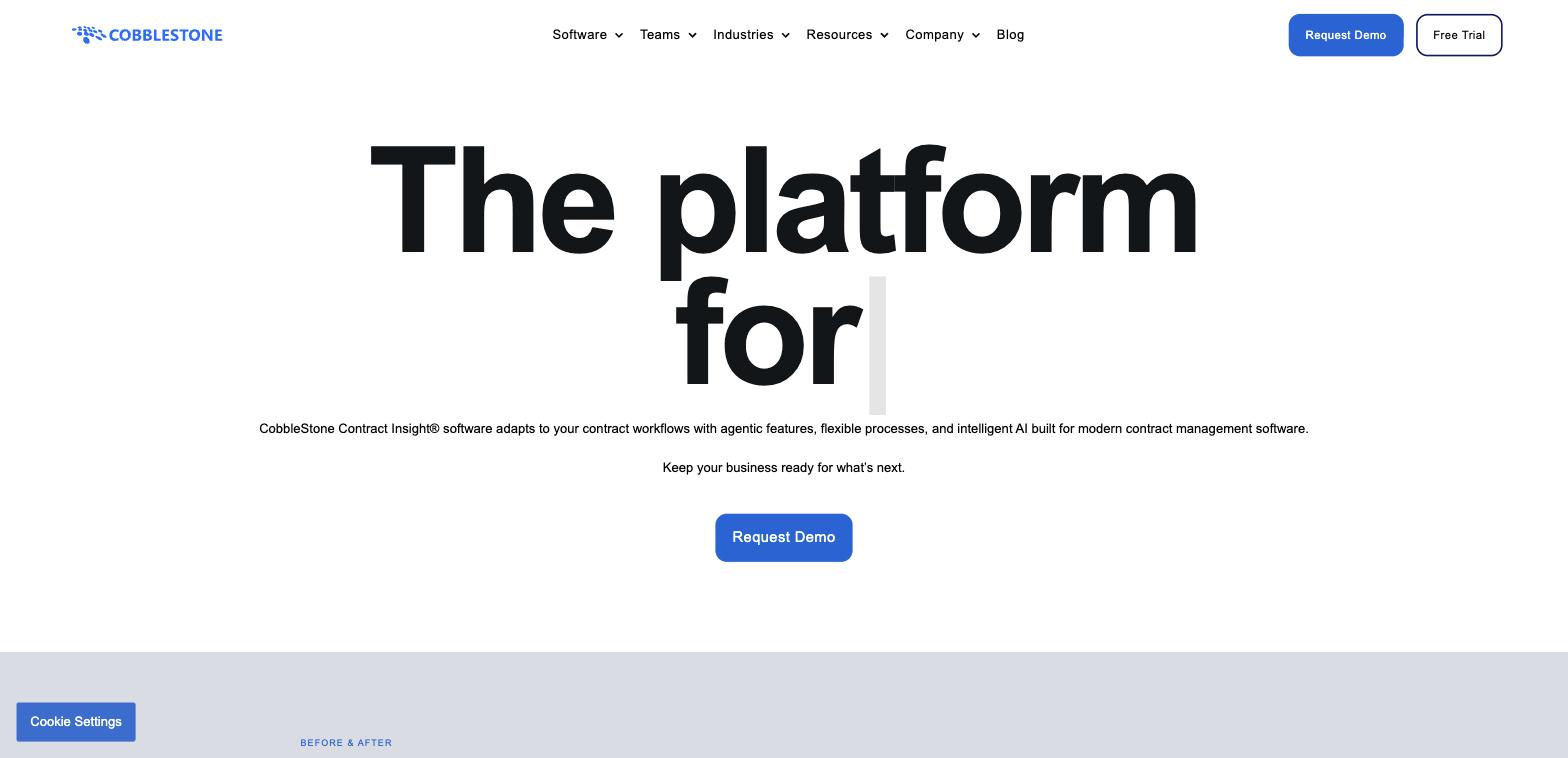
Price: custom quote, no published pricing.
Free plan: no, no trial available.
Rating: G2 4.8/5 from 45 reviews, Capterra 4.7/5 from 55 reviews.
Licensing splits into Named, Concurrent, Admin, Super, and Read-only user types, a structure built for procurement-led enterprise buying rather than a small team evaluating self-serve. Consistently high ratings and praised support, but zero pricing transparency and typically vendor-assisted implementation.
Pros: deep workflow configurability, highly rated customer support.
Cons: complex licensing structure, zero pricing transparency, no trial.
Best suited for: a mid-size organization needing heavy workflow and approval customization.
Best for vendor and procurement management
17. Gatekeeper
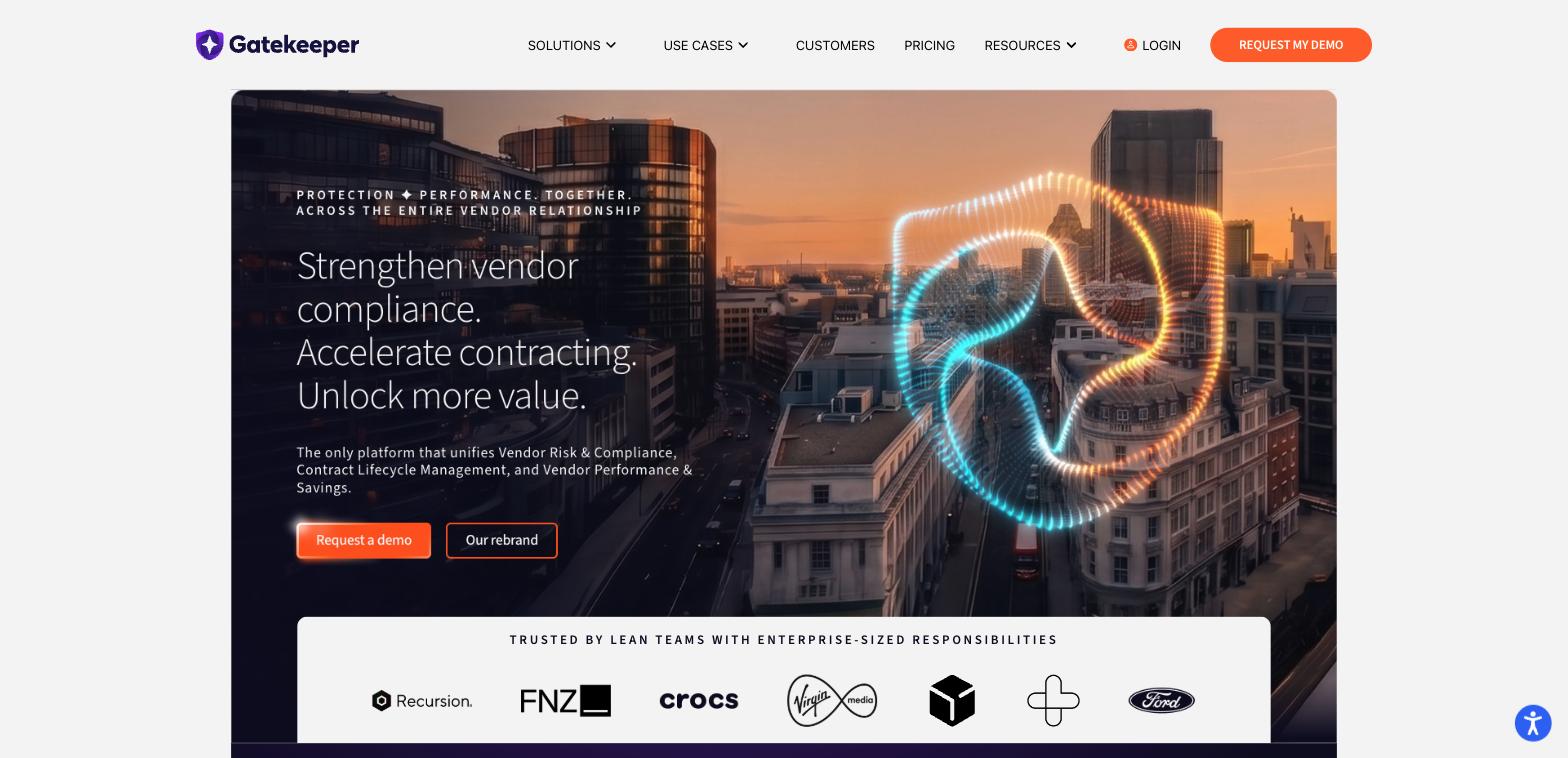
Price: custom quote only.
Free plan: no, trial only.
Rating: G2 4.5/5 from 91 reviews, Capterra 4.6/5 from 83 reviews.
Built for vendor and procurement contract management at real volume, with a flexible workflow builder once it's configured and solid integrations like NetSuite for procurement-heavy stacks. Documentation is thin, so self-serve troubleshooting is hard, and customization requests go through a public voting forum rather than direct configuration.
Pros: flexible workflow builder, strong hands-on implementation support, good procurement integrations.
Cons: thin documentation, no published pricing, built for 500+ contract volume.
Best suited for: a mid-to-large business managing vendor and procurement contracts at real scale, not a small team's first contract tool.
Best for specific setups
18. DocuSign CLM
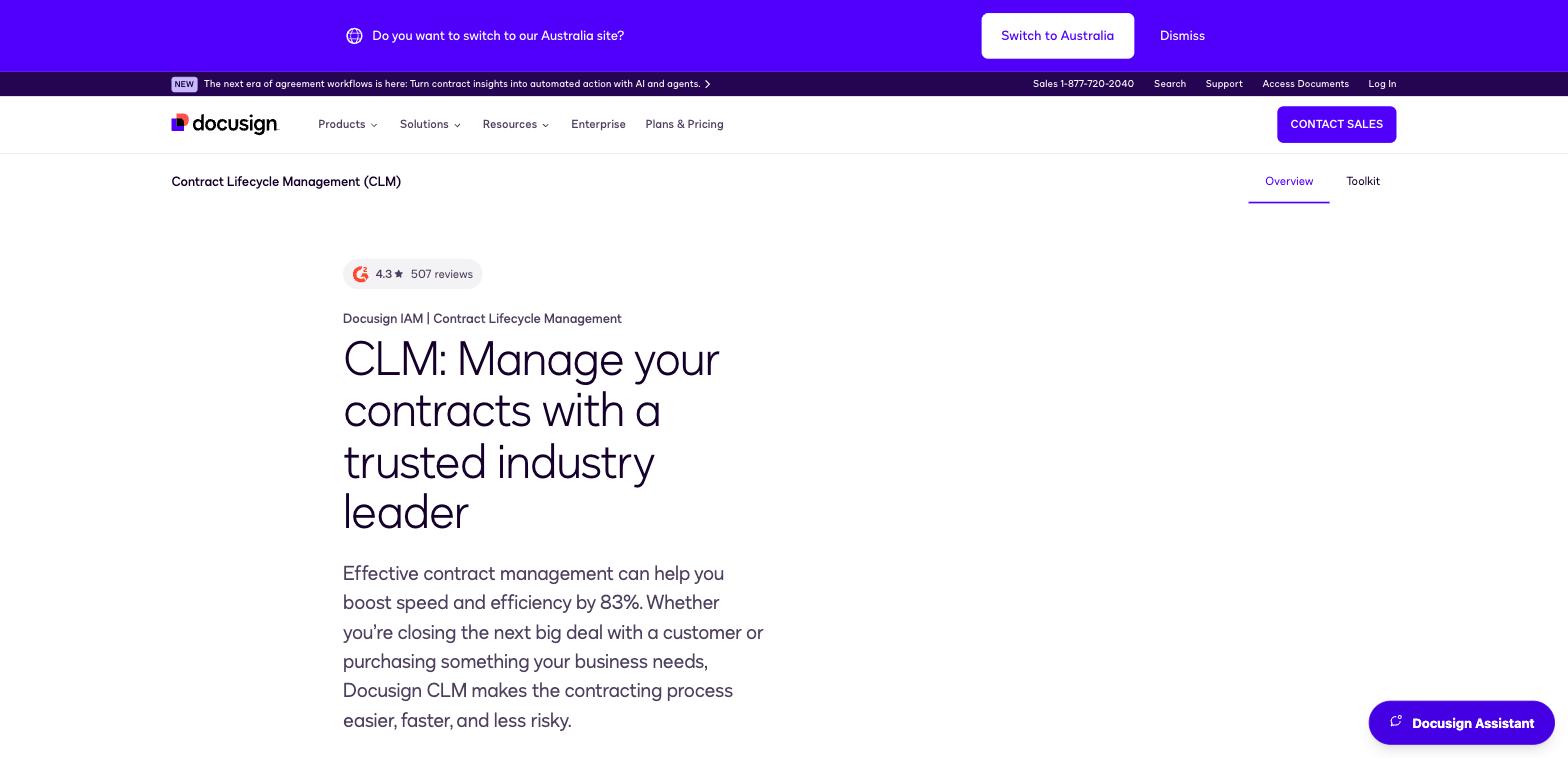
Price: custom quote only, no public pricing. Free plan: no. Rating: G2 4.3/5 from 507 reviews, Capterra 4.5/5 from 128 reviews.
DocuSign CLM is a distinct, heavier product from DocuSign's core e-signature plan, and it's worth knowing that upfront if you're already a DocuSign customer expecting an easy add-on. It integrates tightly if you're already in that ecosystem, but there's no public pricing and third-party estimates put annual cost well above typical SMB tooling budgets.
Pros: tight integration if you already use DocuSign eSignature, strong brand trust.
Cons: no public pricing, sales-quote-only, priced above most SMB budgets.
Best suited for: a business already using DocuSign eSignature that wants to add full contract lifecycle management.
19. Concord
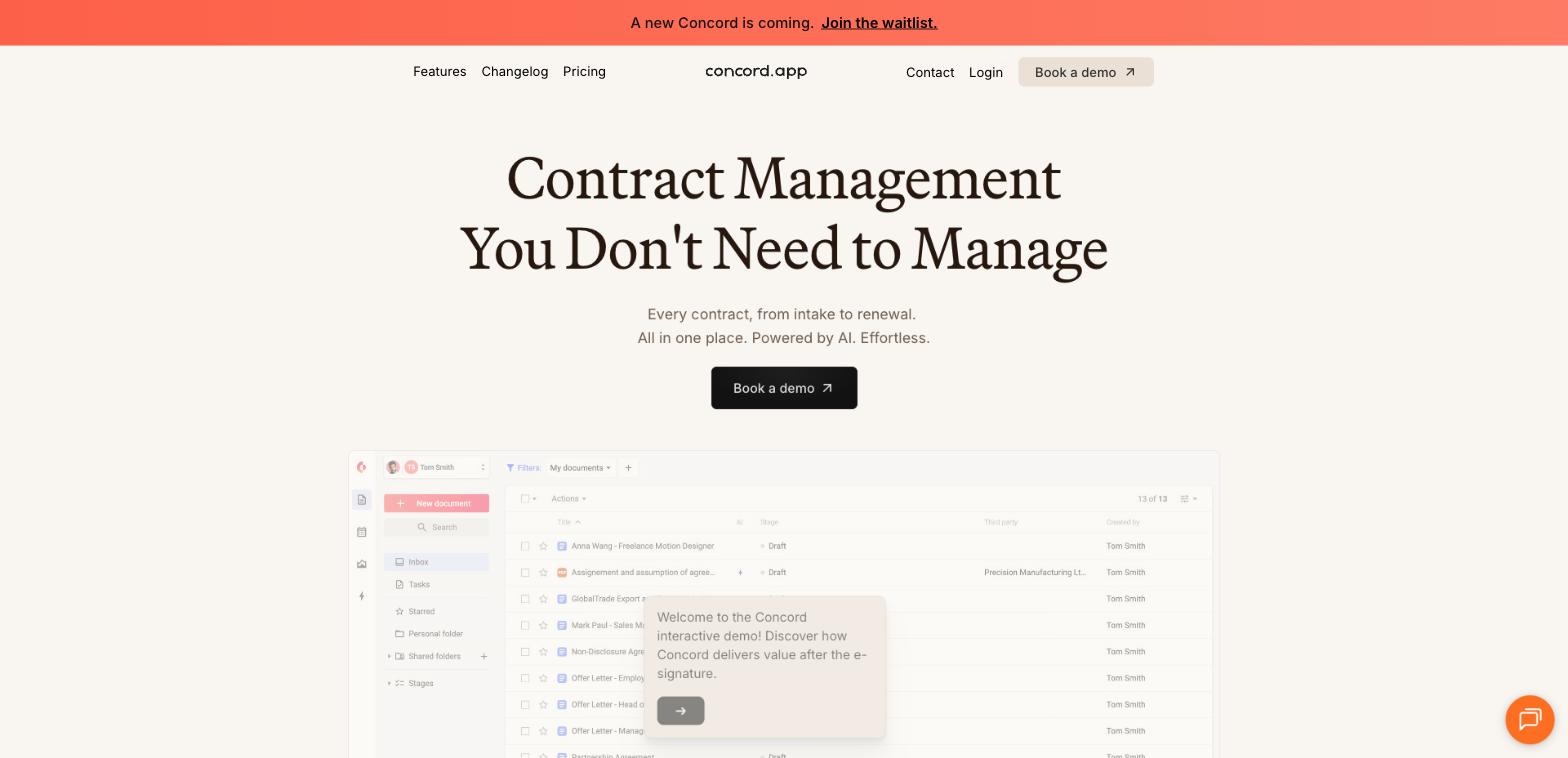
Price: $499/month for 5 users (Essentials, billed annually), roughly $100/user/month.
Free plan: no.
Rating: G2 4.2/5 from 133 reviews, Capterra 4.6/5 from 235 reviews.
A purpose-built CLM rather than e-signature with contract features bolted on, positioned explicitly at a single team inside a larger business. There's no per-seat entry under 5 users, so a team of two or three still pays the full $499/month floor, and the G2 score trails its Capterra score, worth weighing both.
Pros: genuinely dedicated CLM, not e-signature with contract terms attached.
Cons: no free plan, no small-team pricing tier, meaningful floor cost even for tiny teams.
Best suited for: a single team inside a larger business that wants dedicated CLM without full enterprise procurement.
19. HyperStart CLM
Price: custom quote only, no public pricing.
Free plan: no, 7-day trial.
Rating: G2 4.5/5 from only 5 reviews
Positioned specifically as an AI-native CLM with fast onboarding claims. The review base is too sparse right now to say much with confidence, and like most of this list, you'll need a sales call before you see a number.
Pros: AI-native positioning, 7-day trial available.
Cons: almost no independent review data yet, no public pricing.
Best suited for: a buyer curious about AI-native CLM who doesn't mind evaluating with limited independent data.
Core features every small business contract tool needs
Whatever you pick, the tool earns its place across four things, not a long feature list.
Document storage and search. One searchable source of truth, not a folder full of "contract_final_v3.pdf" files. Basic role-based access matters more than advanced permissions at this stage.
Contract creation and editing. A template library for the agreements you send repeatedly, with clear version tracking so nobody signs an outdated draft. If your real bottleneck is generating the document in the first place rather than negotiating it, document automation software might solve more of your problem than a CLM tool would. It also helps to know the different types of contracts small businesses handle before you standardize templates, and if you're building agreements from scratch, this walkthrough on how to write a contract covers the structure you need to get right.
Approval routing connected to signing. Approvers should be visible, notified automatically, and the signing step should happen in the same system, not as a separate export-download-reupload cycle. A contract tool earns its place when it removes follow-up work after the signature, not only before it.
Renewal alerts. Expiration dates, auto-renewal windows, and review checkpoints are where small teams lose control fastest. This matters more than almost any "advanced" feature vendors will try to sell you on.
Enterprise features aren't automatically better for you. Most advanced CLM tooling assumes a dedicated admin and months of configuration. A small business usually gets more value from speed and clarity than from a longer feature list.
How to map your contract workflow before you buy
Before comparing tools, spend twenty minutes mapping how contracts move through your business today, not how you'd like them to. Thomson Reuters research found that smaller organizations' biggest pain points are manual tracking, missed renewals, and low visibility, not a lack of advanced features. That's useful, because it means the fix is usually structural, not a bigger feature list.
Answer five questions for each contract type you handle:
- Where does each contract start: a template, an old file, outside counsel?
- Who touches it before it goes out: sales, HR, finance, legal, ops?
- Where does it usually stall: drafting, review, signature, or filing?
- How do you track dates right now: calendar, spreadsheet, memory?
- What happens after signing, renewal logging, payment terms, obligations?
Separate what you must solve now (a central repository, templates, approval visibility, signing, renewal reminders) from what's merely useful next (role permissions, reporting, CRM or HR integrations) and what's optional for most small teams (clause analytics, custom approval matrices). Most small teams need consistency before sophistication.
FAQ
What's the difference between contract management software and e-signature software?
E-signature software handles getting a document signed and stored. Contract management (CLM) software adds the layers around that: clause libraries, multi-party negotiation, approval routing, and lifecycle tracking across a whole portfolio of contracts. Most small businesses need the first far more than the second.
Do small businesses need full contract lifecycle management (CLM) software?
Most don't. Full CLM earns its cost when you're negotiating terms, routing approvals across departments, or tracking obligations at real volume. If you mainly send out standard agreements for signature, a lighter e-signature tool like Papersign covers the same ground for a fraction of the price.
What's the cheapest contract management software for small businesses?
Among dedicated CLM tools, ContractZen has the lowest published per-seat price at $9.50/user/month, and Zoho Contracts has a genuine free tier for up to 3 users and 10 contracts. If you don't need full CLM, Papersign is free for 3 signed documents a month and cheaper than any CLM tool here, though it skips clause libraries and negotiation workflow entirely. Most other CLM tools are quote-only and priced well above all three.
Can I manage contracts well without a dedicated legal team?
Yes, for standard agreements. A template library, clear approval steps, integrated signing, and renewal alerts cover most day-to-day contract work without legal review. You still need legal input for anything genuinely high-risk or heavily negotiated.
What features should small business contract management software include?
Searchable document storage, a template library with version tracking, approval routing connected directly to signing, and renewal alerts. Everything else, clause analytics, custom approval matrices, advanced reporting, is useful later, not on day one.
How long does it typically take to implement contract management software?
Self-serve tools like PandaDoc, Oneflow, or Zoho Contracts can be running within a day. Enterprise CLM platforms like Icertis or Conga Contracts typically take 6 to 12 months, largely because of custom workflow configuration and integration work.
What's the difference between contract management software and document management software?
Document management software stores and organizes files generally. Contract management software adds contract-specific structure: approval workflows, renewal tracking, clause libraries, and obligation monitoring tied to the contract lifecycle specifically.
Can contract management software integrate with e-signature tools?
Some CLM tools include their own signing module, others expect you to connect a separate e-signature tool via API or webhook. If you already have a signing workflow you like, check whether a CLM tool can plug into it rather than forcing you to switch.
How much does contract management software typically cost per user?
Self-serve tools on this list start between $9.50 and $25 per user per month. Most dedicated CLM platforms don't publish per-user pricing at all, quote-based deals for small and mid-market teams commonly land anywhere from $6,000 to $70,000+ a year depending on scope.
Written by
Mel SeppMel leads SEO and growth for Papersign, Paperform, and Stepper. She writes about e-signatures, document workflows, and the tools that make paperwork less painful.
Suggested reading

Papersign (“Papersign” or “we”) provides the information, data, links and other materials on this page (collectively, “Information”) for informational and educational purposes only. We do not warrant or represent the accuracy, completeness, currency, or suitability of any Information for any use or purpose. Papersign is not a licensed legal provider nor is it providing any legal advice; the Information should not be so construed or used. Nothing contained in the Information is intended to create an attorney-client relationship, to replace the services of a licensed, trained attorney or legal professional, or to be a substitute for the legal advice of an attorney or trained legal professional licensed in your state/jurisdiction. Before taking any action, including using our services to execute contracts or other documents, You should always first consult an attorney licensed in your state/jurisdiction, in each instance, regarding the issues address by the Information. Please never disregard professional legal advice or delay in seeking it because of something you have read in the information.